A quote should be one of the easier parts of a deal.
In practice, though, quoting can get surprisingly complicated when pricing varies by customer, or certain deals need extra approval. Reps may end up checking spreadsheets, asking someone to confirm a discount, or rebuilding information that already exists elsewhere.
Configure-price-quote (CPQ) software can help reduce that manual work. Depending on the platform, it can guide product configuration, apply pricing rules, and turn approved deal terms into a professional quote.
The right fit depends on how your sales process already works. A business with straightforward subscriptions may need something very different from a company managing complex product configurations or a longer approval process.
So before choosing a platform, it helps to look beyond the quote builder itself. Below, we’ll compare the seven best CPQ software options for 2026 and where each one may fit best.
TL;DR
These are the seven best CPQ software solutions in 2026:
What makes a CPQ platform genuinely useful? A strong option should make quoting easier for sales without creating extra work for finance, operations, or other teams later in the revenue process.
You should look for:
Accurate pricing: Your CPQ should apply pricing rules consistently and reduce errors before a quote reaches the customer.
Easy quote creation: Sales reps should be able to configure products and generate quotes without relying on spreadsheets or manual workarounds.
CRM integration: Customer, product, and deal data should move into the quoting process without constant re-entry or disconnected records.
ERP connectivity: If you use an ERP, strong integration can make downstream handoffs easier and reduce manual updates.
Flexible pricing support: Look for support for custom discounts, dynamic pricing, and other structures that reflect how your business actually sells.
Reasonable implementation effort: Compare setup requirements, ongoing administration, and integration work with the platform’s total cost of ownership.
Billing fit: Check what happens after signature. Some CPQ platforms may pull more of your billing workflow into their ecosystem, so consider how well they work with your existing billing engine.
7 Top Options for CPQ Software in 2026
There is no single CPQ setup that fits every sales organization.
Your existing CRM, billing engine, pricing complexity, and sales process all affect which product makes sense. The seven options below cover newer CRM-embedded products, broader revenue platforms, and established enterprise CPQ software solutions:
1. Finrite
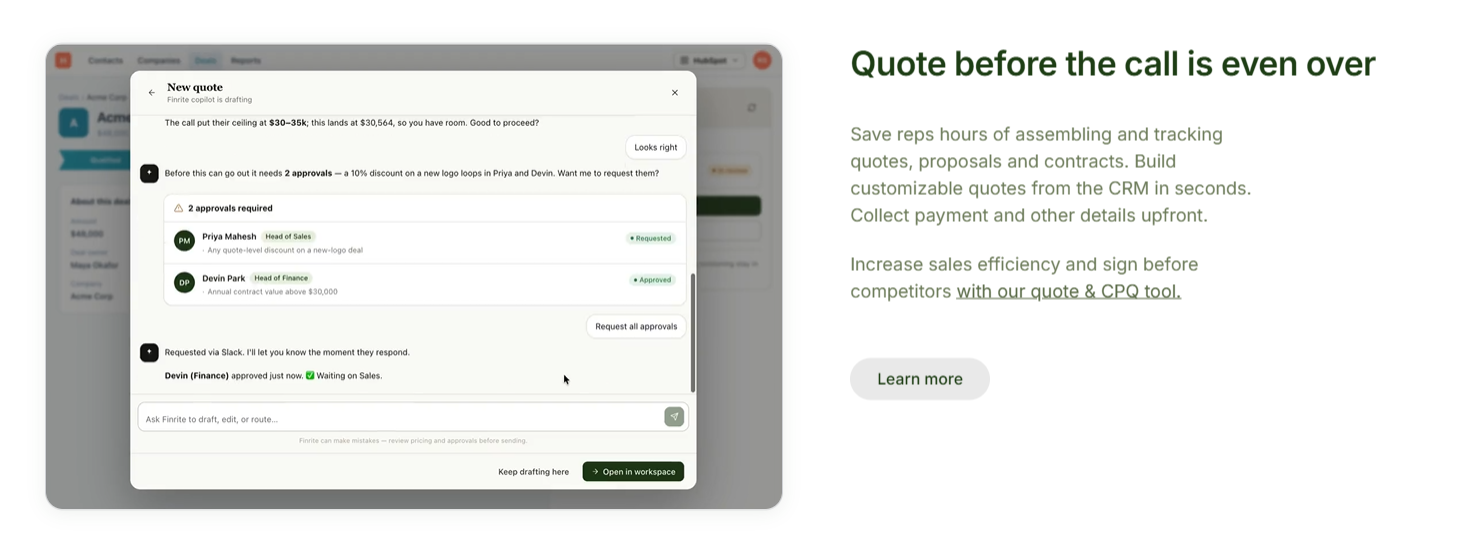
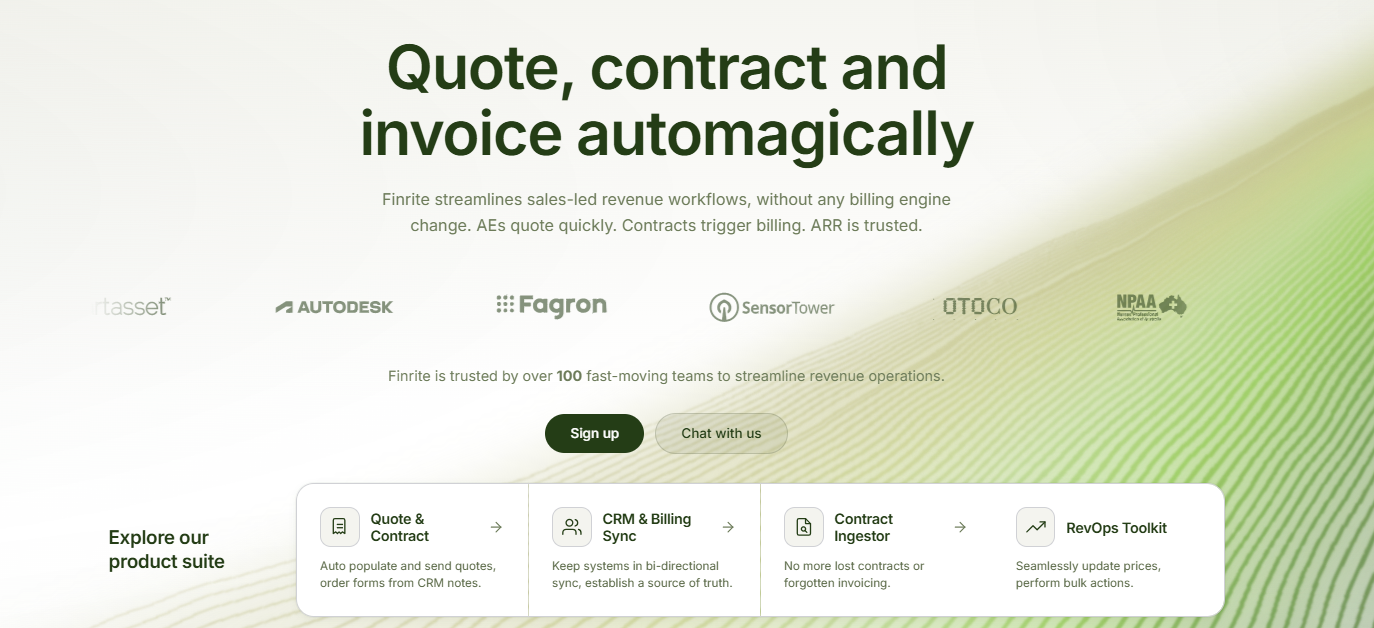
Finrite approaches CPQ from a slightly different angle. Its quoting product works inside your CRM and connects the signed deal with the systems that handle billing afterward.
Sales reps can use a CRM-embedded quote builder to work through complex deal structures, build quotes from custom templates, add conditional terms, and display CRM fields.
The larger difference appears after signature.
Finrite can connect CRM data with your existing billing system instead of asking you to replace it with a new billing engine. Its HubSpot-to-Stripe Connector can create subscriptions and related billing objects from closed-won deals while preserving product and pricing mappings.
For companies already using Stripe Billing, this means you can add CPQ while keeping the billing infrastructure your product and finance teams already rely on.
It can also be useful when your revenue model includes both sales-led contracts and product-led billing in Stripe, since both can continue feeding into the same billing system rather than creating separate billing environments.
Best Features
CRM-embedded quote builder: Build proposals using CRM data, configurable templates, conditional terms, and the fields already attached to the deal.
Quote-to-billing automation: Signed deal information can move downstream into billing without requiring Finance to recreate the deal manually.
Renewals and upsells: Quotes can support renewals and upsells that modify existing billing information.
AI contract parsing: Finrite can extract billing information from contracts or purchase orders and use human review before records are created.
Existing-system approach: Finrite connects with infrastructure already in place, helping businesses avoid a larger migration solely to introduce CPQ.
Pros
Keeps quoting closely connected with CRM data.
Connects signed quotes with downstream billing workflows.
Supports custom pricing and negotiated deal structures.
Starter: $200/month. Supports up to 10 contracts per month and includes the HubSpot-to-Stripe connector, automated subscription creation, usage-based billing support, and standard field mapping.
Core: $400/month. Supports up to 50 contracts per month and adds AI contract parsing, more complex two-way sync, and priority support.
Pro: $1,000/month. Includes unlimited contracts, Finrite’s HubSpot-embedded quoting engine, AI contract parser, custom workflow mapping, and support for additional integrations such as ERP or finance systems.
DealHub combines CPQ with subscription management, contract management, billing, and other quote-to-revenue capabilities.
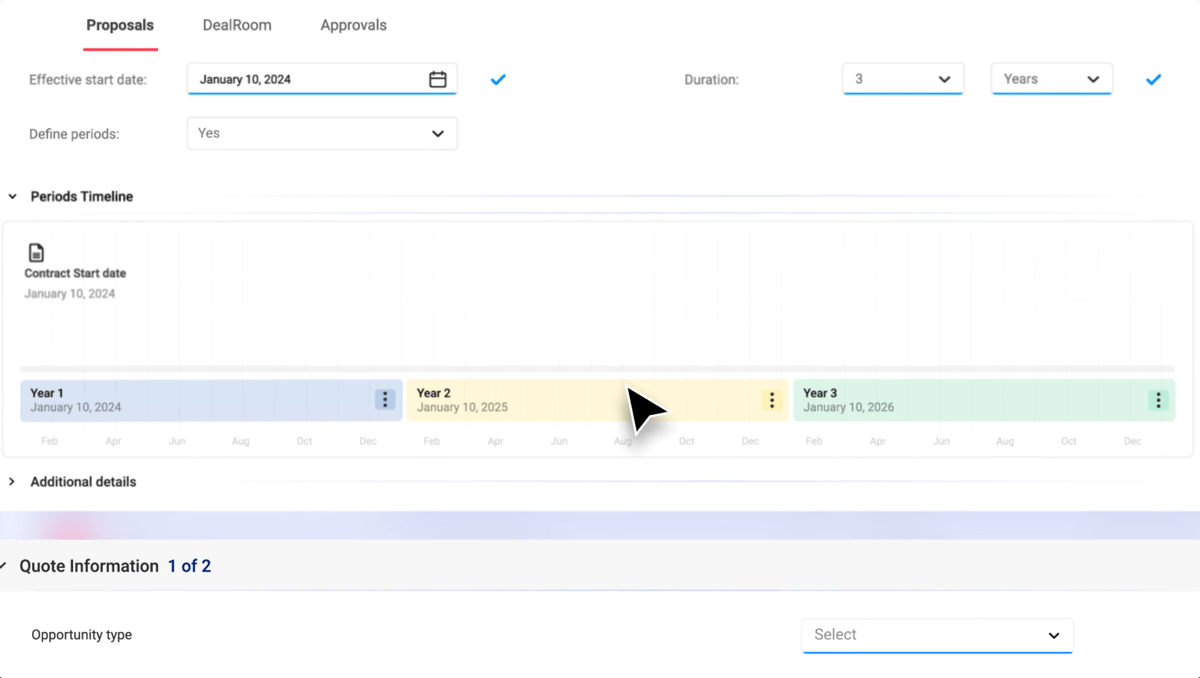
Its CPQ software focuses heavily on guided configuration and pricing governance. Sales reps can move through a structured configuration process while the platform controls available products, bundles, discounts, and pricing logic.
Source: G2
DealHub supports multiple pricing models, including fixed, usage-based, and tiered pricing. Quotes can cover new business as well as later customer events such as renewals, expansions, amendments, and co-terms.
DealHub becomes suitable when you want CPQ, subscription management, and billing to operate as one broader revenue platform. Its billing product supports recurring, usage-based, and hybrid models and is designed to share the same underlying data model as DealHub CPQ.
That broader scope is also something to consider before adopting it. If your company already has a billing system such as Stripe Billing that you want to keep, review how much of your existing workflow would remain there versus moving into DealHub.
A wider quote-to-revenue implementation can involve more configuration and operational change than adding a CPQ layer to your current stack.
Best Features
Guided quote configuration: Structured selling flows help reps move through product configuration without remembering every dependency manually.
Adaptive pricing: DealHub supports pricing models such as fixed, usage-based, and tiered pricing.
Bundles and discounts: Product bundles can be combined with dynamic discounts and pricing controls.
Approval workflows: Pricing exceptions can move through defined approval rules.
Subscription lifecycle management: DealHub supports renewals, amendments, expansions, and co-terms alongside new sales.
Connected revenue products: CPQ can operate alongside DealHub’s contract management, subscriptions, and billing products.
Pros
Handles sophisticated pricing rules and product configurations.
Supports several stages of the customer lifecycle.
Provides automated approval workflows.
Provides guided selling capabilities for sales reps.
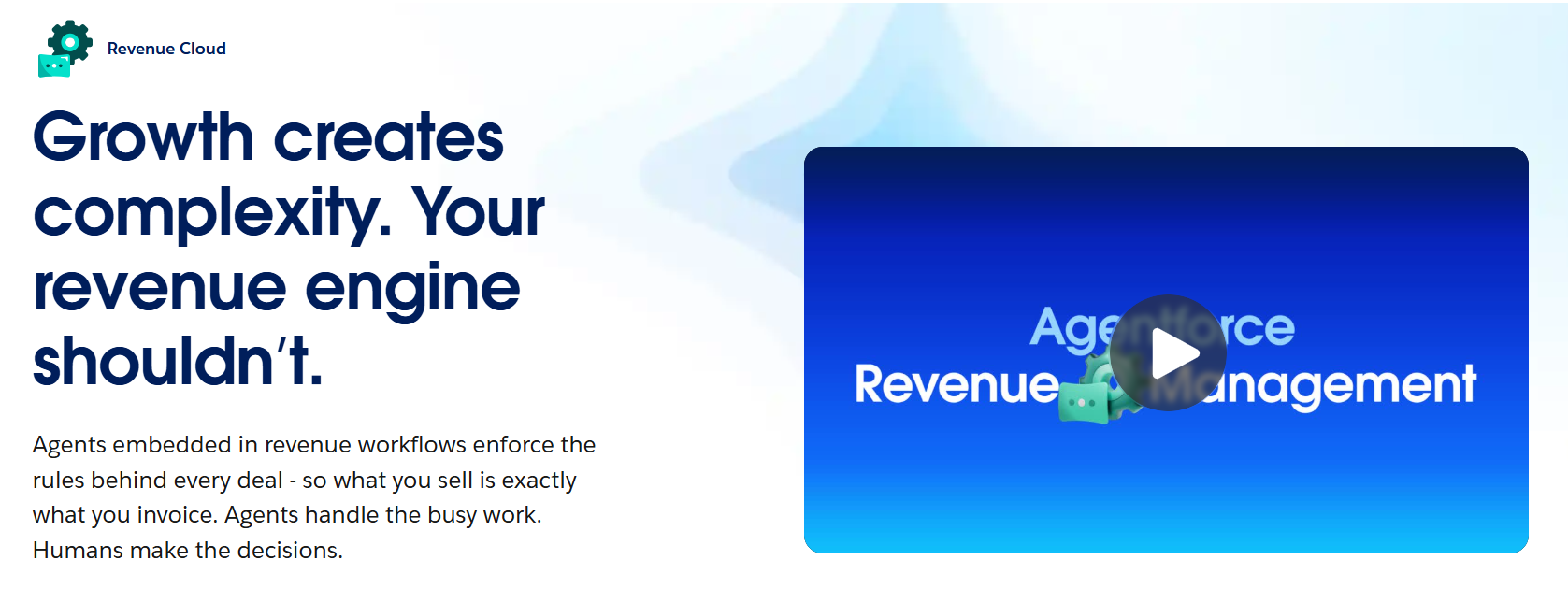
Salesforce has moved its current CPQ strategy toward Revenue Cloud, which now covers product configuration, pricing, quoting, subscriptions, contracts, and other revenue processes.
Source: Salesforce.com
The platform extends far beyond traditional Salesforce CPQ, covering a broader revenue lifecycle. That breadth can suit enterprise teams, but it also brings more implementation and administrative overhead.
Salesforce recommends detailed planning around requirements, deployment, data migration, and implementation. More complex setups may also require specialist or consulting support.
If you mainly want to add CPQ without changing the rest of your revenue stack, that implementation footprint is worth considering.
Best Features
Native Salesforce environment: Revenue Cloud works directly with Salesforce CRM and its existing customer data.
Product configuration: Sales reps can build quotes while following product rules and business rules.
Pricing governance: The platform supports controlled discounts and complex pricing rules.
Automated approvals: Deals that fall outside predefined rules can move through an approval process.
AI-powered quoting: Salesforce uses Agentforce to assist with quote creation and deal changes.
Broader revenue lifecycle: Revenue Cloud can extend into contracts, orders, invoicing, and subscription management.
Pros
Deep integration with the Salesforce ecosystem.
Strong product configuration and pricing controls.
Supports complex enterprise sales processes.
Supports sophisticated discount and approval rules.
Pricing
Salesforce Revenue Cloud currently offers:
Revenue Cloud Growth: $150/user/month, billed annually. Includes quoting and product configuration, order capture, and subscription management.
Revenue Cloud Advanced: $200/user/month, billed annually. Includes everything in Growth, plus contracts and orders, consumption and invoicing, and AI and analytics capabilities.
Implementation, integrations, and ongoing administration can increase the total cost of ownership.
4. HubSpot CPQ
HubSpot offers native CPQ through Revenue Hub Professional and Enterprise. The platform lets you configure products and services, build quotes, collect signatures, and support payment workflows without leaving HubSpot.
Source: HubSpot.com
Quote creation pulls from HubSpot deal information and supports several pricing structures, including flat-rate, tiered, and ramp pricing. Plus, reps can add terms and configure e-signature or click-to-accept approval.
The main attraction is the close relationship between the CPQ platform and HubSpot CRM. Companies already using HubSpot can keep more of their sales process and customer data inside a familiar environment.
Revenue Hub also extends from quoting into contracts, subscriptions, invoicing, and payment collection. For companies that want more of the revenue process inside HubSpot, this can reduce the number of separate systems involved.
Its billing suite is still worth evaluating against more specialized billing platforms if your requirements are complex. HubSpot might have limitations around areas such as country-specific e-invoicing compliance, while some subscription capabilities are still being expanded.
Companies already running a mature billing setup should compare those requirements carefully before moving more of the billing lifecycle into HubSpot.
Best Features
Native HubSpot CRM connection: Product and customer data remain connected with the deal during quoting.
Quote editor: Sales reps can create branded quotes using deal information, line items, and buyer-facing content.
Flexible pricing options: HubSpot supports pricing models including flat-rate, tiered, and ramp pricing.
Approval workflows: Quotes can move through approval rules before being sent to the customer.
AI-powered quotes: Revenue Hub includes AI-powered tools for quoting and revenue workflows.
Payments and billing: Quotes can connect with HubSpot’s invoicing and payment collection capabilities.
Pros
Familiar experience for companies already using HubSpot.
Supports common SaaS pricing models.
Combines quotes with e-signature and payment collection.
Provides approval workflows within HubSpot.
Pricing
HubSpot Revenue Hub currently offers:
Revenue Hub Professional: $95/seat/month. Includes AI-powered quoting, standard quote approvals, e-signature, and 3,000 HubSpot Credits.
Revenue Hub Enterprise: $140/seat/month. Adds advanced approval capabilities and includes 5,000 HubSpot Credits.
5. Conga CPQ
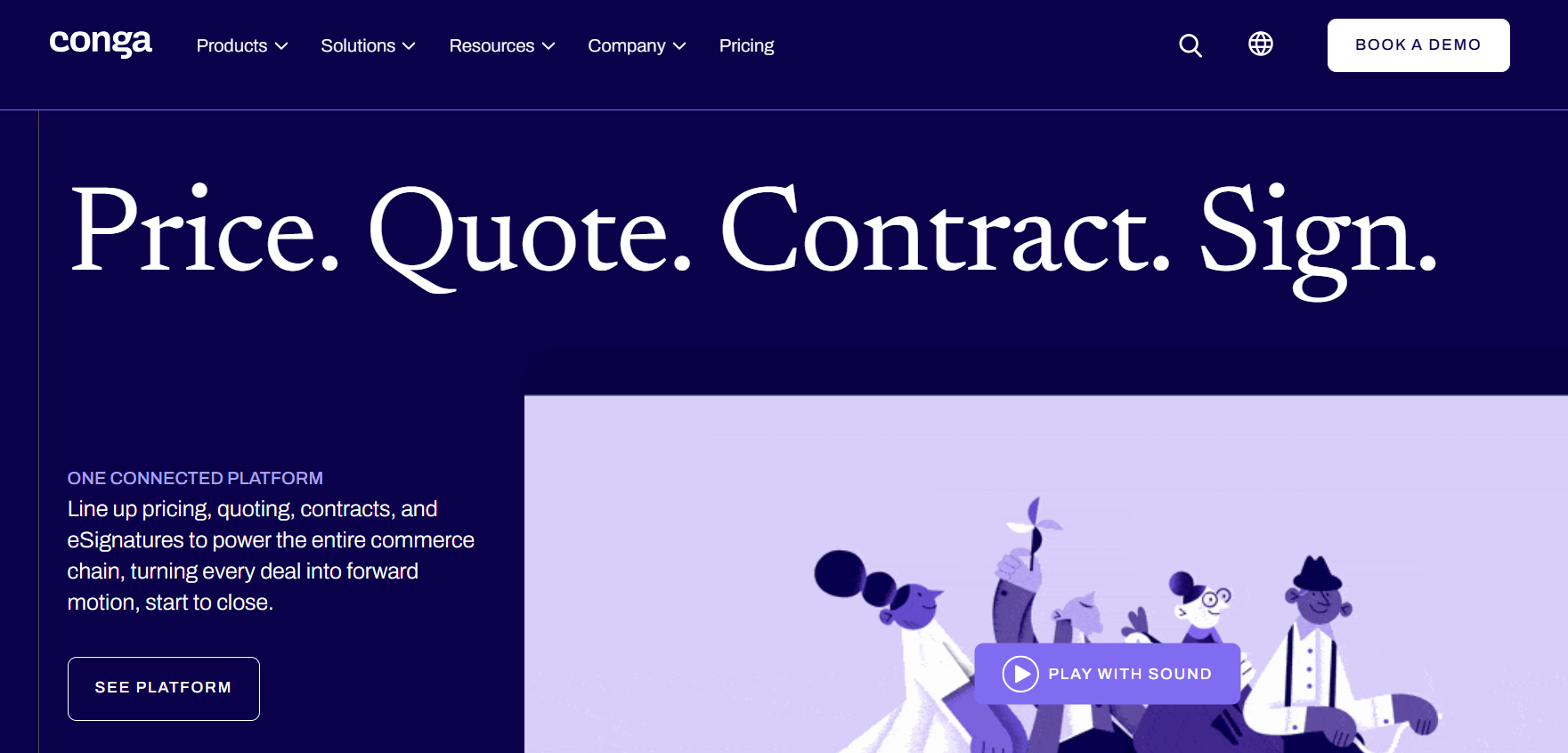
Conga offers tools for highly complex sales environments.
Its platform can manage complex product configurations, pricing rules, dependencies, and approval workflows. Conga can also support environments using Salesforce, Microsoft Dynamics, SAP, and other business systems depending on the product and integration setup.
Source: Conga.com
Pricing capabilities cover structures such as volume-based pricing, negotiated arrangements, and regional pricing. Sales reps can configure complex products while rules control which combinations are valid.
Conga connects CPQ with contract lifecycle management and document automation, extending the workflow beyond quote generation.
Conga also offers its own billing application, which connects with Conga CPQ as part of its broader quote-to-cash suite. It supports one-time, recurring, subscription, and usage-based billing, along with more complex invoicing requirements.
That makes Conga particularly relevant when you want several revenue processes within the same ecosystem.
If your billing infrastructure is already established elsewhere, though, consider how Conga CPQ will fit into that architecture and how much additional configuration the wider suite requires.
Best Features
Complex product configuration: Product rules can manage dependencies, restrictions, and configuration requirements.
Flexible pricing models: Conga supports several pricing strategies and complex pricing structures.
Pricing approvals: Approval workflows can route discounts or terms that fall outside business rules.
Subscription management: CPQ can support renewals and other customer lifecycle changes.
Document automation: Configured deals can move into professional quotes and sales documents.
Contract lifecycle management: Conga CPQ can connect with Conga CLM for broader contract workflows.
Pros
Strong support for complex product configurations.
Detailed pricing and discount controls.
Works with multiple CRM and ERP systems.
Supports subscription-based sales processes.
Pricing
Conga does not publish pricing on its website.
6. PandaDoc CPQ
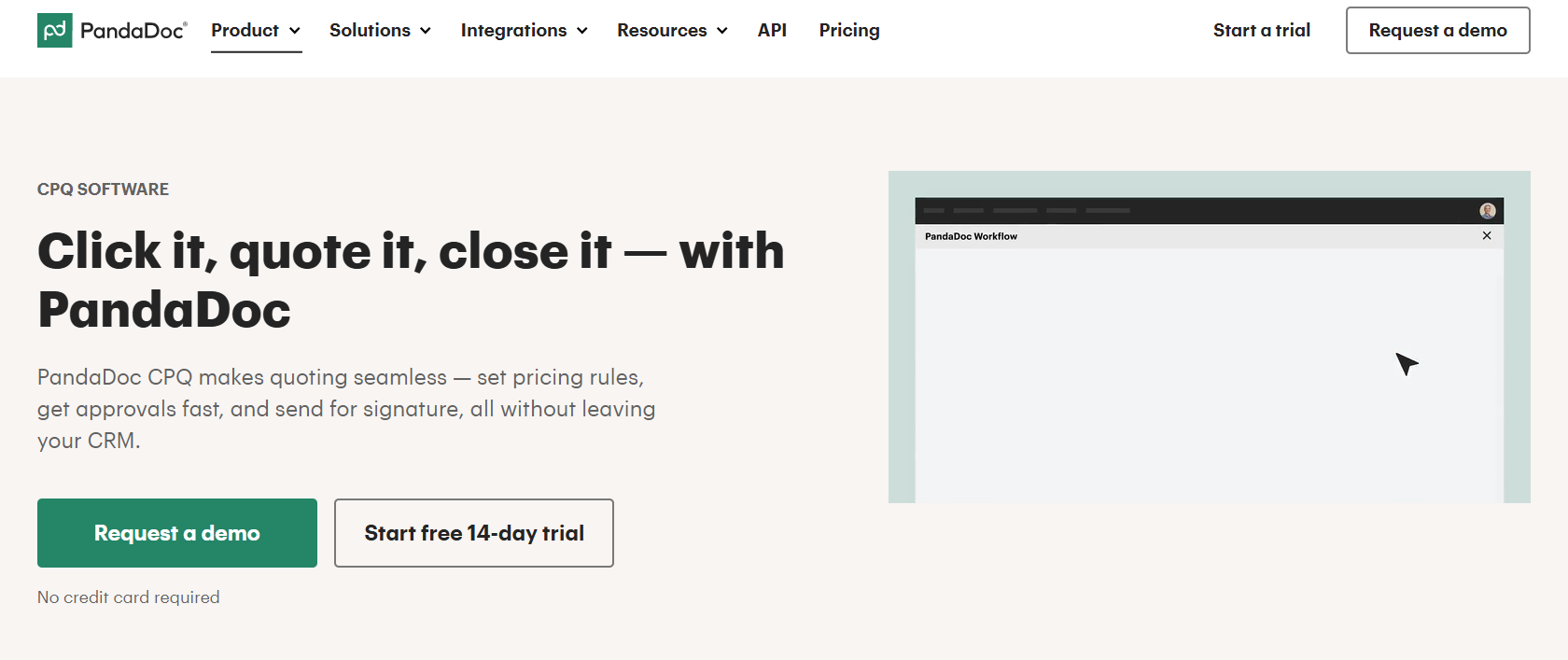
PandaDoc is widely used for proposals and e-signatures, but its Enterprise plan also includes full CPQ capabilities.
PandaDoc CPQ lets sales reps configure products and pricing while working with supported CRM systems such as HubSpot, Salesforce, and Pipedrive.
Source: PandaDoc.com
Pricing rules can automate calculations and help reps generate accurate quotes from CRM data. Conditional approval workflows can also route deals based on the rules you configure.
PandaDoc remains particularly strong around the document side of the sales workflow. Once pricing is configured, the same platform can handle proposal creation, approvals, and e-signature, making it useful for teams that want CPQ closely connected with customer-facing documents.
The distinction becomes more important after signature.
PandaDoc is not positioned as a full billing engine in the same way as broader quote-to-revenue platforms, so companies with recurring, usage-based, or more sophisticated subscription billing still need to consider how signed deal data will reach their billing system.
For teams already using a dedicated platform such as Stripe Billing, this makes the downstream integration an important part of the evaluation rather than focusing on quote creation alone.
Best Features
CRM-based CPQ: PandaDoc can use opportunity and customer data from supported CRM platforms.
Pricing rules: Logic-based rules can automate calculations and reduce pricing mistakes.
Configurable quotes: Reps can create quotes based on customer requirements and deal-specific pricing.
Conditional approvals: Quotes can move through an approval process based on configured rules.
Document automation: PandaDoc converts configured pricing into polished buyer-facing documents.
E-signature: Signature functionality is built into the same workflow.
Pros
Strong proposal and document automation capabilities.
Supports pricing rules and approval workflows.
Works well for existing PandaDoc users.
Keeps configuration and document creation connected.
Pricing
PandaDoc CPQ is available only on the Enterprise plan, which does not have a public price.
7. Hyperline
Hyperline combines CPQ with billing and broader revenue operations.
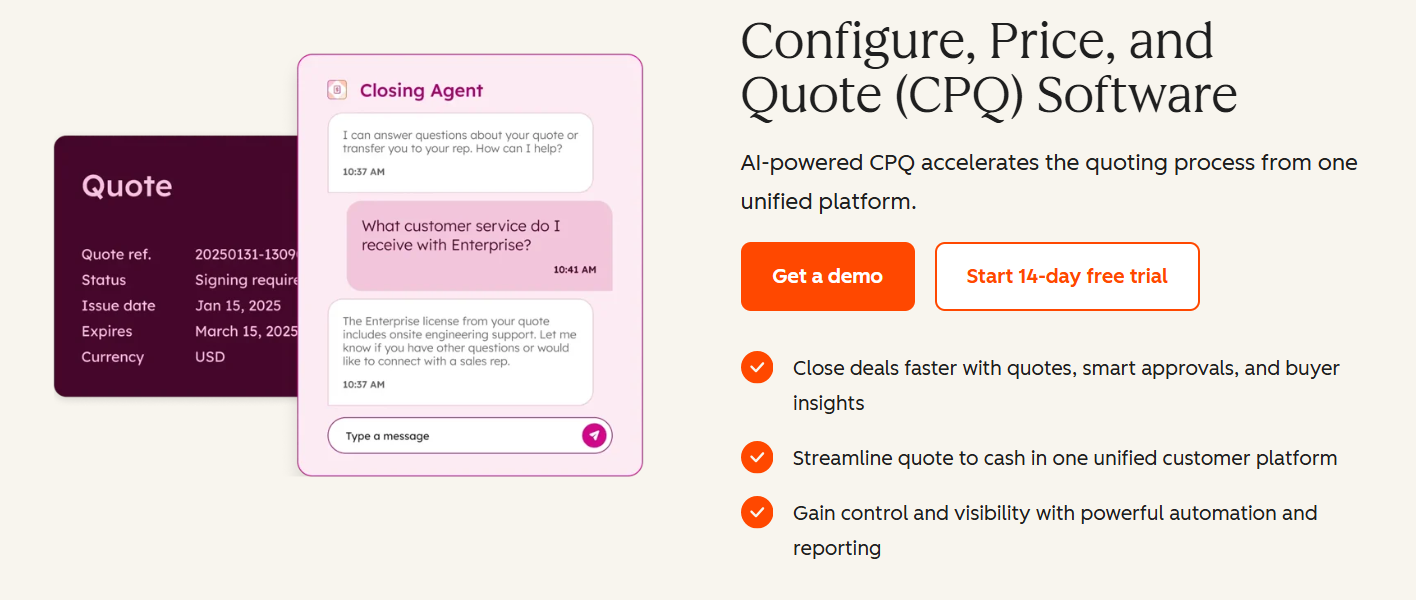
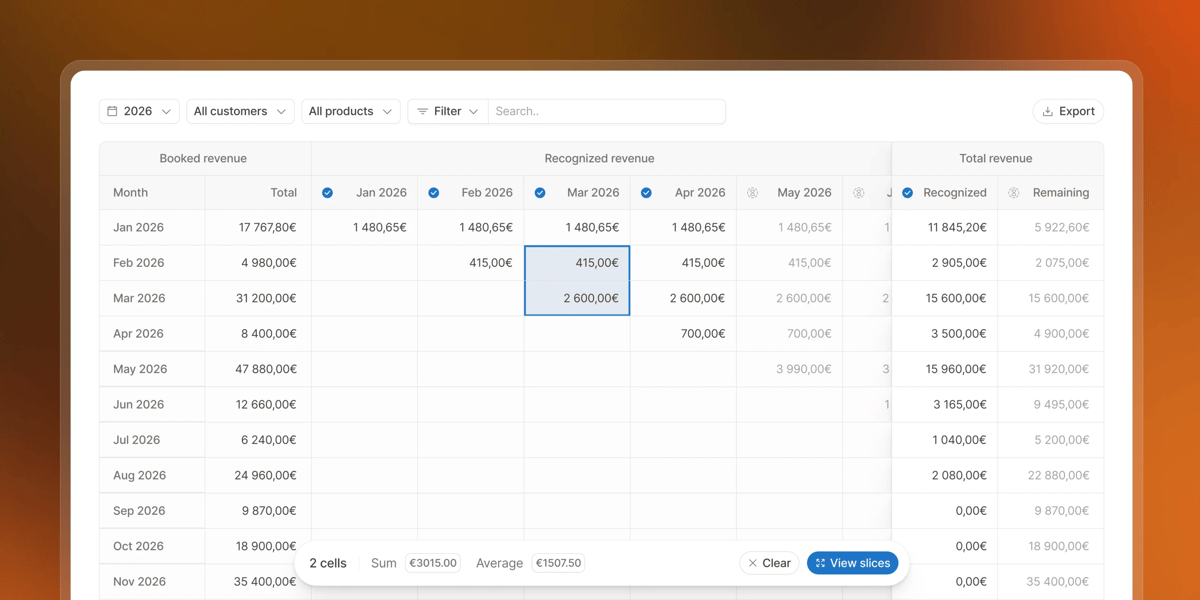
Its CPQ software lets sales reps build quotes inside the CRM and move signed terms directly into billing. Templates can include predefined terms and pricing logic, while the quote workflow supports complex deal structures such as multi-year agreements, ramps, renewals, and custom terms.
Source: G2
Hyperline becomes relevant when pricing complexity continues after the initial quote. Its billing platform supports subscription, usage-based, tiered, and hybrid pricing models.
Hyperline differs from several of the other options because billing is a major part of the product itself.
Its billing engine supports subscriptions, usage-based pricing, prepaid credits, hybrid structures, and high-volume metering, while its CPQ connects signed contracts directly with those billing workflows.
That can make Hyperline attractive if you want CPQ and billing together. The tradeoff is architectural: adopting the broader Hyperline platform may mean moving more of your billing infrastructure into Hyperline.
Companies already committed to another billing engine should compare that migration with a CPQ product designed to sit on top of their existing billing setup.
Best Features
CRM-based quote creation: Sales reps can build quotes from CRM data using controlled templates and pricing logic.
Complex deal support: Quotes can account for ramps, multi-year deals, renewals, and custom terms.
Approval workflows: Higher plans include advanced approval controls.
E-signature: Signature functionality is part of the CPQ workflow.
Connected billing: Signed quotes can activate the related subscription without a manual handoff.
Pros
Combines CPQ and billing in a connected workflow.
Supports complex SaaS pricing models.
Handles multi-year and custom contracts.
Provides built-in e-signature.
Pricing
Hyperline currently offers:
Launch: $299/month plus 0.7% of revenue processed. Includes CPQ quotes, e-signature, recurring billing, automated invoicing, and core integrations for businesses with up to $2 million in annual revenue.
Growth: Custom pricing. Adds usage-based and hybrid pricing, revenue recognition, multi-currency billing, and priority support.
Scale: Custom pricing. Adds advanced approval flows, multi-entity consolidation, custom contracts and SLAs, plus enterprise-level integrations.
Keep Your Existing Revenue Stack and Billing Setup. Add CPQ With Finrite With No Additional Work.
A new CPQ system can affect far more than the quoting process.
Several platforms on this list combine CPQ with their own subscription, billing, or broader revenue products.
That approach can make sense when you want to consolidate systems, but it may also mean migrating billing data, rebuilding existing workflows, or running separate billing systems if different parts of your business have different requirements.
You can add structured quoting while keeping the CRM and billing infrastructure your business already uses. For HubSpot and Stripe Billing teams, signed deal information can move into Stripe without Finance rebuilding it manually.
Keeping Stripe as the billing engine also gives you one place to support sales-led contracts alongside product-led billing as your model evolves.
If you already have a revenue stack that works, Finrite lets you improve the quoting layer without replacing everything around it.
Talk to Finrite about adding CPQ to your current revenue workflow.
FAQs About the Best CPQ Software
Which CPQ is best?
The best CPQ software depends on how your business sells. Look at your existing CRM, pricing models, approval process, and how complex your product configuration is. Strong integration capabilities, accurate pricing, and a smooth quoting experience should all factor into the decision. Total cost of ownership also matters, particularly if a platform requires a significant implementation investment or changes to your existing business systems.
What is replacing CPQ?
CPQ is not disappearing, but traditional CPQ tools are expanding into broader revenue platforms. Modern products increasingly combine configure-price-quote functionality with contract management, subscription management, billing, and workflow automation. AI CPQ software is also growing, with AI-powered CPQ solutions assisting with quote creation, pricing, and sales workflows.
What does CPQ software actually do?
CPQ software gives sales teams a structured way to build the right offer, calculate pricing, and turn deal details into a customer-ready quote. It can manage complex product configurations, custom pricing, approval workflows, and business rules. Many modern CPQ tools also connect with CRM systems, contract management software, and billing platforms to reduce manual work during the sales cycle.
Do small businesses need CPQ software?
CPQ software for small businesses can be useful when quoting becomes difficult to manage manually. A smaller sales team may still need CPQ when it handles complex pricing rules, custom products, approval workflows, or frequent pricing mistakes. Simpler businesses may be fine with CRM quoting until product configuration or pricing complexity starts slowing sales efficiency.
About Finrite
Finrite streamlines sales-led revenue workflows, without any billing engine change. Sales reps can send out proposals in seconds, and our HubSpot to Stripe Connector creates subscriptions, customers, and billing objects in moments.
Automate quote-to-cash. Keep your billing stack.
Give sales a faster way to quote and finance a reliable way to bill. Finrite connects your CRM, contracts, and billing to automate the work from proposal to subscription.