PandaDoc works well when proposals, quotes, and electronic signatures sit at the center of your sales process. But CPQ can demand much more than document creation.
Once pricing rules become more complex, your sales reps may need product configuration, internal approvals, subscription changes, CRM data, and billing to work together inside a single workflow.
PandaDoc does offer configure-price-quote (CPQ) functionality on its Enterprise plan, alongside workflow automation and other advanced controls.
But what should you consider if PandaDoc no longer fits the way you sell? Or if you don’t want to pay top dollar for the Enterprise plan just to unlock CPQ capabilities?
We reviewed the seven best PandaDoc alternatives that approach CPQ from different angles, including tools built around CRM-native quoting, subscription management, enterprise configuration, and interactive proposal creation.
TL;DR
These are the top seven alternatives to PandaDoc CPQ in 2026:
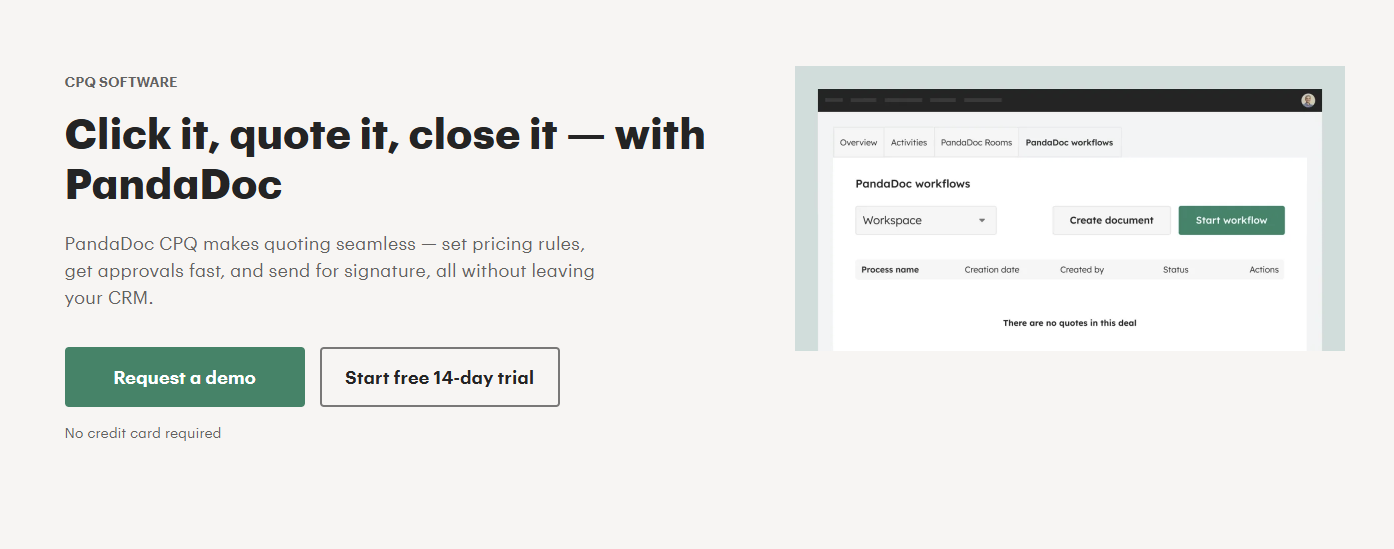
PandaDoc CPQ adds configure-price-quote functionality to a platform already known for proposals, contracts, document workflows, and e-signatures.
Its quote builder can pull products from a catalog, create customized pricing sections, and help sales reps turn pricing information into a customer-facing document.
Source: PandaDoc.com
CPQ features are available through PandaDoc Enterprise only. The plan also adds workflow automation, smart content, team workspaces, API access, and enterprise controls such as single sign-on.
PandaDoc can cover a large part of the proposal creation and signing experience inside one platform.
Your requirements may extend further, though. Complex subscriptions, existing-customer amendments, deeper billing integrations, advanced pricing logic, or tighter CRM workflows can make another CPQ platform worth considering.
Why Look for an Alternative to PandaDoc for CPQ?
PandaDoc has a broad feature set, but the right tool depends on how far your quote needs to travel after it has been created and signed.
Common reasons to look for PandaDoc alternatives include:
You need deeper billing connectivity: A signed contract may still need to become an invoice, subscription, or another billing object without someone entering the information manually.
Your pricing is becoming harder to manage: Usage-based pricing, multi-year agreements, product dependencies, or detailed discount rules may require a CPQ with a stronger pricing engine.
You want quoting closer to your CRM: Keeping the process inside systems such as HubSpot or Salesforce can reduce tab switching and repeated data entry.
Existing customers create extra work: Renewals, expansions, co-terms, and amendments can require structured subscription data rather than another standalone document.
You need more advanced approval workflows: Growing sales organizations may want pricing exceptions and internal approvals governed directly through CPQ rules.
You want quote-to-cash automation: Connecting proposal creation to contracts, billing, subscription management, and CRM updates can reduce manual processes after signature.
Top 7 PandaDoc Alternatives for CPQ in 2026
We handpicked seven top PandaDoc alternatives for CPQ based on their quoting, pricing, and sales workflow capabilities. Here’s a closer look at the key features, pros, and pricing for each one:
1. Finrite
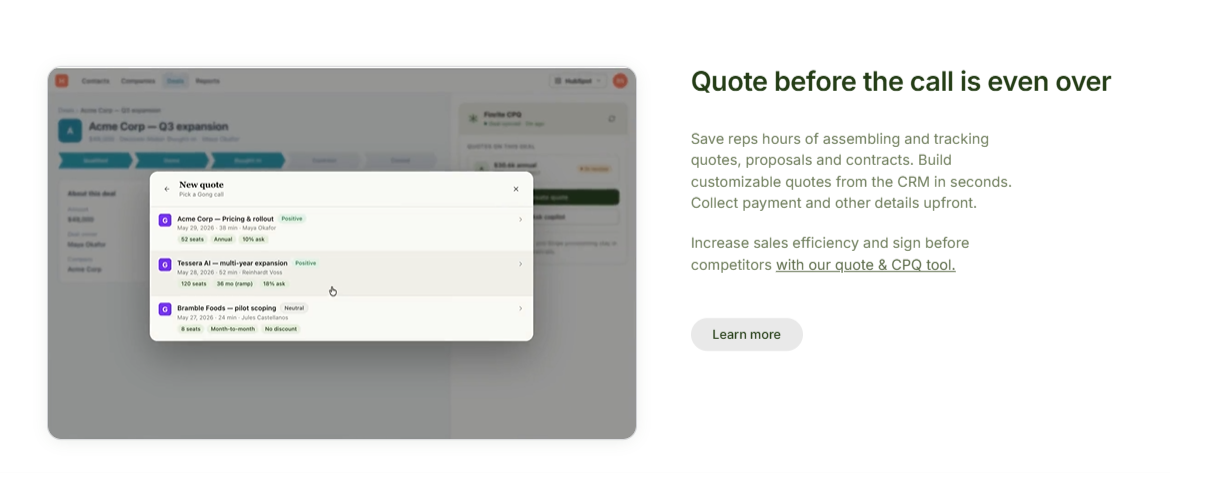
Finrite connects the parts of your sales process that sit before and after a quote, which makes it a broader CPQ option than a document-focused platform.
You can create quotes using data already stored in your CRM, customize templates and terms, and collect the information needed to move a deal forward.
Once a customer signs, Finrite can carry the relevant commercial data into your billing workflow, reducing the manual effort between sales and finance.
You also have flexibility in how you handle contracts. Finrite provides its own quoting and signature workflow, but you can continue using tools such as PandaDoc or DocuSign and use Finrite to automate what happens after signing.
For contracts created outside the standard sales process, its AI Contract Parser can extract structured information from existing agreements and prepare it for downstream workflows.
Finrite makes the most sense if you want CPQ to connect closely with your CRM and billing setup without migrating your existing billing infrastructure to a new platform.
Best Features
CRM-embedded quote creation: Build quotes using existing deal data so sales reps can work from the CRM rather than manually copying information into a separate proposal tool.
Flexible quote templates: Custom templates, conditional terms, and CRM fields can be used to adapt documents to different sales scenarios.
Signature tracking: Finrite tracks quotes that are waiting for signature and can send configurable reminders. Signed quotes can also trigger downstream CRM actions.
HubSpot-to-Stripe automation: Finrite maps HubSpot products to Stripe prices and can create the relevant billing objects once a deal reaches the correct stage.
Complex billing support: The connector works with Stripe Billing capabilities such as recurring subscriptions and usage-based billing rather than limiting you to simple payment collection.
AI contract parsing: Existing agreements can be converted from unstructured documents into structured billing information with a review step before creation.
Pros
Keeps your existing billing infrastructure
Works directly with CRM data
Supports complex Stripe Billing workflows
Handles renewals and upsell quotes
Reduces manual billing entry
Connects quoting with downstream revenue workflows
Starter: $200/month. Supports up to 10 contracts per month and includes the HubSpot-to-Stripe sync, automated subscription creation, usage-based billing support, and standard field mapping.
Core: $400/month. Supports up to 50 contracts per month and adds higher contract volume and priority support.
Pro: $1,000/month. Includes unlimited contracts, Finrite’s HubSpot-embedded quoting engine, AI contract parser, custom workflow mapping, and data audit features.
DealHub takes a broader quote-to-revenue approach.
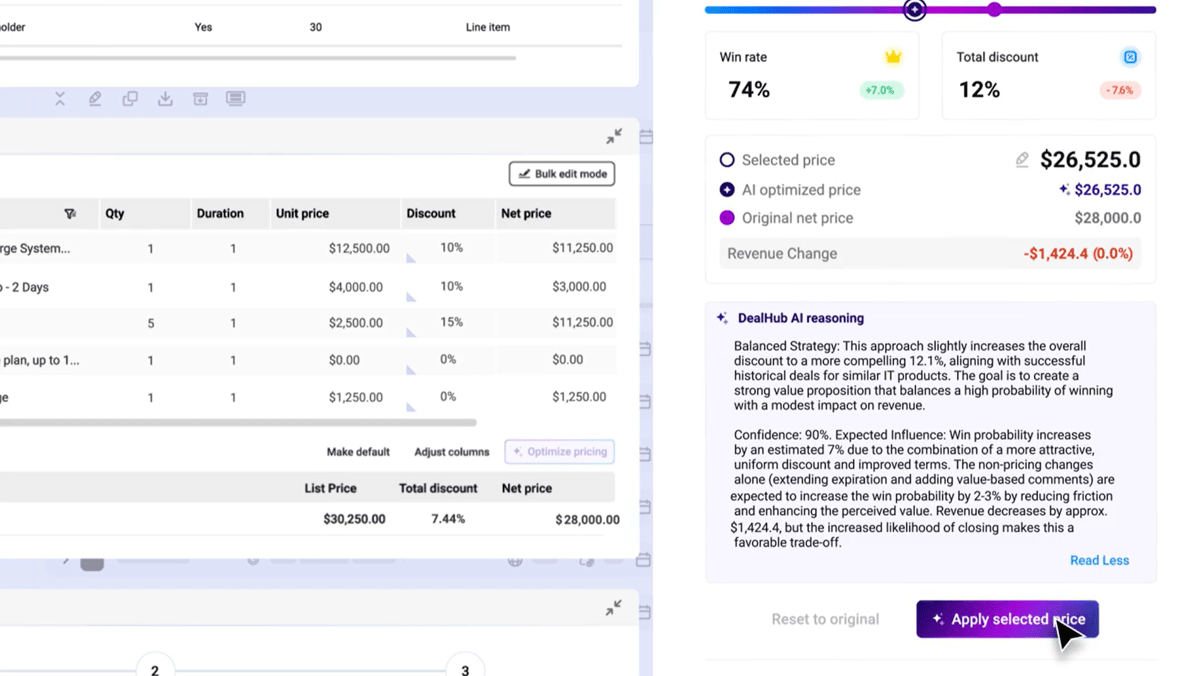
Its CPQ connects product configuration, pricing, approvals, contracts, and subscription workflows inside the same platform.
Guided quote configuration helps sales reps navigate product selection, while an adaptive pricebook can support pricing models such as tiered or usage-based structures.
Source: G2
DealHub also supports several sales motions from the same CPQ environment, including new deals, expansions, renewals, amendments, and co-terms.
Its scope has grown further since DealHub acquired Subskribe in 2025. The combined platform now extends into subscription management, billing, and revenue recognition.
However, that broader coverage can also make DealHub feel heavier than a standalone CPQ. Companies already committed to another billing platform should also consider how much of DealHub’s billing and subscription infrastructure they actually want to adopt.
Best Features
Guided quote configuration. Reps can move through structured workflows that narrow down products and guide configuration based on deal requirements.
Adaptive pricing. DealHub supports several pricing structures, including fixed, tiered, and usage-based models.
Bundles and discounts. Product bundles can be combined with dynamic discounting and approval-aware pricing rules.
Subscription management. Renewals, expansions, cancellations, upgrades, and other lifecycle events can stay connected to the original revenue workflow.
Digital sales rooms. DealHub combines quoting with its DealRoom environment for buyer-facing content and sales engagement.
CRM connectivity. CPQ workflows can operate alongside CRM systems and keep relevant deal information synchronized.
Pros
Strong guided selling capabilities
Supports complex pricing models
Handles subscription changes
Combines CPQ with broader revenue tools
Includes workflow approvals
Works for complex sales processes
Pricing
DealHub does not publish prices.
3. HubSpot CPQ
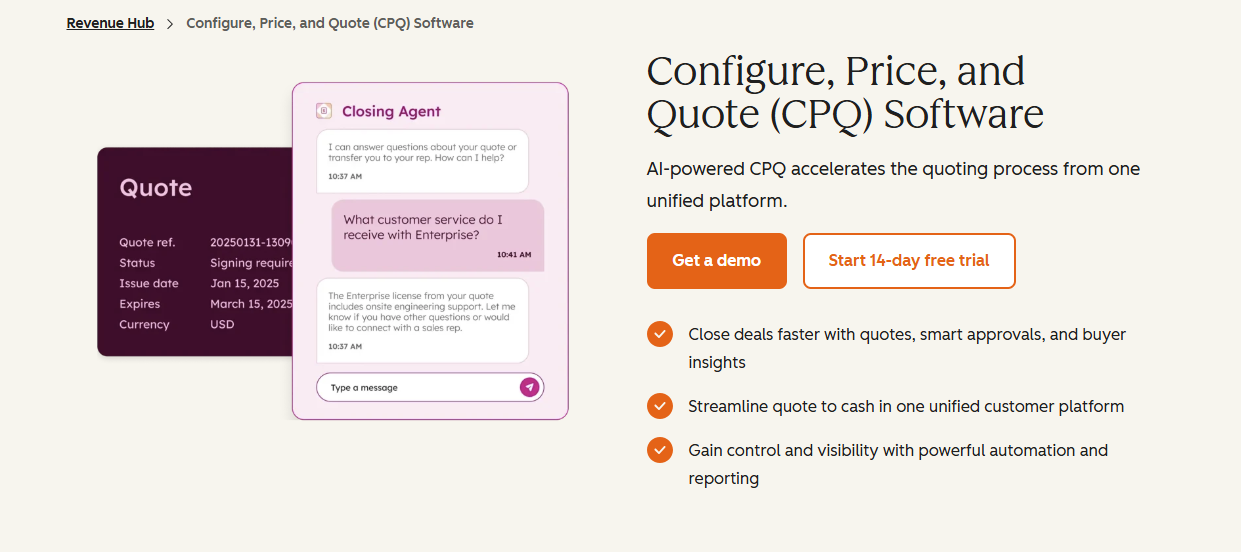
HubSpot has expanded its native CPQ capabilities through Revenue Hub, previously known as Commerce Hub.
Quotes can be created with deal information, product line items, terms, acceptance options, e-signature, billing, and payment information. HubSpot's current quote tooling is available with Revenue Hub Professional and Enterprise.
Source: HubSpot.com
The biggest advantage is integration depth for companies already running their sales process inside HubSpot.
Your CRM record, quote creation process, and related revenue information can remain within the same platform. Revenue Hub Enterprise adds advanced quote approvals for companies with more complex internal approval requirements.
HubSpot is worth considering when keeping quoting inside the CRM is the priority. Its billing capabilities are less mature than specialist platforms, though, so companies with more complex subscription, usage-based, or Stripe Billing requirements may still need another layer.
Best Features
HubSpot CRM integration: Deal information can flow directly into quote creation without relying heavily on third-party tools.
AI-powered quote creation: Revenue Hub includes tools designed to help reps create quotes from information already stored in HubSpot.
E-signatures: You can get completed signatures from buyers directly from a HubSpot quote.
Billing and payments: Quotes can connect with HubSpot's broader billing and payment functionality.
Quote tracking: Sales teams can monitor buyer activity after sending a quote.
Advanced approvals: Enterprise adds approval functionality for organizations with stricter pricing or quote governance requirements.
Pros
Native HubSpot environment
Strong CRM integration
Built-in e-signature
Payment collection support
Quote activity tracking
Advanced approvals available
Pricing
HubSpot Revenue Hub offers two paid plans with CPQ functionality:
Professional: Starts at $95/seat/month. Includes AI-powered quotes, quote templates, activity tracking, standard approvals, and up to 25 e-signatures per user each month.
Enterprise: Starts at $140/seat/month. Adds advanced quote approvals, quote rules for products and pricing, and up to 50 e-signatures per user each month.
4. Salesforce Revenue Cloud
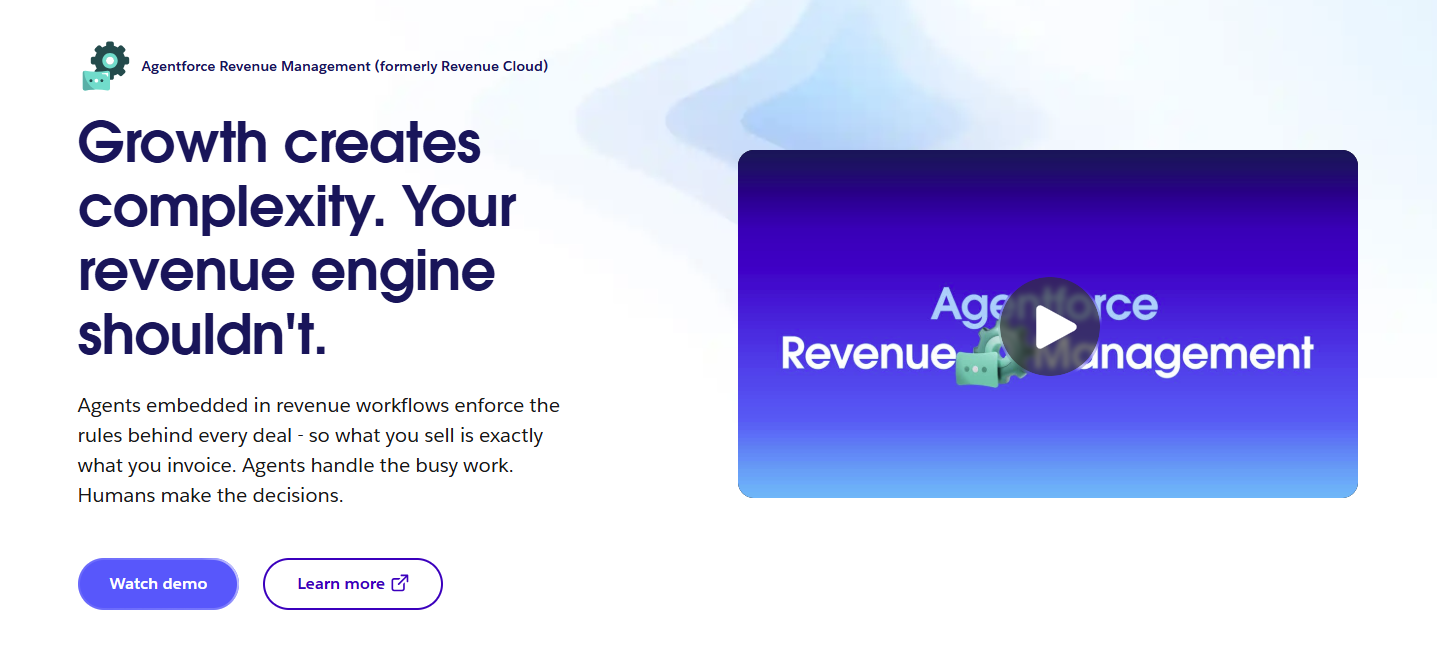
Salesforce Revenue Cloud (now called Agentforce Revenue Management) takes CPQ further into enterprise revenue management.
Its CPQ capabilities are built around product configuration, governed pricing, quote generation, subscription management, and downstream revenue processes.
Source: Salesforce.com
Sales reps can work with a central product catalog, guided selling flows, configurable bundles, discount rules, and automated approvals. Salesforce supports quoting for revenue models such as recurring subscriptions and usage-based arrangements.
Revenue Cloud makes the most sense when Salesforce already plays a major role in your sales process.
Companies that need extensive product rules, pricing governance, or quote-to-cash workflows can keep those processes closely tied to Salesforce data. However, smaller teams looking for straightforward proposal creation may find the platform considerably more extensive than needed.
The UI is complex and often requires consultants’ help to get the best out of this software.
Best Features
Product configurator: Configure bundles while applying product compatibility and configuration rules.
Centralized product catalog: Products and pricing can be maintained in a shared catalog used throughout the sales process.
Guided selling: Sales reps can answer structured questions and receive relevant product recommendations.
Pricing rules: Revenue Cloud supports configurable pricing logic and several discount structures.
Automated approvals: Approval chains can be triggered according to pricing or deal conditions.
Subscription lifecycle management: Customer contracts can be amended, renewed, or canceled as the commercial relationship changes.
Pros
Deep Salesforce integration
Strong product configuration
Advanced pricing controls
Supports subscriptions and usage
Detailed approval workflows
Suitable for complex enterprise sales
Pricing
Salesforce Revenue Cloud has two main plans:
Revenue Cloud Growth. $150/user/month. Includes quoting and configuration, order capture, subscriptions, advanced approvals, and product and price management.
Revenue Cloud Advanced. $200/user/month. Includes everything in Growth, plus contracts, consumption and invoicing, AI and analytics, and broader quote-to-cash capabilities.
5. Conga CPQ
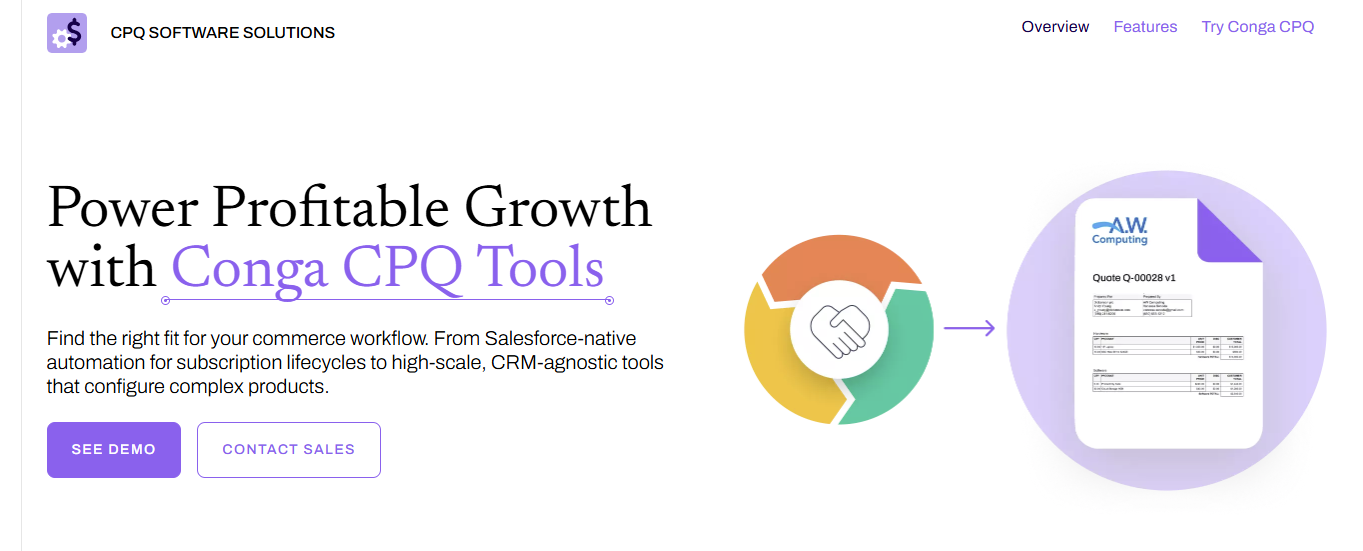
Conga CPQ is built for organizations that need detailed control over product configuration and pricing.
The platform supports product catalogs, configurable bundles, pricing rules, quote generation, approvals, and subscription-related workflows.
Source: Conga.com
Its capabilities can become fairly granular. Conga's higher CPQ editions support features such as multiple product catalogs, pricing tiers, ramps, usage-based pricing, multi-level bundles, automated renewals, and price waterfalls.
Conga also has adapters for platforms such as Adobe Sign and DocuSign, so electronic signatures can remain connected to a broader CPQ process.
The platform leans strongly toward complex selling environments. If your main challenge is producing polished proposals or collecting signatures, a lighter e-signature platform may be easier to manage.
That depth can also mean more configuration and administrative work. Companies mainly looking for straightforward quoting may find the platform heavier than necessary, while broader billing requirements may still need additional systems.
Best Features
Product configuration: Create standalone products, bundles, and configuration rules governing factors such as quantity or product inclusion.
Flexible pricing: Multiple price lists, pricing charges, volume discounts, and other pricing rules can be maintained inside CPQ.
Pricing ramps and tiers: Higher editions add more advanced pricing structures.
Quote generation: Quotes can be produced in formats such as PDF and Microsoft Word.
Approval workflows: Conga can run approval checks when pricing or quote conditions require additional review.
Renewal automation: Relevant editions include automated renewal functionality for recurring commercial relationships.
Pros
Detailed product configuration
Advanced pricing capabilities
Supports complex product catalogs
Automated renewals available
Strong approval controls
E-signature integrations
Pricing
Conga does not publish standard CPQ prices.
6. Subskribe
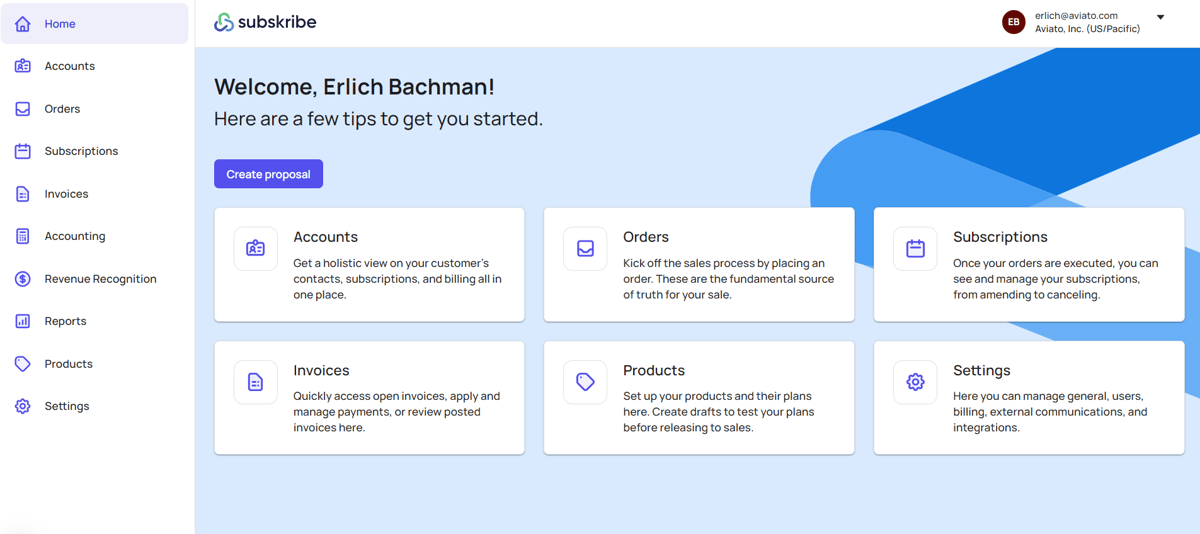
Subskribe combines CPQ with subscription and quote-to-revenue capabilities.
Its CPQ supports several commercial structures, including one-time charges, recurring pricing, and usage-based models. Sales teams can also create upsells, amendments, renewals, cancellations, and other subscription changes from the same platform.
Source: G2
A digital sales room provides a buyer-facing space where prospects can review and collaborate on a deal.
Subskribe also connects natively with Salesforce and HubSpot and provides its own e-signature functionality along with a DocuSign integration.
DealHub acquired Subskribe in 2025, so buyers evaluating either product should consider how the combined product strategy affects their requirements.
Subskribe remains useful to understand as an option for complex SaaS quoting and subscription workflows.
The tradeoff is that Subskribe reaches further into billing and subscription management than a lightweight CPQ. Companies that already have a billing system they want to keep should look closely at how the combined DealHub platform fits into that existing setup.
Flexible pricing: Pricing can include recurring, one-time, and usage-based components.
Approval workflows: Order approvals can be incorporated into the quoting process.
Discounting: Multilevel discounting provides more control over pricing exceptions.
CRM integrations: Native connections are available for Salesforce and HubSpot.
Subscription management: Quotes can stay connected to ongoing subscription changes after the original signed contract.
Pros
Built for SaaS revenue models
Strong subscription workflows
Handles complex pricing
Native CRM integrations
Includes e-signature
Supports quote-to-revenue workflows
Pricing
Subskribe does not publish its pricing publicly.
7. Qwilr
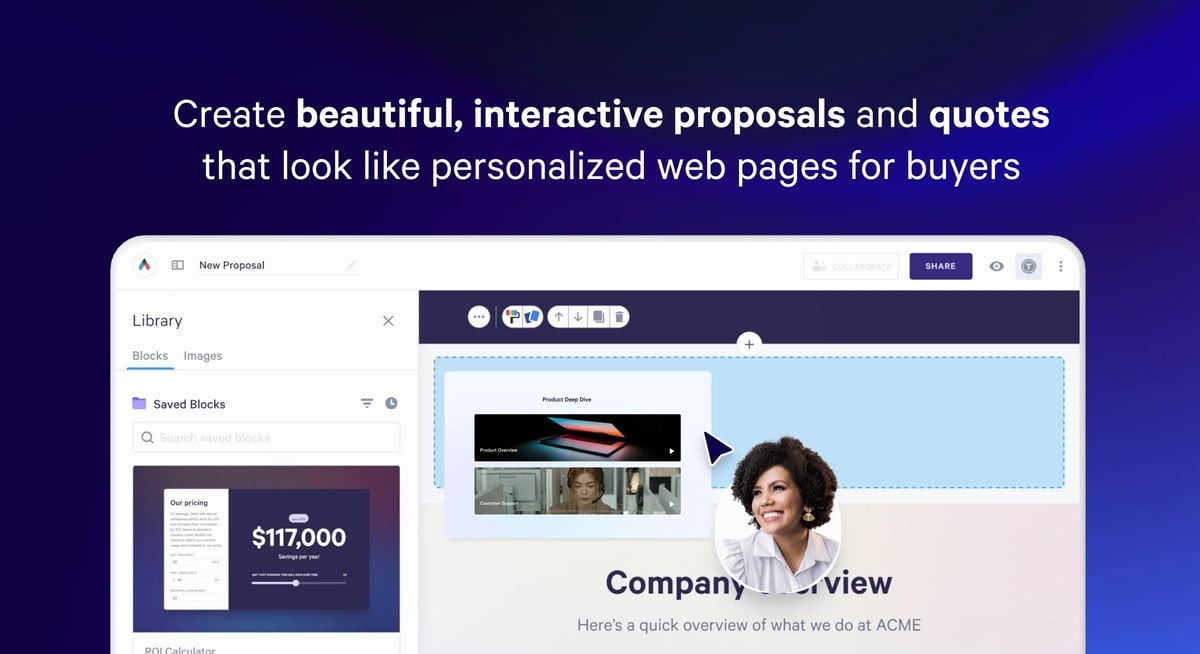
Qwilr sits closer to interactive proposal software than a traditional enterprise CPQ, which makes it one of the more direct PandaDoc alternatives on this list.
The platform lets you create web-based proposals that combine content, quotes, e-signatures, analytics, and payment collection.
Source: G2
Quote blocks can include flexible pricing options, while buyers can accept a proposal and complete an e-signature directly from the same experience. Qwilr also provides a full audit trail for documents.
Its newer Smart Proposal Engine adds guided proposal creation. Sales reps can answer predefined questions while Qwilr applies approved content and pricing rules to produce the proposal.
Qwilr works well when proposal presentation and buyer experience carry significant weight. Companies needing detailed product configuration, subscription management, or extensive quote-to-cash functionality will generally want a deeper CPQ platform.
Best Features
Interactive proposals: Proposals are delivered as web-based pages instead of relying entirely on static documents.
Quote blocks: Pricing can be presented through configurable quote tables and tiered options.
E-signatures: Buyers can complete legally binding signatures from the proposal.
Payments: Qwilr can collect partial, full, or recurring payments.
Audit trail: Document activity is stored in an audit trail.
CRM integrations: Integrations are available for systems such as HubSpot, Salesforce, Pipedrive, Zoho, and Microsoft Dynamics, depending on the plan.
Pros
Strong proposal design
Interactive pricing
Built-in e-signatures
Payment collection
CRM integrations
Easy buyer-facing experience
Pricing
Qwilr offers three paid plans:
Starter: Starts at $49/user/month. Includes e-signatures, interactive quotes, analytics, payments, API access, and CRM integrations with HubSpot, Zoho, and Pipedrive.
Growth: Starts at $275/month for five users (billed annually only). Adds workflow automation, custom branding, identity verification, enhanced reporting, and Microsoft Dynamics integration.
Scale: Starts at $750/month for ten users (billed annually only). Adds Salesforce integration, conditional content, team-level permissions, AI Prefill, and the Smart Proposal Engine.
Connect Your Quotes to the Rest of Your Revenue Workflow With Finrite
A proposal shouldn't become another manual handoff once the customer signs it.
Finrite connects CPQ with the systems already running your sales and billing process. Quotes can start from CRM data, move through signature, and trigger billing workflows without requiring your team to rebuild the deal in another platform.
The approach is particularly useful when Stripe Billing already works well for your business.
Instead of migrating to a new billing engine, you can keep Stripe and add a CPQ layer that handles quote creation, billing data, renewals, amendments, and CRM synchronization.
Finrite's wider product suite can also handle deals that enter your revenue process through other routes. Its AI Contract Parser can extract billing information from existing contracts, while the connector can create the correct billing records from CRM data.
Several e-signature tools offer a free option, though free plans usually include fewer CPQ features. PandaDoc has a free account with document editing, tracking, notifications, and e-signature functionality, while full CPQ sits on Enterprise. Free e-signature software may suit solo operators or small businesses that mainly need to send documents and collect signatures.
What are the best PandaDoc alternatives for CPQ?
The best PandaDoc alternatives for CPQ depend on your sales process and what needs to happen after signature. Finrite connects CRM-based quoting with billing, while DealHub, Salesforce Revenue Cloud, Conga, and Subskribe support more complex pricing and subscription workflows. HubSpot CPQ fits companies already using HubSpot, while Qwilr handles proposals with a more interactive document view.
What should I look for in CPQ software?
Look for key features that match your pricing model and sales process, such as discount controls, internal approvals, reusable templates, CRM integration, and workflow automation. Mid-sized teams may also need version control or stronger approval controls for legal teams. Security features like multi-factor authentication can also be relevant in regulated industries.
What is the difference between CPQ and proposal software?
Proposal software focuses more on creating customer-facing documents with features like templates, embedded video, document tracking, and electronic signatures. CPQ goes further into product configuration, pricing rules, approvals, and structured quote data. Tools like DocuSign and Dropbox Sign focus more heavily on digital signature workflows, while platforms such as Finrite, Conga, and DealHub cover broader CPQ processes.
About Finrite
Finrite streamlines sales-led revenue workflows, without any billing engine change. Sales reps can send out proposals in seconds, and our HubSpot to Stripe Connector creates subscriptions, customers, and billing objects in moments.
Automate quote-to-cash. Keep your billing stack.
Give sales a faster way to quote and finance a reliable way to bill. Finrite connects your CRM, contracts, and billing to automate the work from proposal to subscription.