Building a quote often means pulling together customer details, pricing, line items, approvals, and contract terms before anything can be sent.
A good quote builder can shorten that process considerably. Your reps can pull in customer information, add the right line items, apply approved pricing, and send professional quotes from a repeatable workflow.
The harder part is finding software that fits how your business sells. A service business sending straightforward estimates has very different needs from a company managing subscription contracts or complex product configurations.
So, we reviewed the top seven quote builder software options for 2026, ranging from document-focused tools to full CPQ platforms, so you can make a more informed decision based on your real needs.
TL;DR
These are the seven best quote builder software platforms of 2026:
Quote builder software helps businesses create, manage, and send quotes to prospective customers.
Most platforms give your sales team a structured editor for adding customer details, products, services, quantities, discounts, and other commercial terms. The software then uses those inputs to generate a professional quote.
More advanced solutions connect quoting to CRM data, pricing rules, approval workflows, contracts, and billing. However, capabilities vary significantly between platforms.
Tools like PandaDoc and Conga focus heavily on document creation and e-signatures, so their billing functionality may be limited. Larger CPQ platforms can handle more complex sales processes, but they may require additional implementation work or a migration to their billing systems.
Another limitation is support for product-led growth and usage-based billing. If your business introduces these pricing models, you may need a separate billing platform to manage them.
Before choosing a quote builder, consider how well it integrates with your existing CRM and billing infrastructure. A platform that works with your current systems can help you avoid costly migrations and reduce manual work after a customer signs.
When Do You Need a Quote Builder?
You may be able to create quotes manually when your company handles a small number of straightforward deals. Spreadsheets and document templates become harder to manage as sales volume or pricing complexity grows.
You should consider quote builder software when:
Creating quotes takes too long: Reps repeatedly copy customer data, pricing, and line items into documents before every deal.
Pricing errors are becoming expensive: Automated pricing rules can improve pricing accuracy and reduce mistakes caused by manual calculations.
Your pricing changes between deals: Multiple pricing models, discounts, optional items, add-ons, or contract terms can make manual quoting harder to control.
Approvals slow down your sales cycle: Quote workflows can route unusual discounts or commercial terms to the right person for review.
CRM data keeps getting re-entered: CRM integrations can move existing customer and deal data into quotes automatically.
Finance receives incomplete deal information: Structured quoting can give finance teams cleaner data after signature.
You need consistency: Templates help every salesperson create professional quotes using approved branding, pricing, and contract language.
7 Top Quote Builder Tools in 2026
Plenty of quote builder tools are available, but they vary widely in how they handle pricing, approvals, documents, and more. Here are seven options worth considering in 2026.
1. Finrite
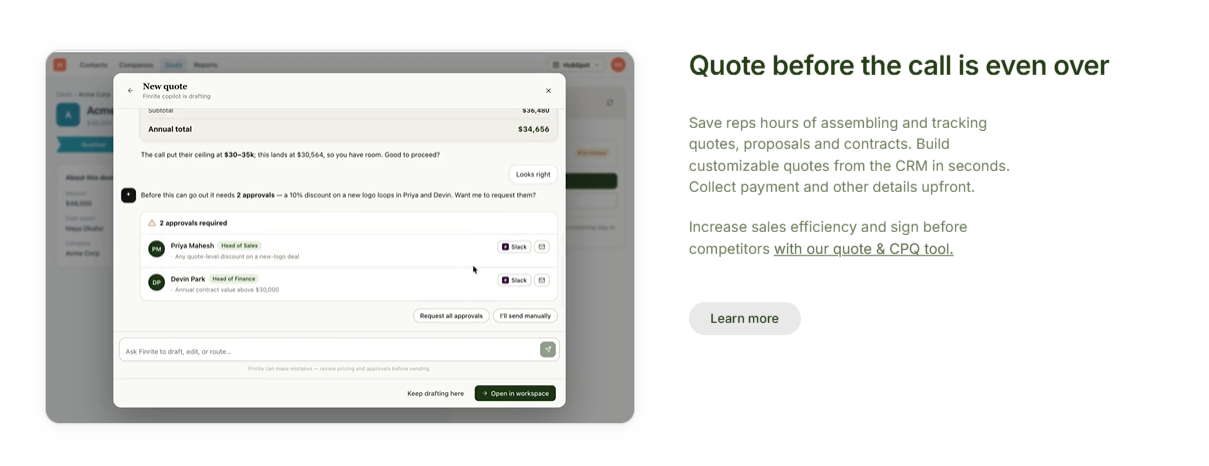
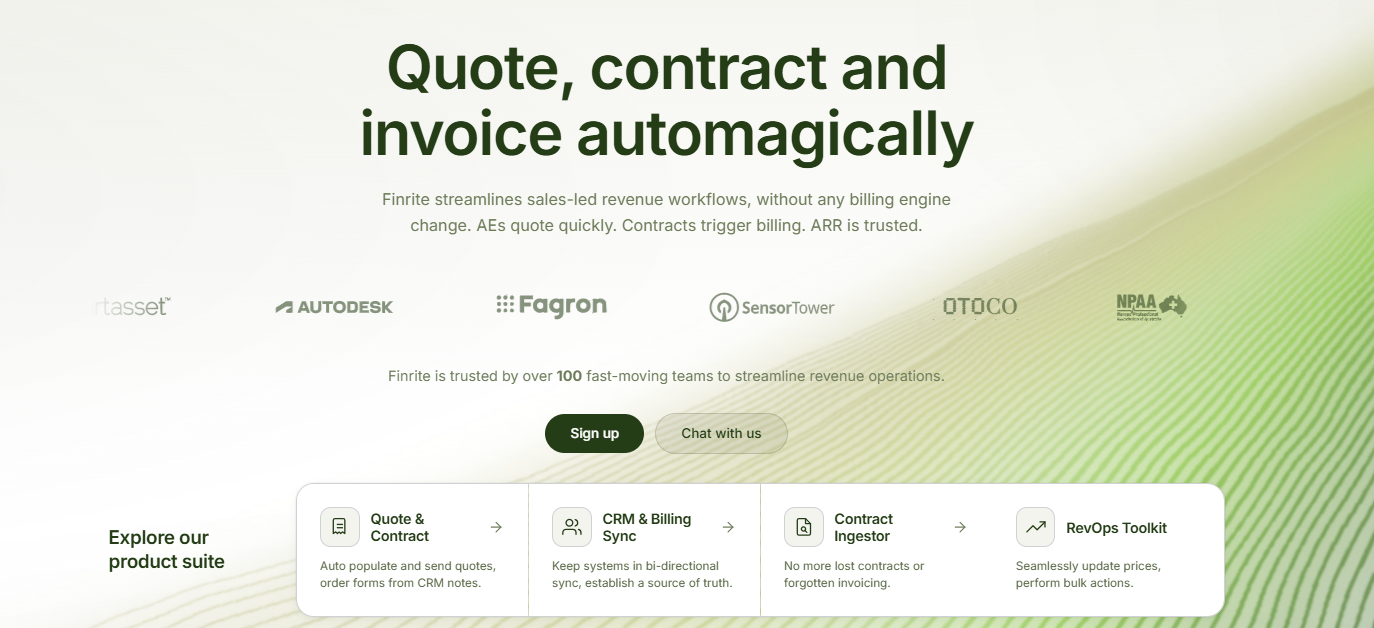
Finrite is a quote builder and CPQ software designed to connect the sales process with the systems that handle customer and billing data.
Sales reps can create quotes directly from CRM deal information using configurable templates, line items, terms, and custom fields. Signed quotes can then trigger downstream workflows rather than leaving finance teams to re-enter the deal manually.
The platform has particularly deep support for HubSpot and Stripe Billing. Finrite can map CRM products to Stripe prices and support billing structures such as recurring charges, usage-based pricing, ramps, custom payment terms, and one-time charges.
Existing Stripe Billing customers can add the quoting layer while keeping their current billing setup. Finrite also supports renewals and upsells that amend existing subscriptions, which makes it useful when customer changes need to flow beyond the original quote.
Best Features
CRM-embedded quote builder: Reps can create quotes from existing deal data rather than manually transferring customer information into another tool.
Custom quote templates: Configure layouts, CRM fields, conditional terms, and other quote content around your sales process.
Stripe Billing connection: Signed commercial terms can flow into Stripe so sales and billing data stay connected.
Flexible billing support: Finrite works with recurring, one-time, usage-based, and more complex pricing structures.
Renewals and amendments: Create quotes for upsells or renewals that update an existing billing relationship rather than starting a disconnected record.
Signature tracking: Sales teams can see quote status and configure reminders for documents awaiting signature.
Downstream automation: Signed quotes can trigger CRM updates and billing workflows, reducing the handoff work after a deal closes.
Pros
Keeps quoting connected to CRM and billing data
Strong fit for HubSpot and Stripe workflows
Handles complex subscription pricing
Supports post-sale subscription changes
Reduces manual finance handoffs
No billing migration required for existing Stripe Billing customers
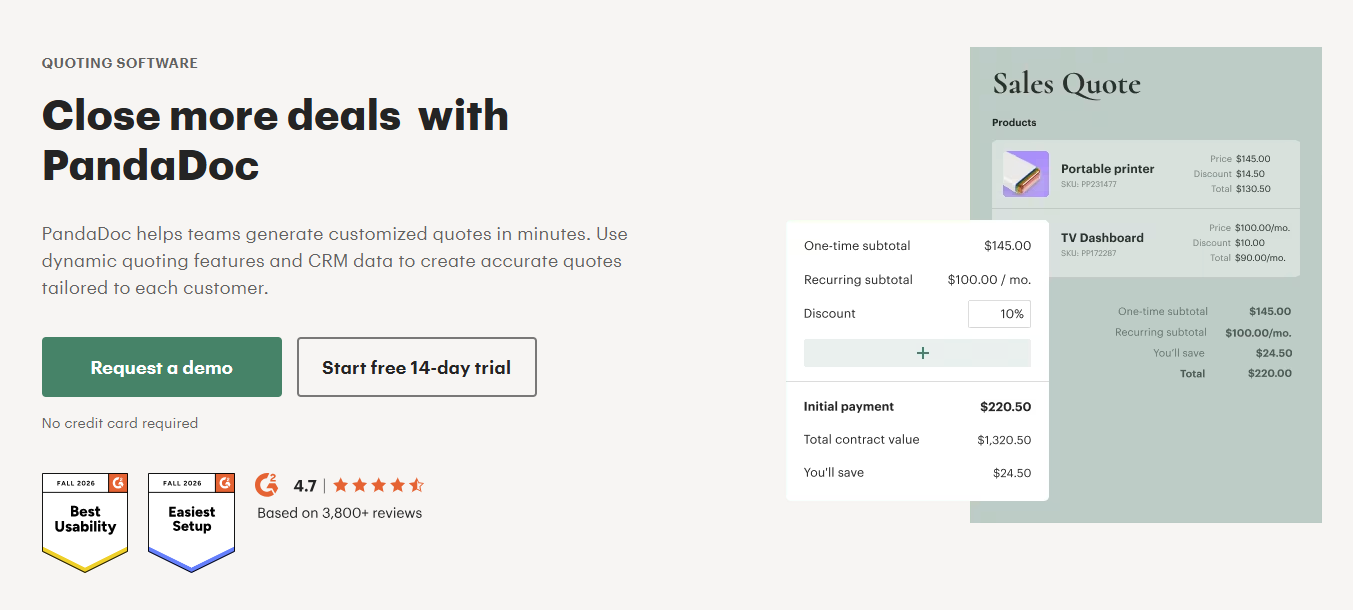
PandaDoc helps sales teams create and manage customer-facing documents such as quotes, proposals, and contracts.
The experience puts the document itself front and center. Your team can build reusable templates, insert pricing information, personalize content, and send documents for electronic signature.
That approach can work well when presentation and document workflows carry more weight than complicated product configuration.
Source: PandaDoc.com
PandaDoc also includes CRM integrations and automation capabilities on higher plans, which allow sales teams to generate documents using data they already have.
One limitation is that PandaDoc is more document-focused than billing-focused. If your quoting process needs advanced subscription logic, usage-based pricing, or deeper post-signature billing automation, you may need additional software alongside it.
For straightforward sales quotes and proposal-heavy workflows, though, it offers an approachable mix of document creation and signing tools.
Best Features
Document editor: Build sales documents using reusable content and customizable layouts.
Pricing tables: Present products and services in structured sections so buyers can clearly review what they are purchasing.
Templates: Create approved formats that reps can reuse instead of designing every quote from scratch.
E-signatures: Customers can review and sign documents through the same platform.
CRM integrations: Pull customer and deal data into document workflows on supported plans.
Document tracking: Monitor activity after a quote or proposal has been sent.
Content controls: Higher plans add capabilities for managing standardized content and contract workflows.
Pros
Easy document creation
Built-in electronic signatures
Good fit for proposal-heavy sales
Reusable templates
Free plan available
Broad document management capabilities
Pricing
PandaDoc’s Quote Builder is available only on its Business ($65/user/month) and Enterprise (custom) plans.
3. Qwilr
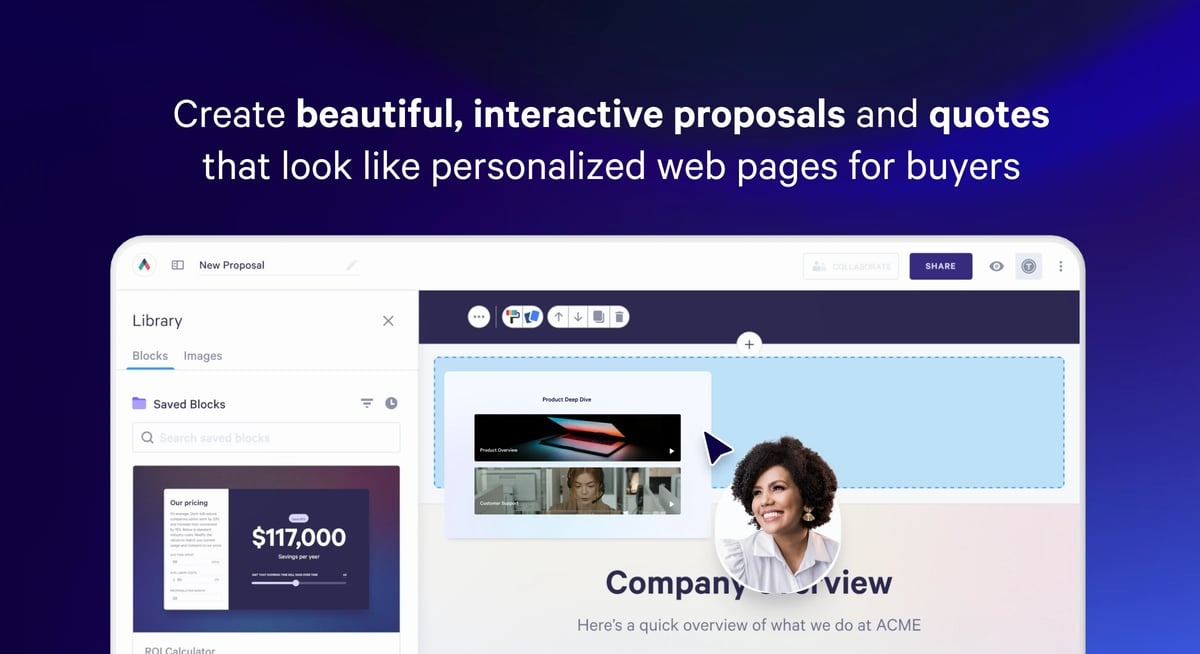
Qwilr takes a more visual approach to quote building. Rather than sending a conventional document, your sales team can create interactive, web-based pages for proposals and quotes.
Buyers can review pricing, explore optional items, accept an offer, sign electronically, and make payments through the page. Qwilr's quote blocks support pricing tables and tiered plans to give teams flexibility in how they present an offer.
Source: G2
The format can be useful when customer experience plays a large role in the sales process. Agencies, professional services companies, and other businesses selling project-based work may appreciate being able to combine commercial details with richer sales content.
Qwilr also offers CRM connections. HubSpot, Zoho, and Pipedrive integrations are available on Starter, while Salesforce integration sits on the Scale plan.
Companies looking for deep CPQ controls may find Qwilr more document-focused than platforms built around complex product rules. Its strength is creating polished, interactive proposals that buyers can act on.
Best Features
Interactive quote blocks: Display pricing in tables or tiered packages while giving buyers a clear view of available options.
Web-based proposals: Quotes open as responsive pages rather than traditional attachments.
Electronic acceptance: Buyers can accept an offer directly through the Qwilr page.
E-signatures: Collect legally binding signatures as part of the quote experience.
Optional pricing: Give buyers room to select additional services or packages where appropriate.
Payments: Collect full, partial, or recurring payments from accepted proposals.
CRM integrations: Connect proposal creation with sales data stored in supported CRM platforms.
Analytics: Track engagement to see how customers interact with sent proposals.
Pros
Strong visual presentation
Interactive buyer experience
Built-in payments and e-signatures
Flexible quote layouts
Useful proposal analytics
Good fit for service businesses
Pricing
Qwilr offers three paid plans
Starter: $49/user/month. Includes interactive quotes, e-signatures, analytics, QwilrPay, and HubSpot, Zoho, and Pipedrive integrations.
Growth: $55/user/month with a five-user minimum, annual billing only. Adds automations, custom branding, enhanced reporting, and Microsoft Dynamics integration.
Scale: $75/user/month with a ten-user minimum, annual billing only. Adds Salesforce integration, conditional content, Smart Proposal Engine, AI Prefill, and team-level permissions.
4. Proposify
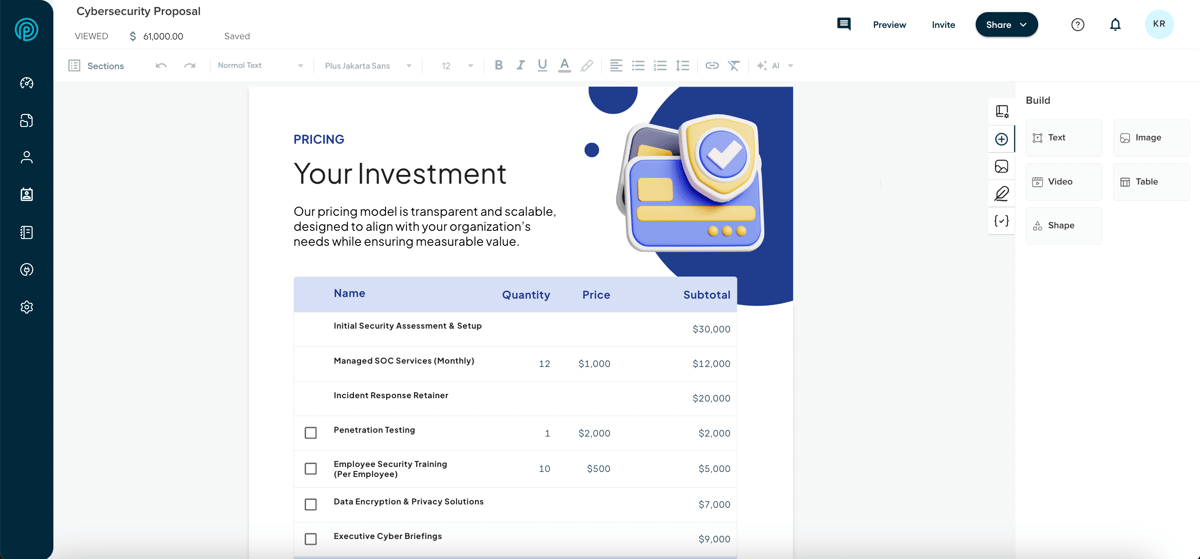
Proposify is built around creating proposals and other sales documents, with quoting functionality woven into the document experience.
Your sales team can assemble branded documents from reusable content, add pricing information, collect client input, and send proposals for signature.
Interactive quoting also lets buyers select optional fees or adjust quantities, giving clients more control when an offer contains add-ons.
Source: G2
The platform can suit agencies and service businesses that want to keep their quotes closely tied to broader proposals. CRM integrations and workflow automation become available on the Team plan, while the Business tier adds more administrative control.
Proposify places heavier emphasis on document presentation than advanced CPQ configuration. Companies dealing with complicated product dependencies, large catalogs, or sophisticated pricing logic may need more specialized software.
Send limits are another factor to review. Each plan includes a monthly document allowance, although users can create and edit unlimited drafts.
Best Features
Interactive quoting: Buyers can choose optional fees or adjust quantities within the proposal.
Reusable content: Store approved sections and snippets so reps have consistent material available when creating documents.
Custom fields: Populate proposal content with customer or deal information.
Pricing catalog: Team users can pull standardized pricing into sales documents.
Client input forms: Collect additional information directly through the proposal.
Document analytics: Track activity after proposals have been shared with buyers.
CRM integrations: Connect proposal workflows to supported CRM platforms on higher tiers.
Approval workflows: Business customers can apply additional controls before documents are sent.
Pros
Polished branded proposals
Interactive pricing options
Reusable content library
E-signature support
CRM connectivity on higher plans
Useful controls for larger teams
Pricing
Proposify currently offers three quote-capable plans:
Team: $49/user/month. Includes interactive quoting, a product catalog, integrations, and automations.
Grow: $325/month billed annually for five seats. Adds approval workflows, custom fields, API access, and broader account controls.
Scale: $1,066/month billed annually for ten seats. Adds Salesforce integration, multiple workspaces, custom reporting, and premium onboarding.
5. HubSpot CPQ
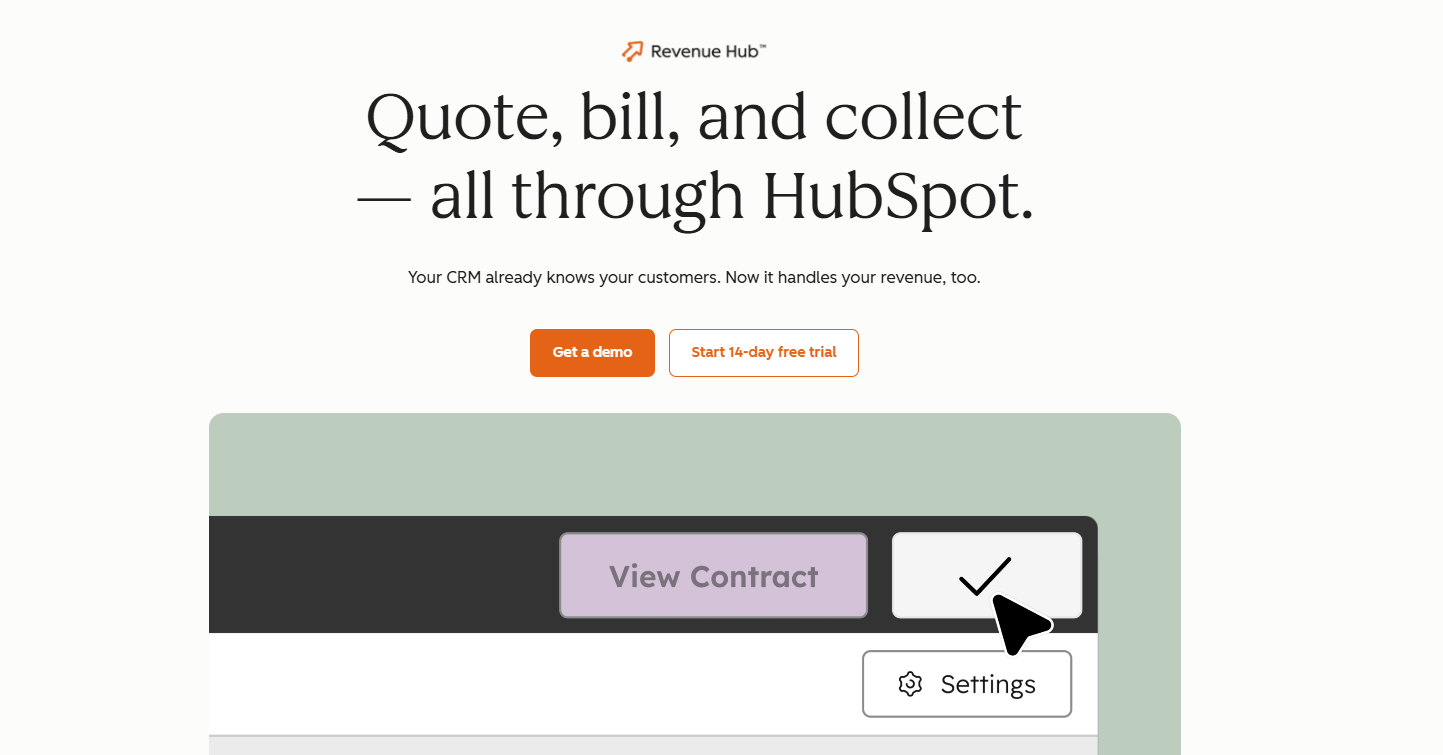
HubSpot CPQ is a natural option for companies already running much of their sales process in HubSpot.
Part of Revenue Hub Professional and Enterprise, the CPQ tools let reps configure products or services and build quotes connected to CRM records. Buyers can then review, accept, sign, and pay from the resulting quote workflow.
Source: HubSpot.com
Quote templates can include preconfigured elements such as line items, terms, payment options, and acceptance methods. Branding can also be controlled at the template level, helping the team maintain a consistent look.
HubSpot has continued adding deeper quote approvals and revenue functionality, but adopting its broader billing environment may be a bigger decision for businesses that already have an established billing system.
Companies should compare the downstream billing capabilities with their current setup before consolidating more of the revenue process into Revenue Hub.
Best Features
CRM-native quoting: Create and manage quotes using customer, company, product, and deal data already stored in HubSpot.
Quote templates: Standardize the layout and content reps use when generating customer quotes.
Product library: Keep products and services available for structured quoting.
Line-item management: Add commercial details to a quote using information connected to the deal.
Quote approvals: Route quotes through standard or advanced approval processes based on your HubSpot setup.
Electronic acceptance: Give buyers a direct path to review and accept commercial terms.
Payment collection: HubSpot can connect quoting with its wider payment and billing functionality.
Revenue workflows: Sales activity remains connected to the CRM records your team already uses.
Pros
Deep HubSpot CRM connection
Centralized customer and deal data
Built-in approval workflows
Quote templates and branding
Payment capabilities available
Convenient for existing HubSpot users
Pricing
Free: Includes invoices, payment links, and subscriptions.
Professional: $100/seat/month. Includes AI-powered quotes and CPQ features.
Enterprise: $175/seat/month. Adds more advanced quote approvals and business-rule controls.
6. DealHub
DealHub is a more comprehensive CPQ and quote-to-revenue platform designed for companies with more complex sales requirements.
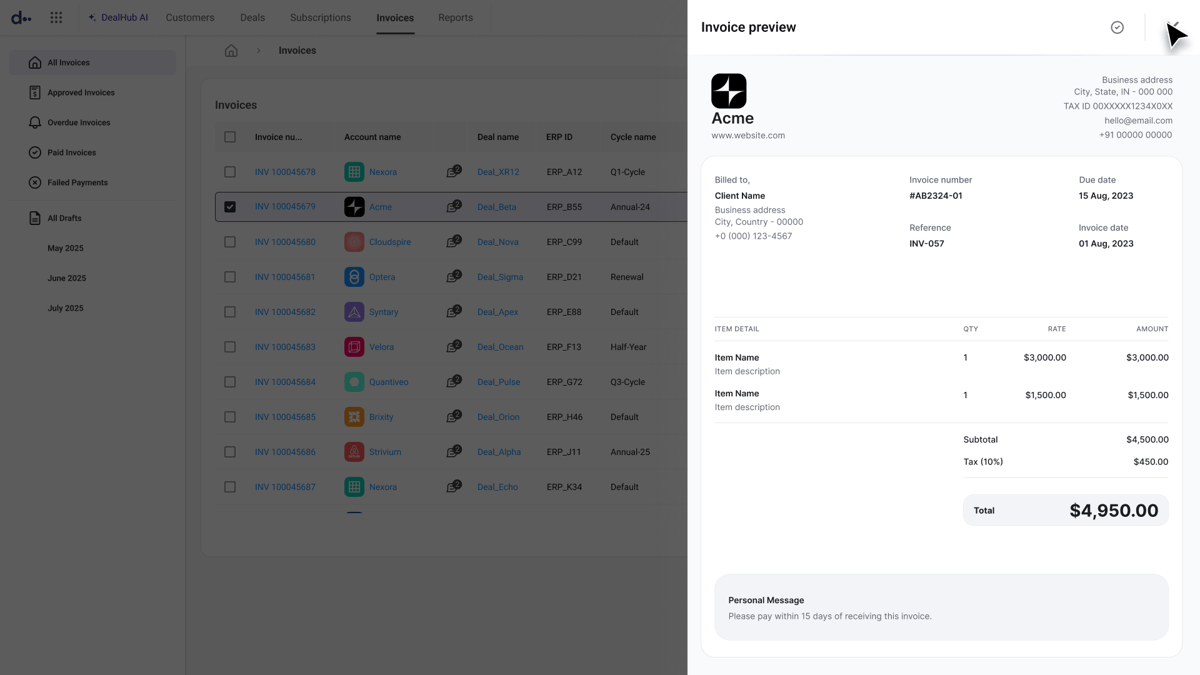
Its quote builder sits inside a wider set of tools for product configuration, pricing, approvals, contracts, subscriptions, and billing. Guided selling can walk reps through product selection while business rules control valid configurations.
Source: G2
DealHub supports several pricing models, including fixed, tiered, and usage-based structures. Sales teams can also manage bundles, discounts, amendments, and renewals through structured workflows.
The depth can be useful for companies selling complex B2B deals, but it also means DealHub is a heavier choice than a straightforward quote or proposal builder. Businesses seeking quick document creation may end up paying for capabilities they do not need.
Billing is part of DealHub's broader platform strategy, so companies with an existing billing system should evaluate how adopting DealHub fits their current architecture and any future data migration plans.
Best Features
Guided selling: Walk reps through questions that help identify valid products and configurations for a customer.
Adaptive pricing: Support fixed, tiered, usage-based, and other commercial structures.
Product configuration: Apply rules to bundles and product combinations before a quote reaches the buyer.
Discount controls: Govern discounts and route exceptions for approval.
Approval workflows: Configure sequential or parallel approvals for deals requiring review.
Subscription management: Handle recurring plans, amendments, expansions, and renewals.
CRM integrations: Connect DealHub with platforms such as Salesforce and HubSpot.
DealRoom: Give buyers a branded space for proposals, contracts, pricing, and other deal content.
Pros
Strong CPQ functionality
Handles complex pricing models
Guided selling tools
Advanced approval controls
Subscription management capabilities
Built for larger B2B sales workflows
Pricing
DealHub does not disclose its pricing publicly.
7. Salesforce Revenue Management
Salesforce Revenue Management, also referenced as Revenue Cloud in parts of Salesforce's current product and pricing material, is an enterprise revenue platform with extensive CPQ capabilities.
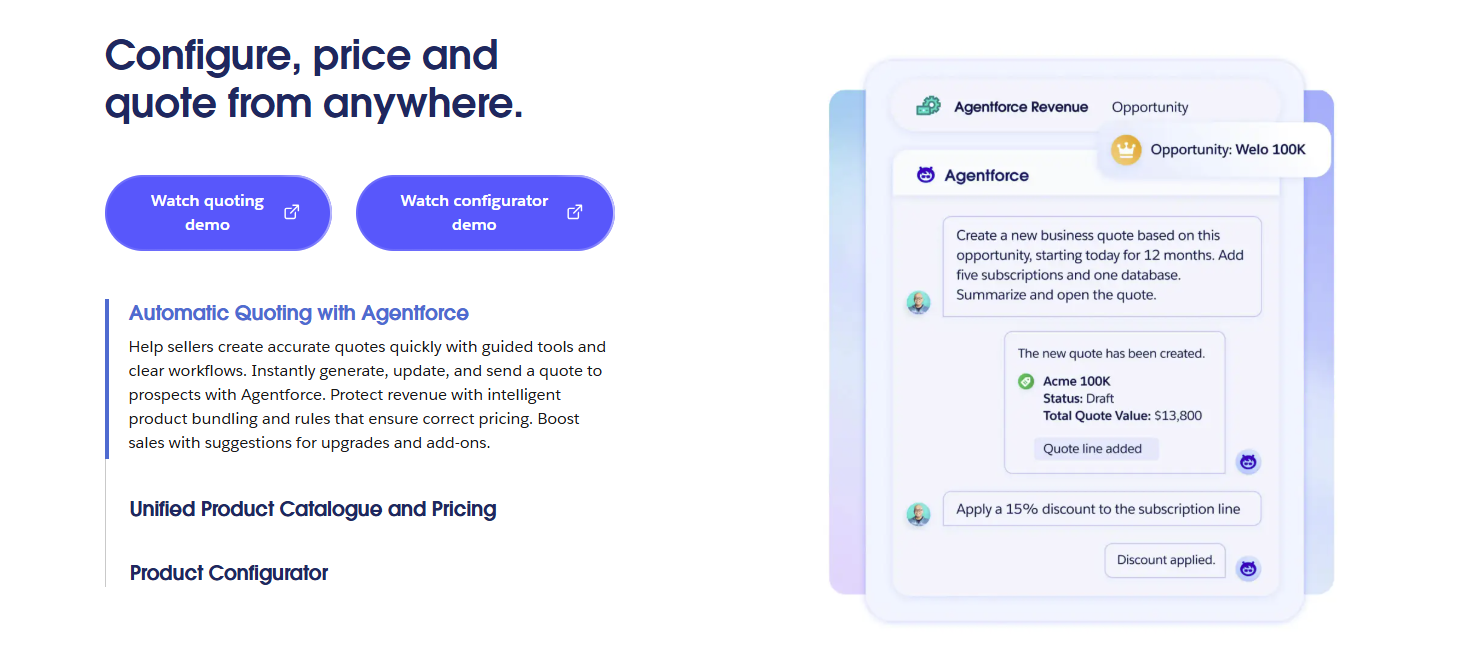
Sales reps can create quotes from Salesforce opportunities, select products from catalogs, configure complex offerings, and apply controlled pricing.
Product validation rules can check configurations before they are saved, which can help larger sales organizations improve pricing accuracy and reduce quoting errors.
Source: Salesforce.com
The platform reaches much further into the revenue lifecycle than simple quote builder software. Higher tiers add capabilities around contracts, orders, invoicing, and other revenue processes.
The tradeoff is complexity. Salesforce implementations can require extensive configuration, administrative resources, and careful planning. Companies with simpler requirements may find a lighter quote builder easier to operate.
Best Features
Product configurator: Help reps assemble valid product combinations based on customer requirements.
Centralized catalogs: Manage products and buying options before adding them to quotes or orders.
Pricing controls: Apply structured pricing logic to quote line items and commercial terms.
Product validation: Check configurations against established rules while sales reps build an offer.
Opportunity-based quoting: Generate quote records directly from Salesforce opportunities.
Contract pricing: Apply negotiated customer pricing from active contracts to new transactions.
Order conversion: Convert accepted quotes into orders while carrying over product, quantity, pricing, and tax data.
Revenue lifecycle tools: Advanced plans extend into contracts, invoicing, analytics, and other post-quote processes.
Pros
Deep Salesforce integration
Handles complex product configuration
Strong pricing controls
Enterprise approval capabilities
Broad revenue management functionality
Suitable for sophisticated sales organizations
Pricing
Salesforce offers two Revenue Cloud editions with quoting and CPQ capabilities:
Revenue Cloud Growth: $150/user/month. Includes quoting and configuration, order capture, and subscription management.
Revenue Cloud Advanced: $200/user/month. Adds contracts and orders, consumption and invoicing, plus AI and analytics.
Build Quotes That Keep the Rest of the Deal Moving
The best quote builder software should fit the way your company sells and what needs to happen after a buyer signs.
PandaDoc, Qwilr, and Proposify are strong options when document creation and presentation are major priorities. HubSpot CPQ keeps quoting close to CRM data, while DealHub and Salesforce provide deeper configuration for complex sales processes.
Finrite offers another route for companies that want structured quoting connected to the systems they already use. Quotes can start from CRM data and flow into billing after signature, including more complex Stripe Billing workflows.
If your sales team is spending too much time building quotes or finance is manually rebuilding signed deals downstream, there is plenty of room to simplify the process.
The best quote builder depends on your sales process. Finrite is a strong option when you want CRM-native quoting connected to billing, particularly for HubSpot and Stripe workflows. PandaDoc, Qwilr, and Proposify work well for document-focused quoting, while DealHub and Salesforce Revenue Management offer deeper CPQ capabilities for companies with complex pricing or product configuration requirements.
What is the best free quote building software?
PandaDoc is one of the more accessible free options, with a free plan that supports basic document and e-signature workflows. Free software can work well when your quoting process is straightforward, and volume is low. Businesses that need CRM integrations, pricing controls, automated approvals, or downstream billing workflows will usually need a paid platform.
What should I look for in quote builder software?
Start with the quoting process your team already follows. Look at how quickly reps can create quotes, how pricing and discounts are controlled, and how the platform connects with your CRM. Features such as templates, approvals, e-signatures, optional items, and billing integrations become more important as deal complexity grows. Total cost should also account for setup, additional users, integrations, and any work required after a quote is accepted.
Can quote builder software reduce pricing errors?
Yes. Quote builder software can improve pricing accuracy when it pulls from an approved product catalog and applies established pricing rules. More advanced CPQ platforms can also control discounts, validate product combinations, and trigger approvals when a deal falls outside standard terms. The amount of protection you get depends on the software and how carefully your pricing structure and workflows are configured.
About Finrite
Finrite streamlines sales-led revenue workflows, without any billing engine change. Sales reps can send out proposals in seconds, and our HubSpot to Stripe Connector creates subscriptions, customers, and billing objects in moments.
Automate quote-to-cash. Keep your billing stack.
Give sales a faster way to quote and finance a reliable way to bill. Finrite connects your CRM, contracts, and billing to automate the work from proposal to subscription.