Replacing Salesforce CPQ gives you a chance to reconsider how your sales process should work. Before comparing feature lists, look at the work your current setup creates.
Perhaps pricing changes need too much admin involvement. Maybe sales reps prepare quotes efficiently, but finance still rebuilds the signed agreement in billing. Your replacement should address the tasks that slow your business down.
Salesforce CPQ’s end-of-sale status adds another reason to evaluate your options, although existing customers aren’t being forced to migrate.
The five Salesforce CPQ alternatives below serve different needs. Finrite connects quoting with Stripe Billing, while other options offer broader revenue platforms or focus on document workflows.
Your shortlist should reflect the systems you want to keep and the problems you need to solve.
TL;DR
Here are the five best Salesforce CPQ alternatives of 2026:
Salesforce CPQ is configure-price-quote (CPQ) software delivered as a managed package on the Salesforce platform. Generally, it helps sales reps prepare quotes using configured product and pricing rules.
Source: Salesforce.com
For example, a software company might sell subscriptions with optional professional services. CPQ can guide the rep through suitable product combinations and calculate the price using approved commercial rules.
The product adds more sophisticated quoting controls than native Salesforce quotes. Its purpose is to make negotiated selling repeatable, particularly when product bundles or contract terms require careful handling.
The purchasing situation has changed, though. Salesforce no longer sells legacy CPQ to new customers. Existing Salesforce CPQ customers can continue using it and add users under applicable subscription terms.
Salesforce now directs new feature development toward its newer revenue products. Anyone planning a fresh Salesforce implementation should compare the current offering with CPQ alternatives instead of treating the legacy package as an available new purchase.
Where Does Salesforce CPQ Fall Short for Some Teams?
Salesforce CPQ can support demanding sales operations. Frustration often comes from maintaining the implementation or connecting it with the rest of your revenue workflow.
A few potential problems might include:
Ongoing administration: A customized CPQ platform can require specialist help when pricing changes. If your setup depends on custom code, account for Salesforce administrators or Apex developers in your maintenance budget.
A separate billing handoff: An approved quote doesn’t automatically give your billing platform the correct subscription. Check how negotiated terms reach finance, particularly if you use Stripe Billing.
Limited future development: Salesforce CPQ is in maintenance mode. Existing customers receive support, but new capabilities are being developed for Salesforce’s newer revenue products.
A substantial migration project: Staying within the Salesforce ecosystem still requires a migration plan. The newer revenue platform uses a different data model, so don’t assume your existing configuration carries forward unchanged.
However, identify the source of friction before choosing a replacement. Poorly maintained product catalogs will still need attention in your next system.
Top 5 Salesforce CPQ Alternatives of 2026
Compare these five Salesforce CPQ alternatives to find the right fit for your quoting and billing needs:
1. Finrite
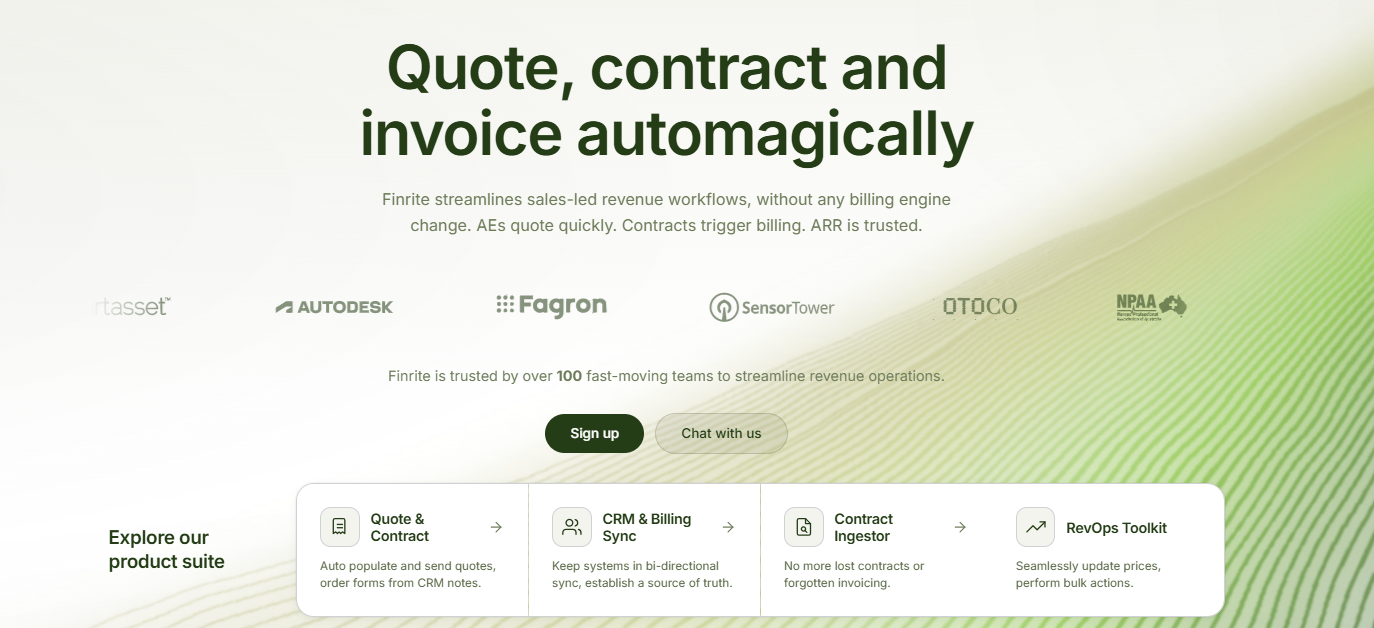
Finrite is a strong fit if your business uses HubSpot and Stripe Billing and wants signed quotes to flow into billing.
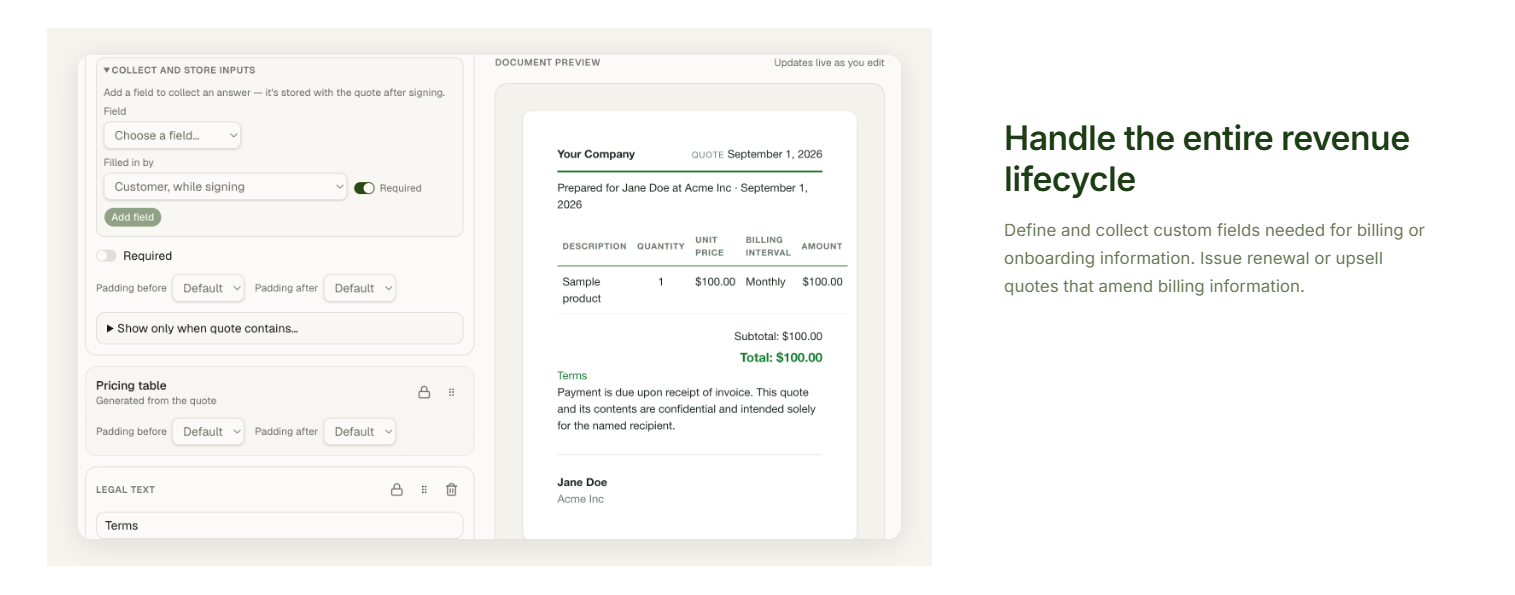
Its CRM-embedded quote builder uses deal information to prepare customer-facing agreements. Renewal and upsell quotes can amend existing billing, which will help you avoid a separate manual update after the customer signs.
For SaaS businesses combining self-service subscriptions with negotiated sales, keeping Stripe can be a practical advantage. You can improve the sales-led workflow while retaining the billing engine your product already uses.
Finrite’s appeal is strongest when billing already works well, and the surrounding manual work needs improvement. Its published CPQ offering centers on HubSpot and Stripe, so establish the required integration coverage early if you plan to retain Salesforce CRM.
Best Features
CRM-based quoting: Build quotes using HubSpot deal information to reduce repeated data entry and keep the agreement connected to the opportunity.
Flexible agreements: Customize templates and conditional terms to reflect the deal. Custom fields capture information needed for onboarding or billing.
Payment method collection at signing: Collect card details or another payment method during quote signature, which can reduce follow-up work before billing begins.
Stripe billing automation: Connect signed agreements to Stripe subscriptions and invoices through Finrite’s billing integration, supporting complex pricing arrangements such as usage-based charges and scheduled price ramps.
Subscription amendments: Issue renewal or expansion quotes that update an existing Stripe subscription to help the agreed change reach billing correctly.
Electronic signatures and reminders: Collect signatures and track outstanding agreements. Automated reminders help move unsigned quotes forward.
DealHub suits businesses looking for a broader revenue management platform with structured quoting and approval controls.
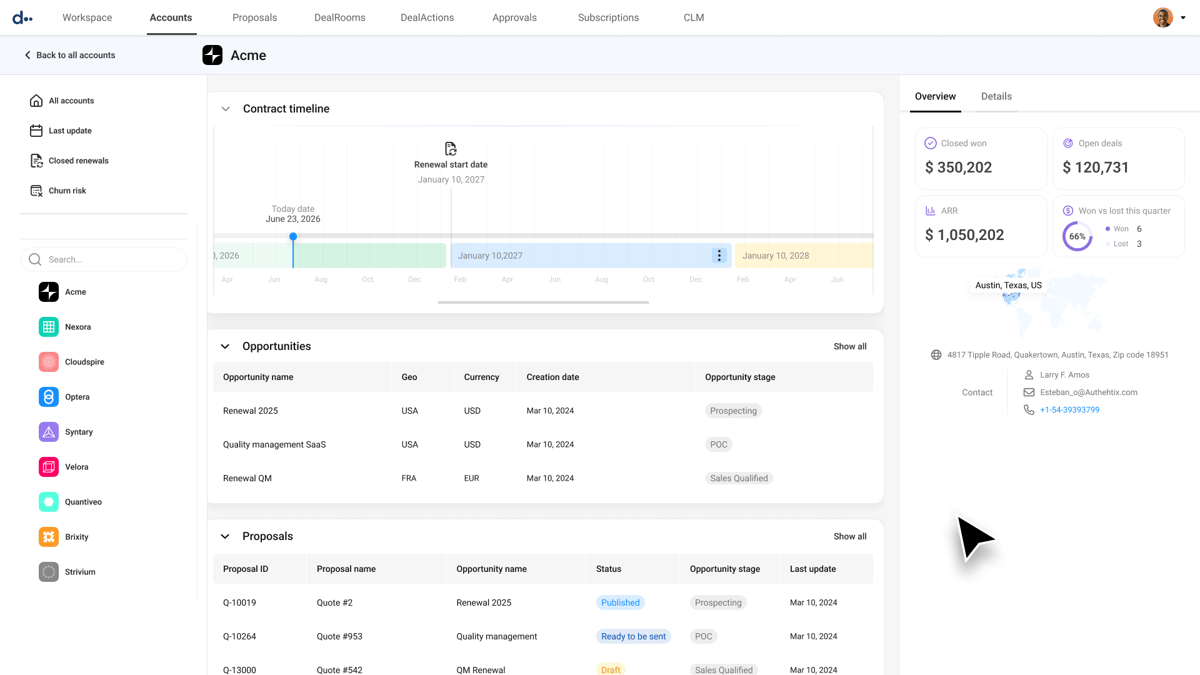
Its guided selling capabilities help reps select appropriate products and follow pricing policies. The wider platform extends into subscription management and billing, giving you scope to connect more of the revenue lifecycle under one vendor.
Source: G2
The tradeoff is implementation scope. Adopting a broader platform means deciding which existing systems it will replace.
If Stripe Billing currently supports your subscriptions, clarify how you’ll retain it. Using Stripe for payment processing and keeping Stripe as your subscription billing engine are different arrangements.
DealHub provides custom pricing, so include implementation and required integrations in your budget. Give your reps time to test everyday tasks, too. If conversational quoting is part of the demonstration, introduce an exception to your pricing rules and see how the system responds.
Best Features
Guided quote configuration: Lead reps through defined product options, helping them prepare valid configurations without memorizing every dependency.
Approval-aware pricing: Apply discount governance within quoting so exceptions receive the appropriate review before an agreement reaches the buyer.
Subscription lifecycle management: Support changes such as co-termed expansions and renewals, reducing the need to treat every customer change as a new sale.
DealRoom: Give buyers a shared digital space for reviewing deal materials and progressing the agreement.
Broader billing capabilities: DealHub offers functions such as usage billing and automated invoicing, with availability dependent on the purchased package.
Pros
Provides a structured selling process for negotiated deals
Offers room to expand beyond quoting into revenue operations
Supports subscription changes after the initial sale
Combines buyer collaboration with internal deal controls
3. Conga CPQ
Conga CPQ is worth evaluating when product configuration creates substantial complexity.
A business selling equipment with dependent service options needs different controls from a company selling a few software plans. Conga’s rules engine supports complex product relationships, which makes it relevant to businesses with demanding catalogs.
Source: Conga.com
Conga also offers connected document and contract capabilities. Existing Conga users may find that ecosystem useful when reviewing their quoting setup.
The drawback is that replacing Salesforce CPQ with another extensive configuration platform won’t automatically reduce administration.
Your team still needs ownership of the rules and product data. Confirm the specific deployment being proposed, including the integration work required for your billing and ERP systems.
During the demo, test a complicated configuration with a commercial requirement, such as volume discounts. Your reps need helpful guidance, and your administrators need a practical way to maintain the underlying rules.
Best Features
Configuration rules: Define product dependencies and validate selections so reps don’t send quotes containing incompatible combinations.
Complex product bundles: Assemble offers containing different product types, such as physical products with subscription services.
Contracted pricing: Apply customer-specific prices and promotions to configured offers to support commercial arrangements beyond a standard price list.
Configuration guidance: Use prompts and suggested additions to help reps choose suitable options during quote preparation.
Connected document workflows: Conga’s broader offering includes document generation and signature capabilities. Confirm the included entitlements and restrictions in your proposal.
Pros
Handles product relationships that simpler quoting tools may struggle to represent
Supports mixed offers containing services and physical products
Provides detailed controls for negotiated pricing
May complement an existing investment in Conga document or contract software
4. Nue
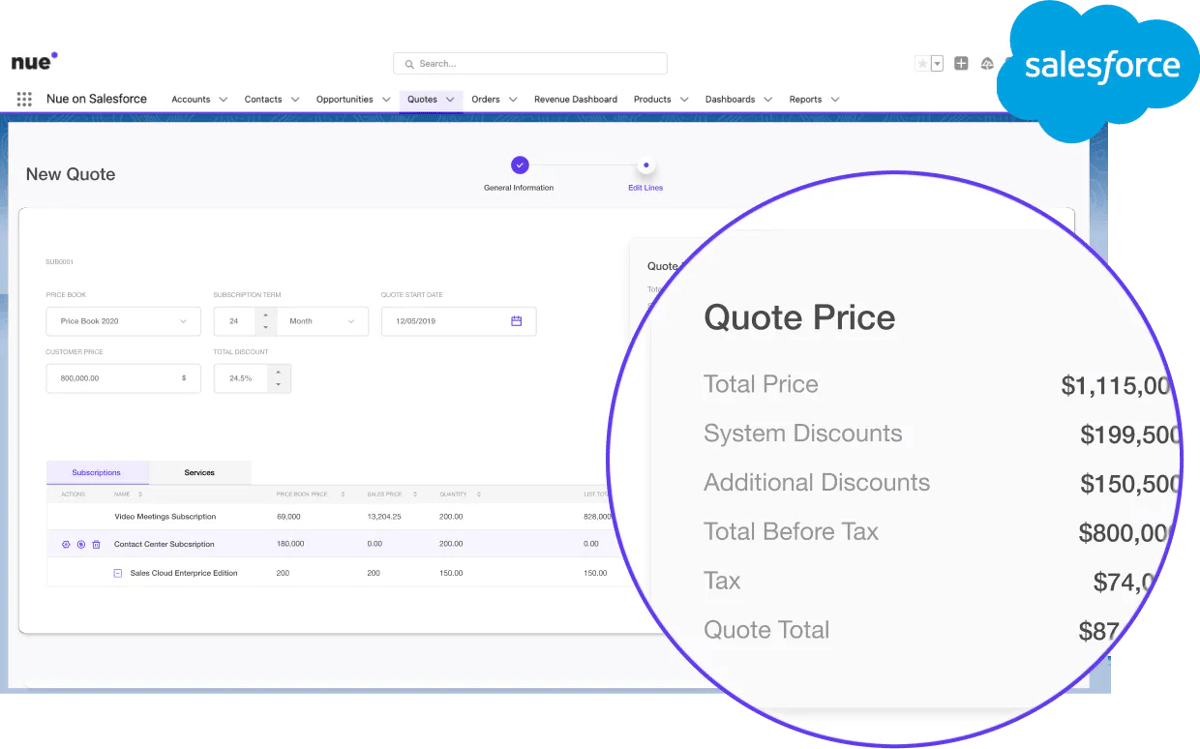
Nue focuses on revenue lifecycle management for businesses with changing subscription and usage-based offers.
Its Salesforce-native CPQ experience lets sales teams prepare deals within Salesforce. A unified data model connects quoting with downstream revenue activity, helping amendments and renewals carry through to billing.
Source: G2
Nue is suitable if your recurring revenue model has outgrown straightforward seat-based subscriptions. You might need an agreement that combines a recurring commitment with consumption charges.
The larger consideration is your finance architecture. Adopting Nue Billing introduces a billing platform decision alongside the CPQ replacement. If you intend to keep Stripe Billing, establish how the proposed integration will work and which system will own subscription changes.
Bring finance into the evaluation early. An amendment made after an invoice has been issued is a useful test of the billing workflow and the records your team will manage afterward.
Best Features
Salesforce-native quoting: Let reps work within Salesforce while using Nue’s pricing and configuration capabilities.
Mixed pricing models: Quote commercial structures such as subscription commitments with usage charges, helping represent the agreement within the system.
Lifecycle changes: Manage amendments and co-terming through CPQ, with related changes reflected in connected billing workflows.
Flexible billing schedules: Nue Billing supports arrangements such as milestone charges alongside recurring invoices.
Finance integrations: Connect billing information with ERP and revenue recognition systems, reducing disconnected records during financial close.
Pros
Keeps quoting close to Salesforce account and opportunity data
Supports a pricing model that extends beyond fixed recurring charges
Connects customer changes with downstream billing activity
Offers a broader path for companies reviewing quoting and finance systems together
5. PandaDoc
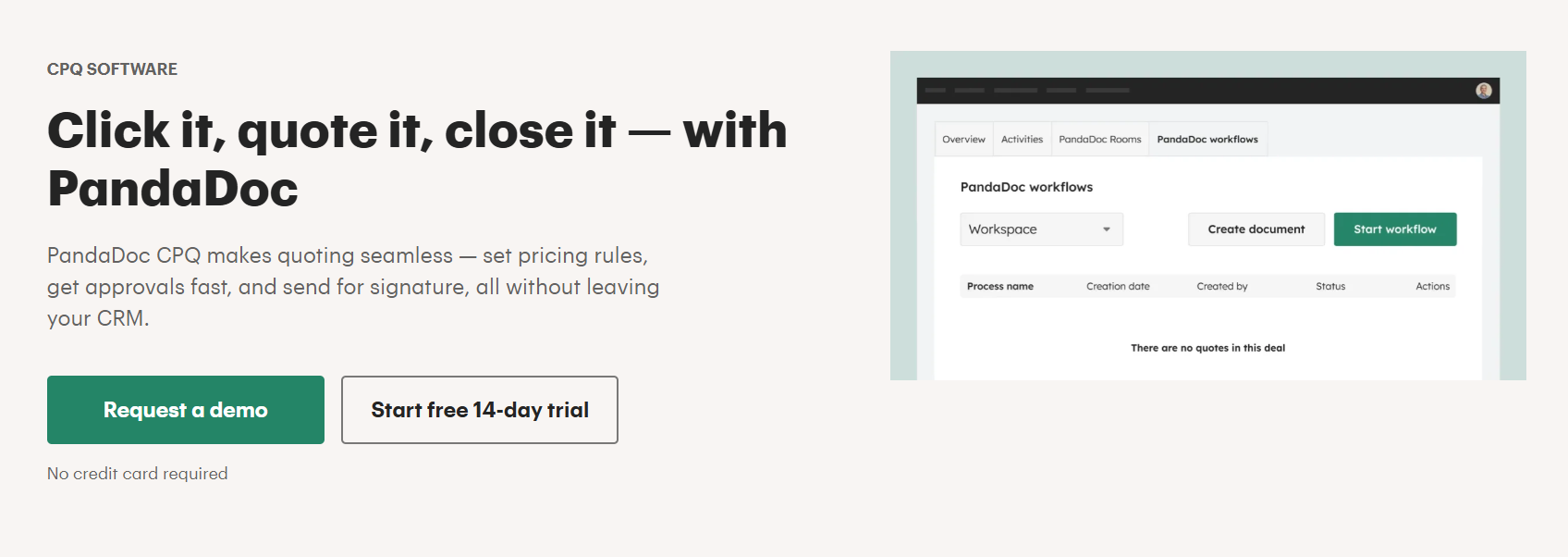
PandaDoc is a sensible option if preparing and approving sales documents takes more effort than configuring the products themselves.
Its document editor and reusable content help reps create consistent proposals. Electronic signatures let buyers complete the agreement within the same workflow. Businesses with relatively flat catalogs may find those improvements address much of their daily friction.
Source: PandaDoc.com
PandaDoc also offers CPQ, but plan differences need attention. Monthly document plans cost $35 per user for Starter and $65 per user for Business.
CPQ appears under the custom-priced Enterprise offering and requires usage credits or a paid add-on. The entry-level subscription won’t cover a complete CPQ implementation.
Subscription billing needs separate consideration. A signed proposal or collected payment doesn’t establish how future usage charges and subscription amendments will be managed. Include the necessary billing integration when comparing costs.
Best Features
Reusable document content: Prepare proposals using templates and approved material, reducing repeated writing while maintaining consistency.
Electronic signatures: Let customers sign the finished agreement within the document workflow.
Approval workflows: Route documents for internal review before sending them, with availability dependent on the plan.
CRM connections: Use supported integrations to bring deal information into documents. Confirm the required integration and any additional charges.
Enterprise CPQ: Add structured configuration and quoting capabilities through PandaDoc’s Enterprise offering instead of assuming they’re included in standard document plans.
Pros
Gives sales teams control over proposal presentation
Reduces repeated document preparation
Connects agreement creation with electronic signatures
Offers a focused option when document workflows are the main bottleneck
Give Every Signed Quote a Clear Path to Billing
Your next CPQ demo should continue after the signature.
Ask the vendor to show the subscription created from the agreement. Then change the customer’s seat count and inspect the next invoice. Those steps reveal how much operational work the software really removes.
Finrite is built for businesses that want to improve that connection while keeping Stripe Billing. Its HubSpot-connected quoting workflow helps translate signed terms into billing and supports changes to existing subscriptions.
You can assess the fit using a contract your team already handles. Choose one that regularly needs manual attention, such as a renewal with a negotiated price increase.
Salesforce CPQ is end of sale, but Salesforce hasn’t announced an end-of-life date. New customers can’t purchase the legacy product. Existing customers can continue using it, renew subscriptions, and add users under their contract terms. Salesforce continues providing support while directing product innovation toward its newer revenue offerings.
Is CPQ being phased out?
CPQ as a software category isn’t being phased out. Businesses still need tools to configure offers and produce accurate quotes. Salesforce’s change concerns its legacy CPQ managed package. Salesforce continues offering CPQ capabilities through Revenue Cloud, and third-party vendors provide alternatives with different CRM and billing approaches.
Is Revenue Cloud better than CPQ?
The answer depends on what you need to improve. Salesforce Revenue Cloud Advanced provides a broader foundation for revenue workflows, but an existing Salesforce CPQ implementation may still meet your requirements. Moving involves a new data model and configuration approach. Compare the benefits against implementation costs, and test your required workflows rather than assuming the newer platform will automatically simplify operations.
Does Salesforce have a CPQ tool?
Yes. Salesforce offers CPQ capabilities through Revenue Cloud, including its Growth and Advanced editions. The legacy Salesforce CPQ managed package remains supported for existing customers but is no longer sold to new buyers. During your evaluation, ask which edition covers your requirements and which additional products are needed for billing.
About Finrite
Finrite streamlines sales-led revenue workflows, without any billing engine change. Sales reps can send out proposals in seconds, and our HubSpot to Stripe Connector creates subscriptions, customers, and billing objects in moments.
Automate quote-to-cash. Keep your billing stack.
Give sales a faster way to quote and finance a reliable way to bill. Finrite connects your CRM, contracts, and billing to automate the work from proposal to subscription.
Read our guide on Salesforce CPQ vs CPQ+ and explore the differences between the two platforms. Discover why Finrite is a superior alternative to both.