5 Best Alternatives to Tabs Billing Software in 2026
5 Best Alternatives to Tabs Billing Software in 2026
By:
Kunal Mehta
,
November 25, 2026
Tabs helps finance teams turn signed contracts into invoices and manage revenue recognition. But if you’re considering an alternative, it’s worth getting specific about what you want to improve.
If someone still has to read every signed agreement and manually set up billing, focus on how the replacement handles that handoff. You may be able to automate the work while keeping your existing billing system, especially if your subscriptions already run in Stripe.
Other businesses may need a broader change to support their pricing or give finance better reporting.
The best alternatives to Tabs billing software take different approaches, and each comes with trade-offs. Below, we’ll compare five options to help you understand what they do well, where they fall short, and how they could fit into your current setup.
Tabs is revenue automation software that uses contract data to help businesses manage billing and financial operations. Its AI reads agreements and converts the relevant information into structured billing terms, which support invoice generation.
The platform also handles revenue recognition. Billing schedules determine when customers receive invoices, while separate revenue schedules determine when revenue is recorded. Tabs provides tools for reviewing deferred revenue and preparing journal entries for accounting systems.
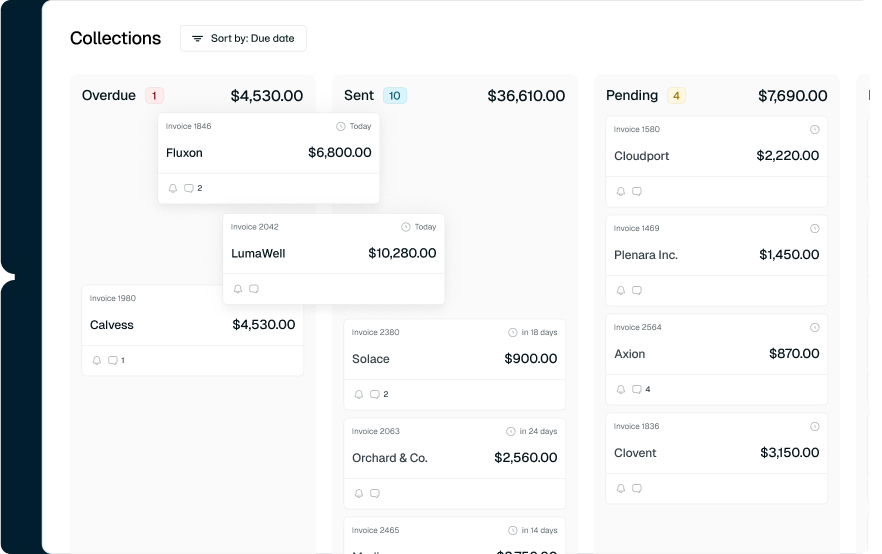
Source: G2
For a B2B SaaS business negotiating individual contracts, that contract-led approach can reduce the work involved in interpreting signed agreements.
Tabs supports several pricing models, including fixed charges and usage-based billing. Its billing terms can accommodate different invoicing schedules, such as monthly or annual billing.
Still, your evaluation should extend beyond automated invoicing. Consider how agreements reach the platform and how billing information returns to your CRM. A finance-focused system may address your accounting needs while leaving other handoffs dependent on separate software.
Why Do You Need a Tabs Alternative?
Start with the task your team keeps doing manually. A specific operational problem will tell you more than a broad wish for “better billing.”
An alternative may deserve consideration if:
Your existing billing works: You already use Stripe Billing successfully and mainly need to connect negotiated deals to subscriptions.
Quoting causes delays: Reps spend too much time preparing agreements or transferring approved contract terms into another system.
Finance needs deeper visibility: Your team needs SaaS metrics or revenue reporting that fits its month-end process.
Your pricing is changing: You’re introducing hybrid pricing models and need to test how the platform handles actual customer agreements.
Implementation capacity is limited: Your team can’t support a substantial migration alongside its regular work.
Before evaluating Tabs alternatives, bring a few real contracts to each demo. Include an amendment or an unusual billing cycle.
Ask the vendor to show how those agreements become invoices, then follow a pricing change through the system. You’ll get a clearer view of billing accuracy and implementation effort than you would from a polished sample account.
Top 5 Tabs Alternatives in 2026
Here are five Tabs alternatives to consider, with their best features, advantages, and drawbacks to help you compare.
1. Finrite
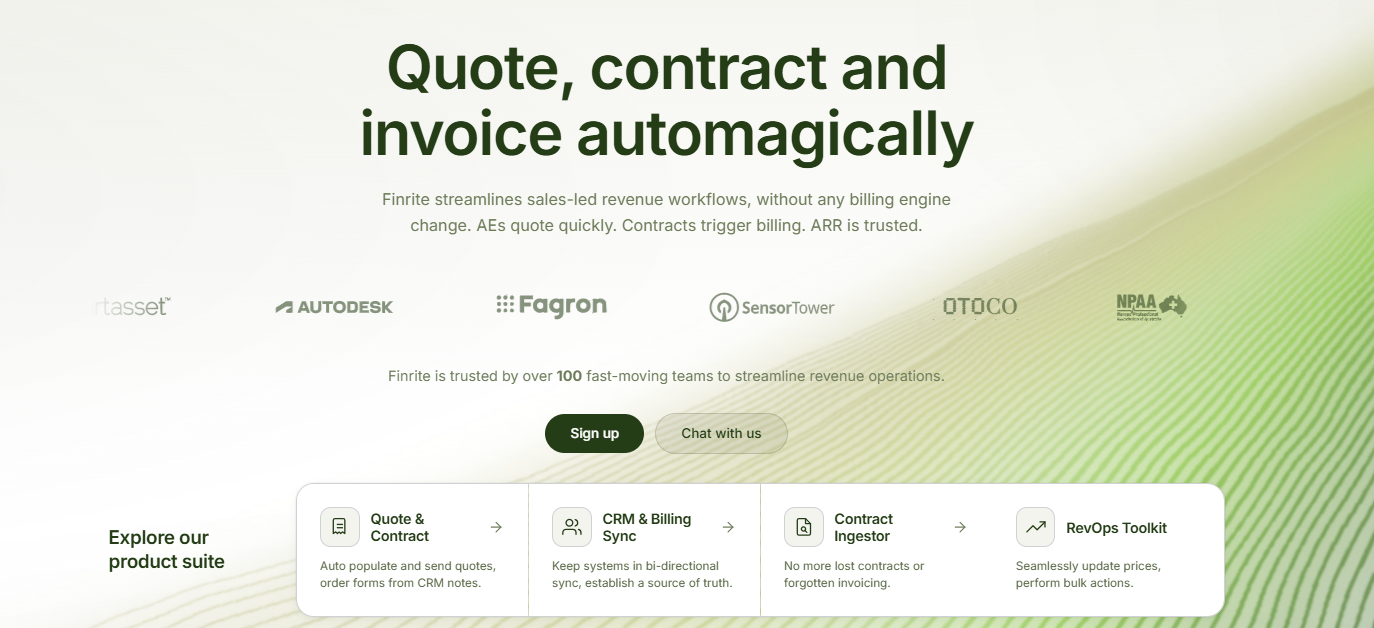
Finrite is a strong option if you want sales-led billing automation while keeping your existing Stripe setup.
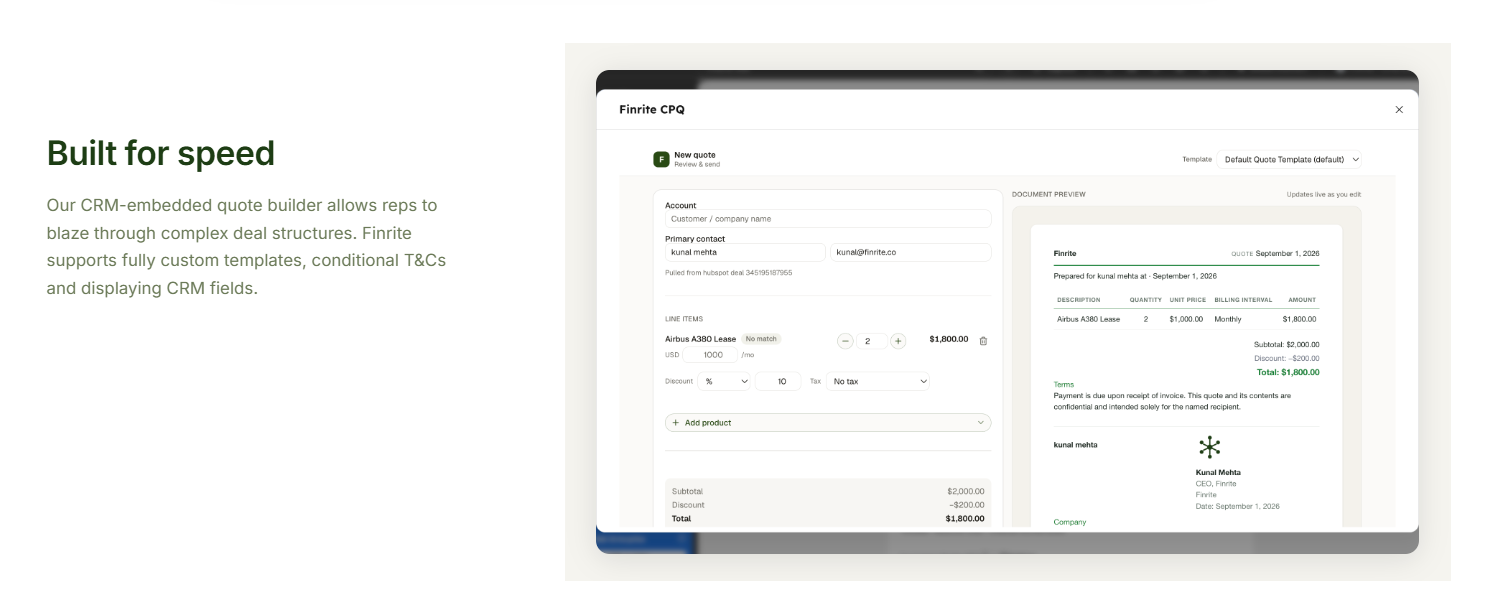
Instead of rebuilding your billing infrastructure, you can connect the commercial work happening in your CRM to the subscriptions already managed in Stripe. Finrite’s CPQ lets reps prepare quotes using CRM data, then move signed agreements into billing workflows.
The benefit becomes especially clear when your business combines self-service purchases with negotiated deals. Both can continue using Stripe Billing, which reduces the need to maintain separate billing systems for different customer segments.
Finrite also supports agreements created outside its quote builder. Its AI Contract Parser extracts billing details from uploaded documents, giving your team a review step before creating billing records.
Finrite is best evaluated as a connection and workflow layer. So, if your main requirement is a replacement revenue recognition system, you’ll still need to assess the accounting tools supporting your billing environment.
Best Features
CRM-embedded quoting: Build quotes using deal information, with custom templates and conditional contract language. Reps can prepare agreements within their existing sales workflow.
Payment details at signing: Collect payment information during the quote-signing process, reducing follow-up before billing begins.
HubSpot-to-Stripe automation: Create subscriptions or invoices using approved deal information. Product and price mapping connects CRM line items to the appropriate Stripe records.
Complex billing support: Handle negotiated structures, such as ramp pricing or usage-based charges, through Stripe Billing.
Subscription amendments: Issue renewal and upsell quotes that update existing subscriptions, keeping later commercial changes connected to billing.
AI contract extraction: Turn documents into structured billing information, with review controls for checking extracted terms.
Bidirectional visibility: Sync relevant statuses and linked records back to the CRM so customer-facing staff can follow billing activity.
Revenue operations tools: Apply bulk pricing changes to existing Stripe subscriptions, reducing repetitive updates as your customer base grows.
Pros
Keep existing subscriptions in Stripe Billing
Reduce manual data entry between sales and finance
Support self-service subscriptions and negotiated deals
View billing updates directly in your CRM
Start with the connector and add capabilities as needed
Set up standard workflows without custom development
Your next billing platform might already be part of your payment stack.
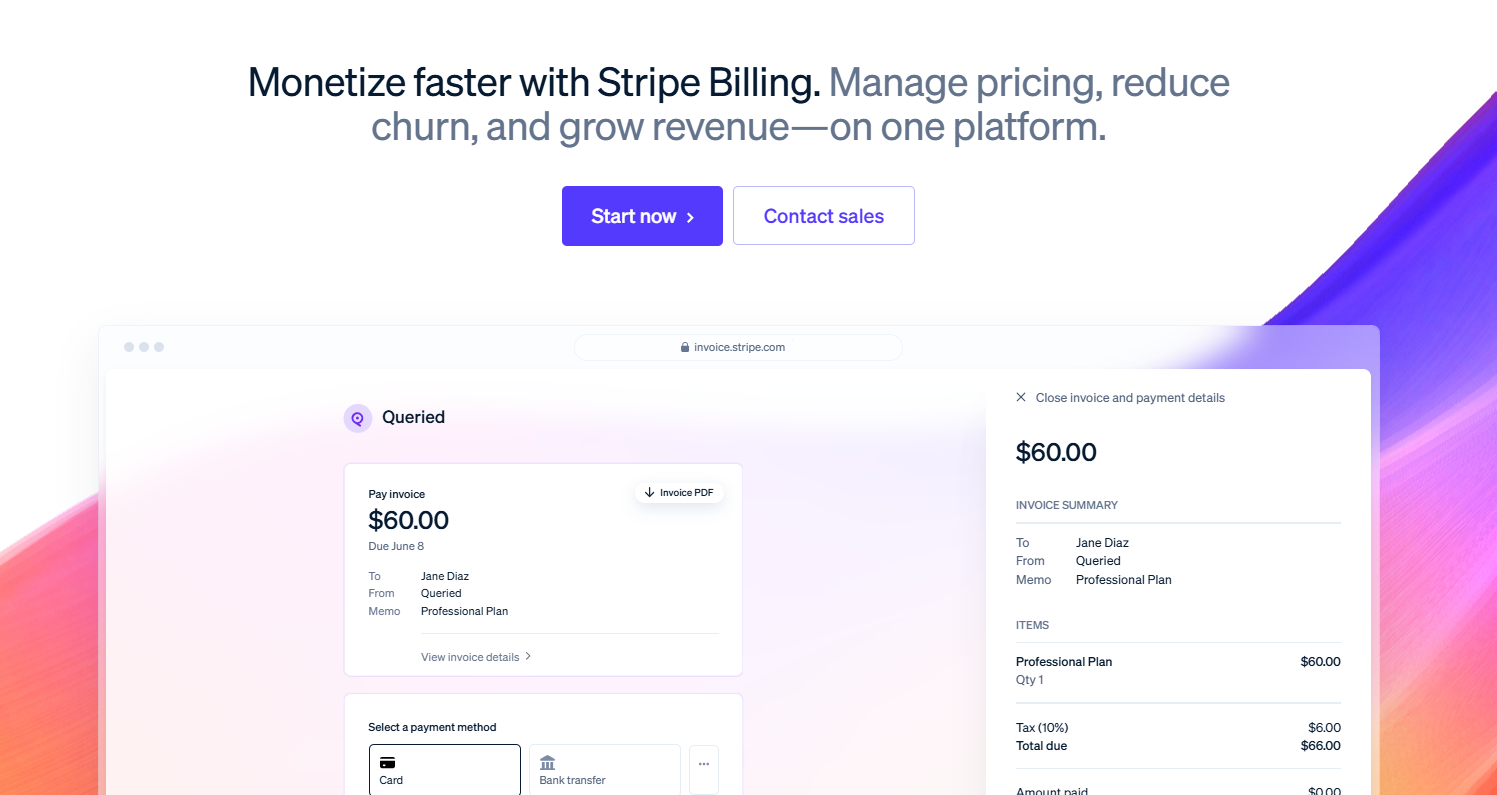
Stripe Billing provides subscription management and recurring billing alongside Stripe’s payment infrastructure. Creating a subscription triggers the invoicing process, and Stripe manages payment attempts and subscription status changes.
You can support self-service purchases while handling more complex pricing through configuration and integrations. It’s a practical option for SaaS companies that want control over their billing experience.
Source: Stripe.com
Sadly, the gap is often on the sales side.
Stripe Quotes provides basic estimates that can become subscriptions or invoices, but its acceptance workflow doesn’t provide native signature capture. Companies needing CRM-native quoting or detailed contract management will need additional tooling.
Advanced configurations can also require engineering resources. Separate capabilities, such as Stripe Revenue Recognition, add to the overall product scope and cost.
Best Features
Recurring billing: Generate invoices for subscriptions and manage their status throughout the customer relationship, including failed-payment states.
Flexible subscription pricing: Support different commercial arrangements through Stripe’s subscription pricing options, with configuration suited to your product.
Metered billing: Charge customers based on recorded consumption during a billing cycle. Usage might represent activity such as API calls.
Customer portal: Give customers a self-service interface for supported billing tasks, reducing requests that would otherwise reach your support team.
Payment recovery: Use tools such as Smart Retries to follow up on failed payments and help recover subscription revenue.
Revenue recognition option: Add Stripe Revenue Recognition for accrual accounting workflows and revenue reports. Evaluate its scope separately from the core billing subscription.
Pros
Connect subscription billing with payment collection
Support self-service purchases for SaaS platforms
Customize your revenue workflow through APIs
Add sales-led quoting while keeping Stripe Billing
Avoid a billing migration if you already use Stripe
3. Maxio
Month-end reporting can expose limitations that aren’t obvious during a billing demo. Invoices might go out correctly, yet your finance team still spends days reconciling revenue or preparing management reports.
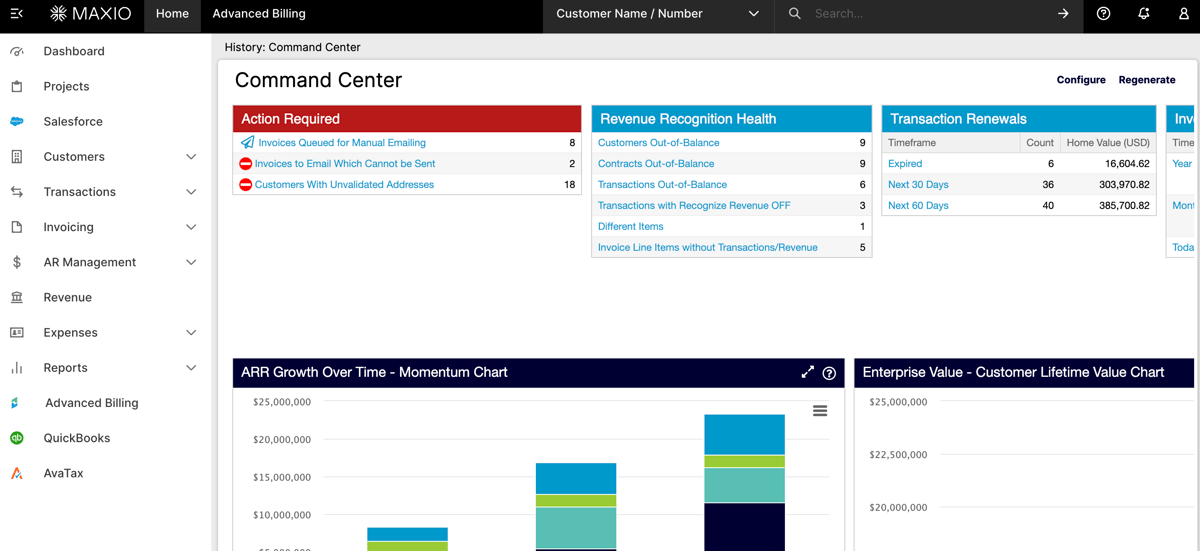
Maxio deserves attention when those financial operations are central to your search. Its platform combines subscription billing with revenue recognition and SaaS metrics. It also supports usage billing, making it relevant to businesses whose revenue depends partly on customer consumption.
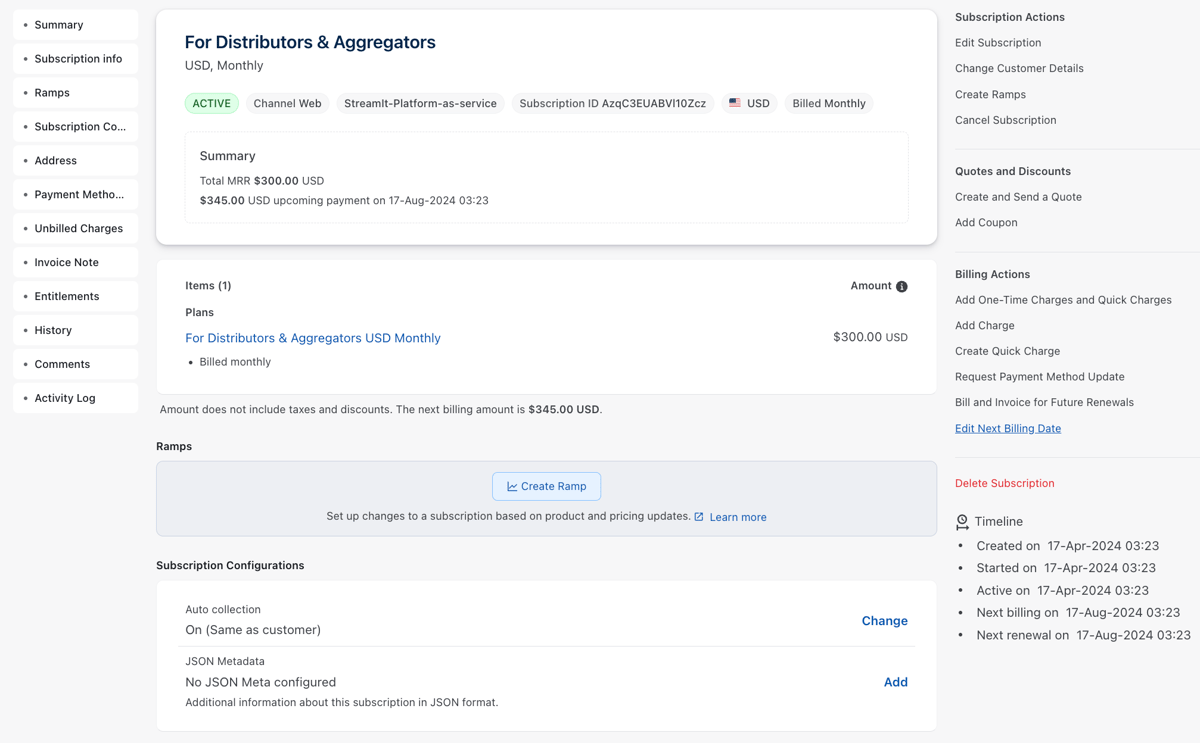
Source: G2
The tradeoff is the scope of adoption. Implementing Maxio’s billing engine can involve changes to your product catalog and finance workflows, particularly if another system currently owns subscription management.
Connecting Stripe as a payment gateway also differs from keeping subscriptions in Stripe Billing. Ask which platform will control the billing logic before assuming your existing setup will remain intact.
Best Features
Subscription management: Manage recurring customer relationships and subscription changes within a platform designed for B2B software businesses.
Usage-based billing: Bill according to measured consumption, supporting products whose charges vary with activity rather than remaining fixed each month.
Automated revenue recognition: Connect billing activity with revenue accounting, reducing reliance on manually maintained recognition spreadsheets.
SaaS metrics: Use subscription-focused reporting to understand revenue performance and prepare information for business reviews.
Accounting integrations: Connect with supported financial systems, including tools such as NetSuite, to move billing information into your accounting workflow.
Collections capabilities: Manage accounts receivable and dunning as part of the wider platform, helping finance follow unpaid balances after invoices are issued.
Pros
Connect billing with financial reporting
Reduce spreadsheet work for revenue recognition
Support usage-based pricing as your business grows
Track SaaS performance with subscription analytics tools
Manage billing and accounting workflows within one platform
4. Chargebee
A growing subscription business rarely keeps the same pricing forever. You might introduce a usage allowance or add negotiated enterprise tiers alongside your standard plans.
Chargebee supports that evolution through a broad billing platform. Its current offering covers subscription and hybrid billing models, including structures such as prepaid commitments and seat-based charges with overages. It also offers revenue recognition and receivables capabilities.
Source: G2
Chargebee can be a sensible choice if you’re ready to make it the system responsible for subscription billing. Adoption deserves more thought if your existing Stripe Billing setup already works well.
You’ll need to assess migration requirements and confirm the commercial scope of the capabilities you need. A platform’s product catalog doesn’t automatically tell you what your proposed subscription includes.
Best Features
Flexible pricing models: Combine subscription charges with usage-based components, allowing pricing to reflect how customers purchase and consume your product.
Automated invoicing: Generate invoices using configured billing rules, with support for prorations when customers change plans.
Revenue recognition: Use Chargebee’s recognition capabilities to manage revenue accounting for supported contract and usage arrangements.
Receivables workflows: Organize collections activity and follow-up around unpaid invoices, with billing context available during the process.
Payment recovery: Use retry and dunning capabilities to address failed payments and reduce the manual follow-up required.
Self-service experiences: Support customer-facing workflows through checkout and customer portal capabilities, which can give subscribers options for managing their relationship with your business.
Pros
Support fixed subscriptions and usage-based pricing
Give finance billing context for cash collection
Reduce manual follow-up on failed payments
Offer self-service purchasing and subscription management
Add finance capabilities as your needs expand
5. Hyperline
Hyperline presents two paths: use its own billing engine or connect its CPQ to Stripe Billing.
The Stripe option is relevant if you need better support for negotiated deals but want to preserve your existing subscriptions. Hyperline can connect CRM-based quoting to subscription creation in Stripe, with signatures and approval workflows included in the sales process.
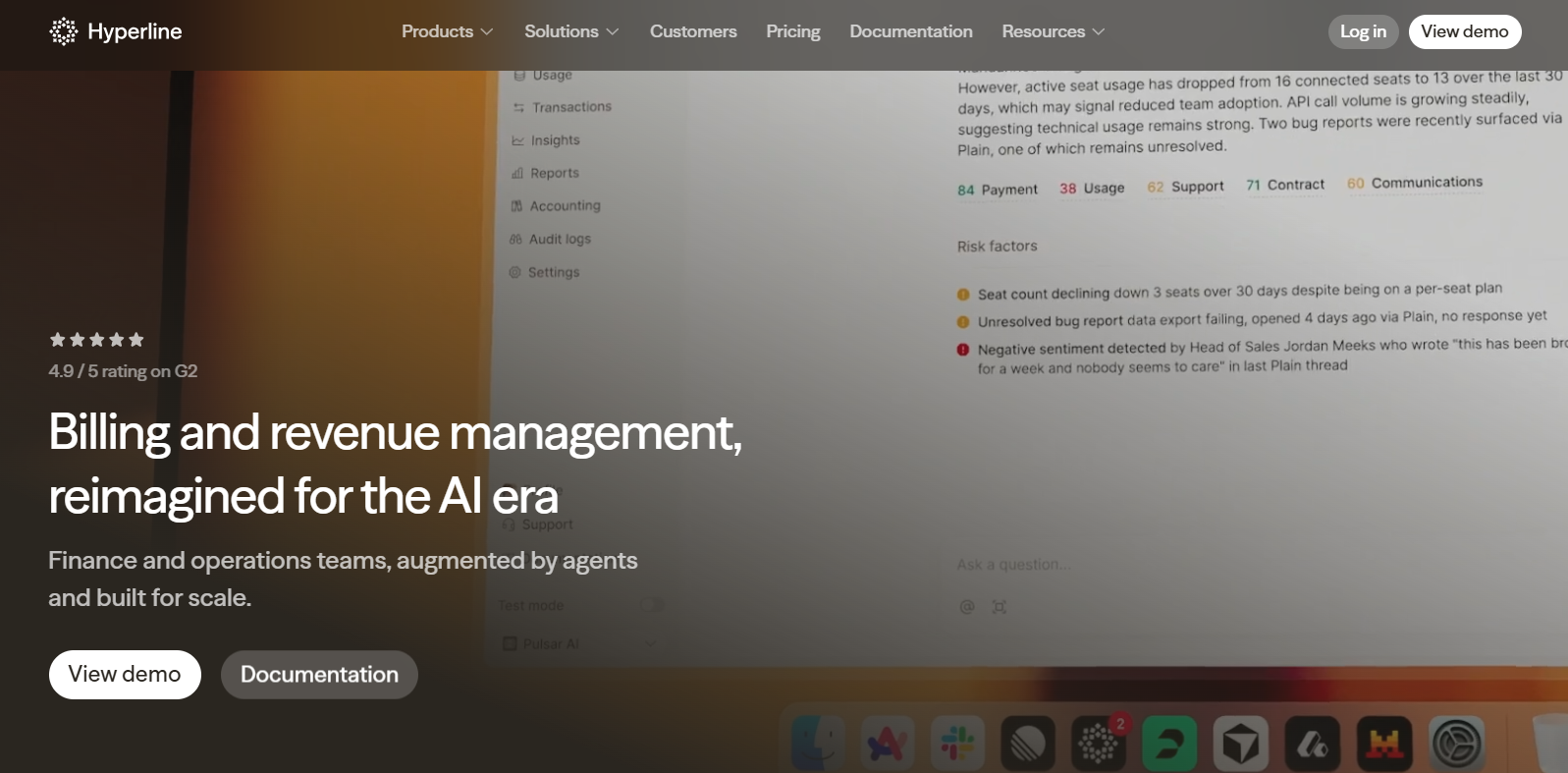
Source: Hyperline.co
Its own billing product supports complex billing structures, including hybrid models and ramp schedules. That gives businesses considering a wider replacement another option to assess.
The drawback is that you need to separate the two configurations carefully. A capability demonstrated in Hyperline Billing shouldn’t be assumed to work identically through its Stripe integration.
Ask the vendor to demonstrate your exact pricing model using the architecture you intend to keep. Choosing its native billing engine also introduces migration work that the Stripe-connected CPQ approach may avoid.
Best Features
CPQ connected to Stripe: Create quotes through the CRM and turn signed agreements into Stripe subscriptions while retaining Stripe Billing.
Quote approvals: Apply approval workflows to negotiated deals, giving managers a defined review step before agreements move forward.
Templates and signatures: Prepare customer-facing agreements using reusable templates and collect signatures within the quoting process.
Stripe catalog import: Bring existing product and customer information into the connected workflow, reducing initial re-entry.
Native hybrid billing: Use Hyperline’s own engine for supported pricing structures that combine recurring charges with consumption.
Billing APIs: Connect custom application workflows to Hyperline’s billing product when your requirements extend beyond its standard interface.
Pros
Choose native billing or a CPQ connected to Stripe
Handle custom pricing with quote approval controls
Create Stripe subscriptions from signed quotes
Support complex billing logic through its native engine
Connect self-service subscriptions with negotiated sales workflows
Keep Your Billing Engine. Fix the Handoff With Finrite.
A signed contract shouldn’t become another data-entry assignment.
If your team already trusts Stripe Billing, focus on the information that reaches it. A discount recorded in HubSpot should carry into the subscription. An approved renewal should update the existing customer’s billing. Payment details should be collected while the buyer is ready to sign.
Finrite connects those steps through its quoting and billing automation capabilities. You can improve the process around your billing engine while keeping your existing Stripe subscriptions.
Bring a recent agreement to a Finrite demo, especially one that required manual cleanup after signing. Seeing that deal move through the workflow will give you a practical basis for deciding.
Book a Finrite demo to explore a shorter path between an approved agreement and accurate billing.
FAQs About Alternatives to Tabs Billing Software
What should you look for in billing software?
Start with your actual pricing and customer workflows. Check how the software handles subscription changes, then review its connections to your CRM and accounting tools. Ask for a demonstration using your own contract terms. A clear audit trail and manageable implementation process can be more useful than an extensive feature list you’ll rarely use.
Can you change billing software without disrupting customers?
A carefully planned migration can limit disruption, but the work depends on your existing setup. Review how active subscriptions and outstanding balances will transfer. Test the next billing cycle before switching production activity. If your problem is mainly the handoff between sales and billing, a connected automation tool may let you improve the process without migrating subscriptions.
Do you need usage-based billing for a SaaS business?
You need usage-based billing if customer charges depend on consumption, such as the number of API calls made. A fixed monthly subscription may not require it. Hybrid pricing adds another consideration because you must define included usage limits and overage rules. Infrastructure companies should also test high-volume usage metering against realistic event volumes before choosing a platform.
How much does billing software cost?
Costs depend on the vendor’s pricing structure and the capabilities you purchase. Compare the full proposed setup, including implementation fees and any separately priced modules. Ask how charges change as your business grows. A useful estimate should reflect your expected billing volume and required integrations, rather than only the entry-level subscription price.
About Finrite
Finrite streamlines sales-led revenue workflows, without any billing engine change. Sales reps can send out proposals in seconds, and our HubSpot to Stripe Connector creates subscriptions, customers, and billing objects in moments.
Automate quote-to-cash. Keep your billing stack.
Give sales a faster way to quote and finance a reliable way to bill. Finrite connects your CRM, contracts, and billing to automate the work from proposal to subscription.