If your team already uses HubSpot, you probably don’t want a CPQ that pulls reps into a separate workflow every time they need to build a quote.
You want something that works with the deal data you already have, helps your sales reps price accurately, and keeps approvals from slowing everything down.
You also need to think beyond the quote itself. What happens after the customer signs can have a big impact on billing, renewals, and the rest of your sales process.
So, which CPQ actually fits the way your team sells?
We evaluated the top seven CPQ platforms that integrate with HubSpot, looking at how they handle quoting, pricing complexity, approvals, billing, and the overall experience for your sales team.
Configure-price-quote (CPQ) software helps sales reps configure products or services, calculate accurate pricing, and turn the final offer into a customer-ready quote.
Basically, a HubSpot CPQ connects that process with your HubSpot CRM data. So, instead of recreating customer information elsewhere, reps can start from a deal record and use existing products, customer details, or commercial terms to prepare a quote.
Depending on the CPQ solution, you may also get features such as:
Product configuration: Guide reps through available products, packages, and compatible options.
Pricing controls: Apply discount rules, tiered pricing, custom pricing, or other pricing models.
Approval workflows: Route quotes for review when discounts or contract terms fall outside approved business rules.
Proposal generation: Turn configured deals into professional sales proposals ready for signature.
Subscription support: Manage recurring billing structures, renewals, or usage-based pricing.
CRM synchronization: Return quote status, contract details, and other revenue data to HubSpot.
The differences become much clearer once you look beyond quote creation. Proposal generation, subscription management, contract management, and billing support can vary widely from one CPQ solution to the next.
Does HubSpot Have Its Own CPQ?
Yes, HubSpot offers native CPQ through Revenue Hub Professional and Enterprise. You can create quotes from CRM data, configure pricing, manage approvals, collect signatures, and handle billing within HubSpot.
For businesses that prefer keeping their sales and revenue operations in one platform, HubSpot CPQ is a convenient option. However, there are a few limitations you should consider:
Billing capabilities: HubSpot's billing tools are less sophisticated than Stripe Billing, particularly for businesses with complex subscriptions or usage-based pricing.
Payment restrictions: HubSpot Payments is available only in the U.S., U.K., and Canada. Businesses elsewhere can connect Stripe, but an additional 0.75% platform fee applies.
Existing billing systems: If you already use Stripe Billing, you should evaluate how HubSpot CPQ fits your current subscription workflows.
Pricing is another consideration. Revenue Hub Professional starts at $100/seat/month, while Enterprise starts at $175/seat/month. These costs can add up as your sales team grows.
If you want to keep your existing billing infrastructure, a third-party CPQ that connects HubSpot with Stripe Billing may offer greater flexibility.
7 Best CPQ Software for HubSpot in 2026
HubSpot also has a dedicated CPQ category in its App Marketplace, which gives you a useful starting point for seeing which platforms are built to work with HubSpot.
We looked more closely at seven options based on their quoting workflow, pricing flexibility, billing support, and overall fit for different sales teams.
1. Finrite
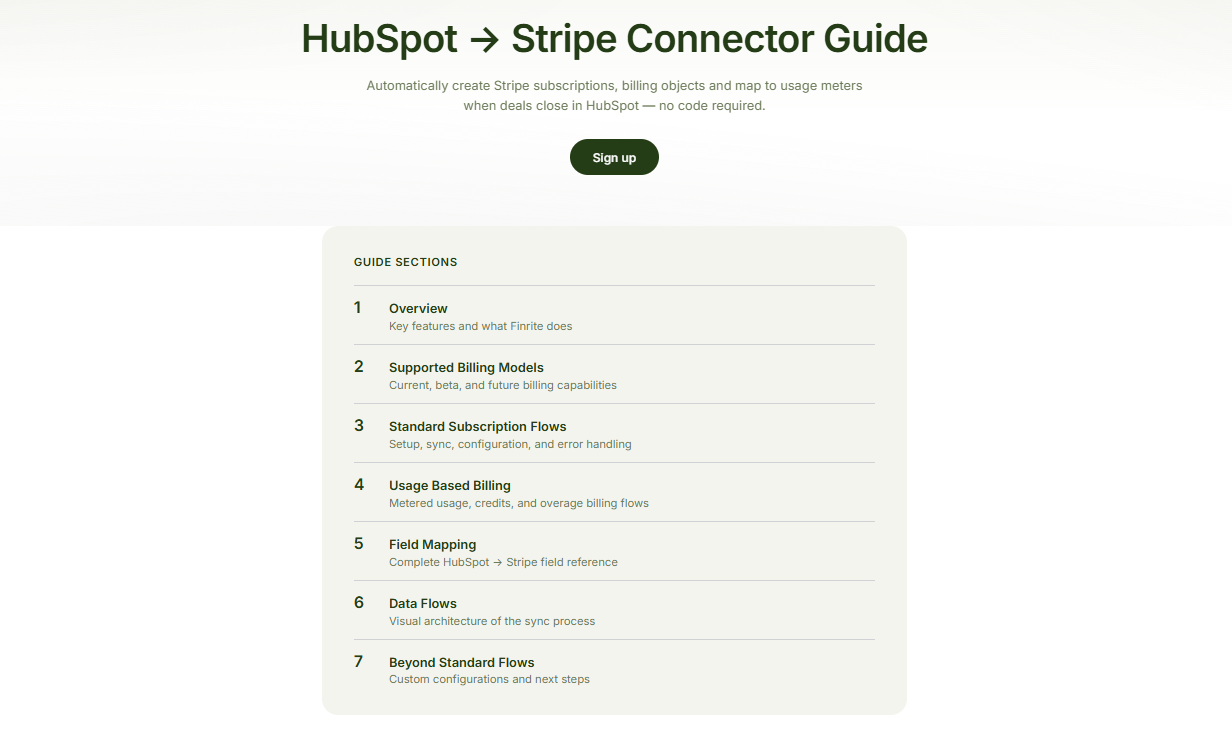
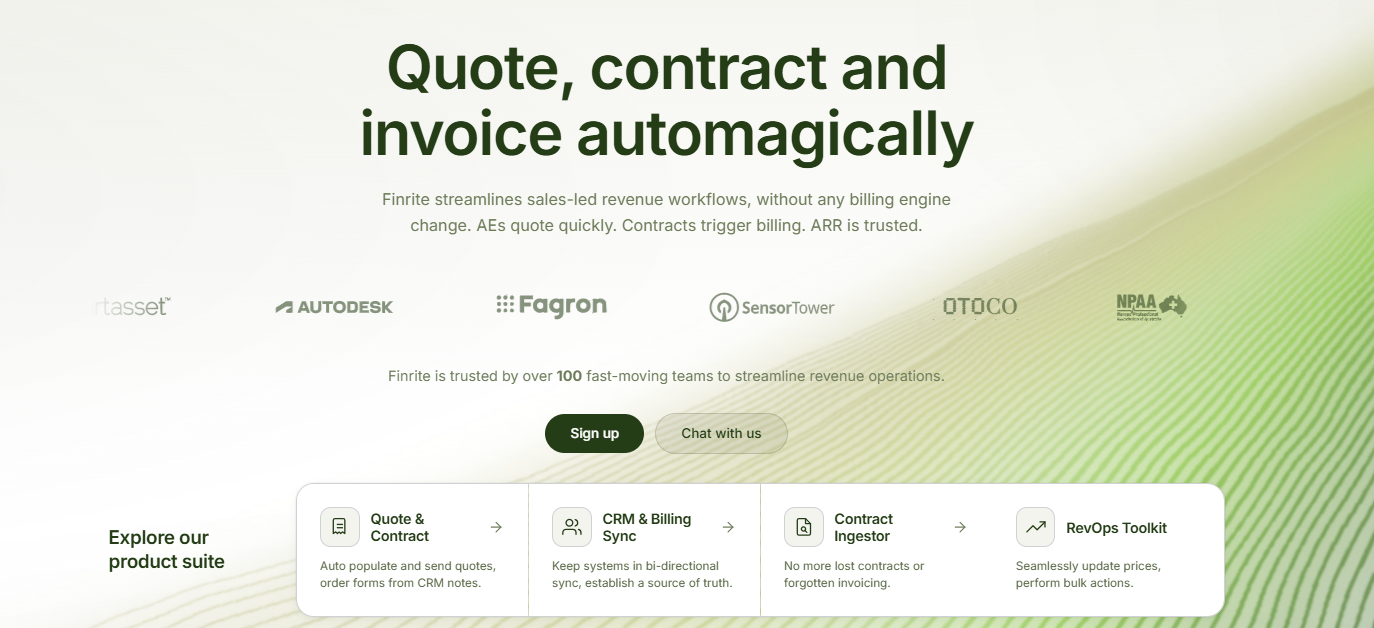
Finrite is a CRM-embedded CPQ built for companies that use HubSpot for sales and Stripe Billing for billing. It’s also available through the HubSpot App Marketplace, so you can review the integration directly from HubSpot.
Sales reps can create quotes from HubSpot deal data, apply commercial terms, collect signatures, and move signed agreements into Stripe Billing.
Finrite keeps HubSpot involved throughout the process, so your team can keep the customer record and deal activity connected to the billing workflow.
The setup is ideal for SaaS companies and other businesses with complex pricing models. Finrite supports recurring charges, one-time fees, usage-based pricing, ramp schedules, custom payment terms, and negotiated pricing.
Finrite also takes a different approach to billing from many CPQ platforms. You keep Stripe rather than moving subscription billing onto a new CPQ vendor's billing system. Signed quotes can create or amend Stripe subscriptions, including renewals and upsells.
Best Features
HubSpot-embedded quoting: Build quotes using information already stored in the HubSpot deal record, keeping the sales process closely tied to your CRM.
Flexible pricing models: Support recurring, one-time, ramped, negotiated, and usage-based pricing while mapping HubSpot products to Stripe prices.
Stripe Billing connection: Turn signed commercial terms into Stripe Billing activity rather than manually rebuilding the deal after signature.
Subscription amendments: Renewals and upsells can update an existing Stripe subscription instead of creating disconnected billing records.
Payment collection: Collect card details or another payment method during quote signing to help you reduce extra payment collection steps later.
Custom quote templates: Configure documents around your sales process, branding, contract terms, and required customer information.
Signature tracking: Follow sent and signed quotes while using reminders to keep deals moving. Finrite can also sync quote outcomes back to HubSpot.
Pros
Works directly with HubSpot and Stripe Billing
Strong support for complex pricing structures
Handles new deals, renewals, and upsells
Supports product-led and sales-led billing models
Keeps CRM and billing data connected
Can collect payment details during signature
Avoids a separate billing migration
Pricing
Finrite's Pro plan costs $1,000/month. It includes unlimited contracts, a HubSpot-embedded CPQ engine, AI contract parser, custom workflow mapping, and data audit and drift analysis. Finrite also handles setup, field mapping, and testing during onboarding.
Book a demo with Finrite to see how the platform can connect your HubSpot sales process with Stripe Billing.
2. DealHub
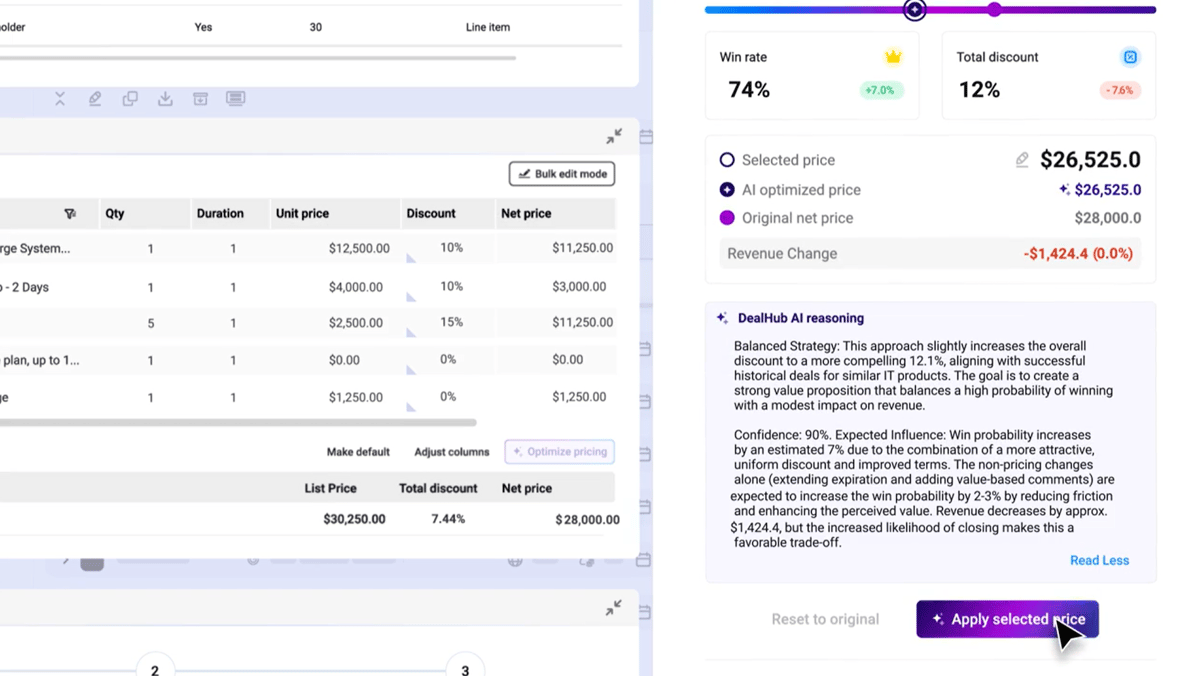
DealHub is a broad quote-to-revenue platform with CPQ, contract functionality, subscription management, billing, and digital sales rooms.
Its HubSpot integration lets sales reps launch the quoting process from HubSpot and sync deal data back to the CRM.
Source: G2
Guided selling can help reps work through product configuration and pricing rules, while approval workflows give sales operations teams more control over discounts and deal structure.
DealHub is geared toward companies that want substantial revenue functionality around their CPQ. Current capabilities extend into usage and consumption billing, subscription lifecycle management, invoicing, and collections.
That breadth can suit mid-market teams or enterprise sales teams with sophisticated requirements.
However, it can also be heavier than necessary if your main priority is adding CPQ to HubSpot while keeping an existing billing architecture. Any company evaluating DealHub should look closely at how its billing layer fits with the systems you already use.
Best Features
Guided selling: Interactive sales playbooks guide sales reps through product and deal configuration based on your sales process.
Pricing controls: Configure bundles, discounts, and pricing rules for deals that require more structure than straightforward pricing.
Approval workflows: Create approval logic around pricing, discount levels, or other commercial conditions.
Digital sales rooms: Give buyers a centralized space for sales content and deal collaboration.
Subscription management: Support amendments and other subscription lifecycle events within a broader quote-to-revenue workflow.
HubSpot integration: DealHub works inside HubSpot and syncs relevant deal information back to your CRM.
Pros
Broad CPQ capabilities
Strong guided selling functionality
Supports complex pricing
Built-in subscription management
Digital sales room capabilities
Suitable for larger revenue operations
Pricing
DealHub does not disclose its pricing publicly.
3. PandaDoc
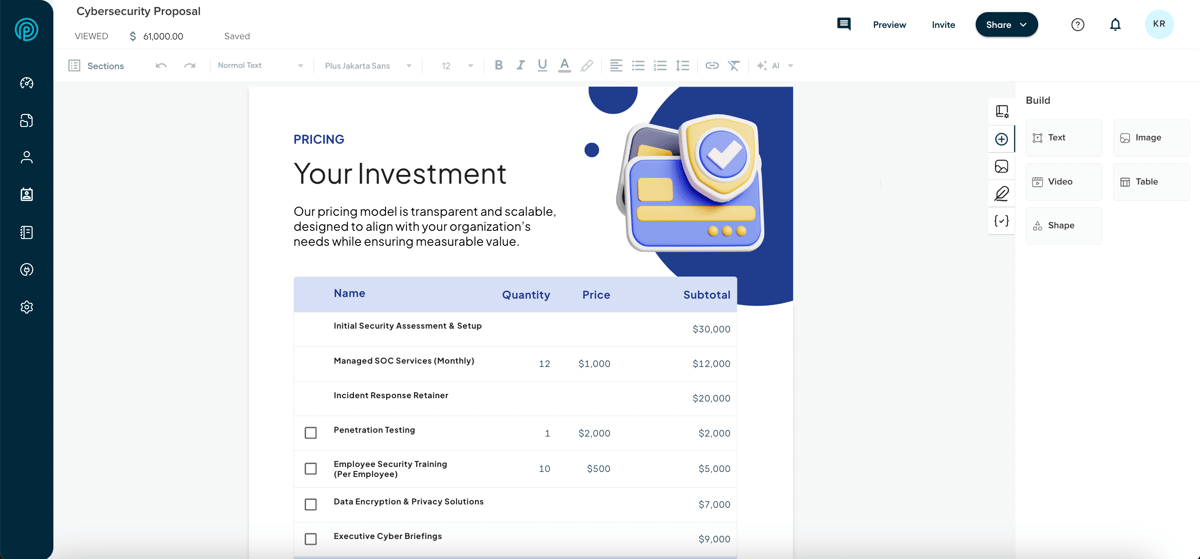
PandaDoc approaches CPQ from a document and proposal automation background.
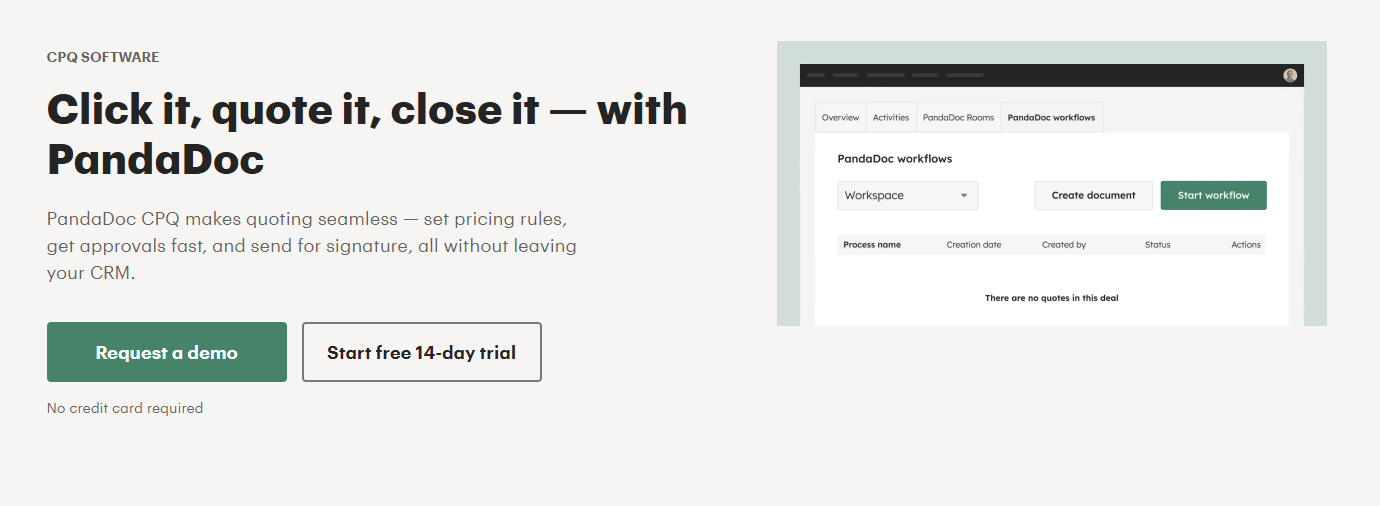
Its HubSpot integration can pull CRM data into documents, transfer HubSpot products into quote builder blocks, and create PandaDoc documents from deals or customer records. Document activity can also feed back into HubSpot.
Source: PandaDoc.com
PandaDoc is relevant when professional sales proposals, templates, e-signatures, and buyer-facing documents make up a large part of your sales cycle.
Additionally, the platform offers approval workflows and deal rooms on its Business plan, while full CPQ is positioned at the Enterprise level.
Its document heritage is also the main tradeoff. PandaDoc has developed deeper quoting functionality, but companies with complex subscription billing or product-led billing requirements may need additional systems after a quote is signed.
Plus, PandaDoc is more document-oriented than billing-oriented. Teams with complex subscription management or usage billing requirements may need another platform to handle the post-signature revenue workflow.
Best Features
Quote builder: Add configurable pricing sections to sales documents and bring HubSpot product information into the quote.
Document automation: Create proposals and agreements using reusable templates and CRM data.
HubSpot synchronization: Transfer customer and product information between HubSpot and PandaDoc.
Approval workflows: Add internal review steps before documents reach buyers.
Deal rooms: Give prospects a shared digital space for deal-related content.
E-signatures: Collect signatures as part of the document workflow.
Pros
Strong proposal generation
Mature e-signature functionality
Good document customization
Works with HubSpot deal data
Useful for professional services firms
Built-in buyer collaboration tools
Pricing
PandaDoc includes CPQ functionality on its Enterprise plan only, which comes with custom pricing.
4. Qwilr
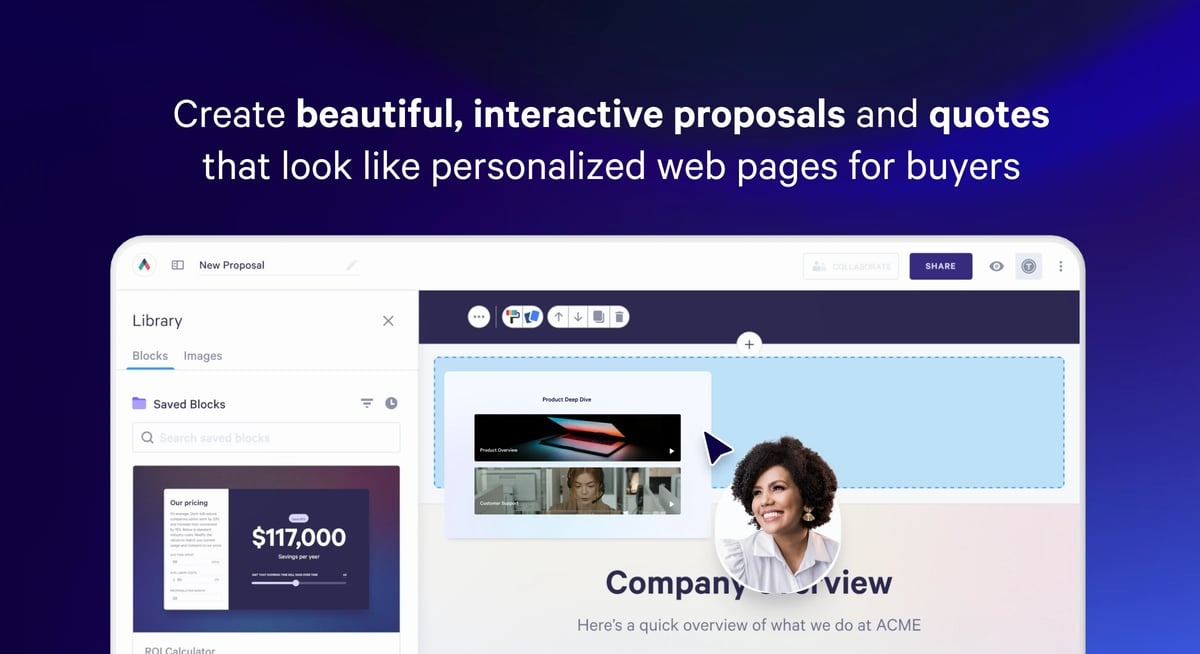
Qwilr is a proposal platform designed around interactive, web-based sales documents.
The HubSpot integration allows sales reps to create Qwilr pages from CRM records and populate them with deal, company, or contact information. Product data can feed into quote blocks, while accepted proposals and engagement activity can update the underlying HubSpot workflow.
Source: G2
Qwilr puts a lot of attention on the buyer experience. Proposals can contain interactive pricing, e-signatures, payment collection, and embedded content. Its quote blocks can support tiered plan presentation and other sales proposal structures.
For teams primarily trying to improve proposal generation and buyer collaboration, the approach can work well.
But Qwilr has less emphasis on deep product configuration or subscription billing than a dedicated enterprise CPQ, so companies with complicated product catalogs or extensive pricing logic should compare its limits with their requirements.
Qwilr is closer to proposal software than standalone CPQ software built for highly complex product configuration. Advanced pricing complexity may require a deeper CPQ platform.
Best Features
HubSpot proposal creation: Generate Qwilr pages using information from HubSpot records.
Interactive quote blocks: Present pricing options in buyer-friendly web proposals.
E-signatures: Collect legally binding signatures from within the proposal.
Payment collection: Buyers can pay directly from a Qwilr page.
Proposal analytics: See how buyers interact with sales content and follow proposal activity.
CRM updates: Connect proposal progress with HubSpot deal activity.
Pros
Strong buyer experience
Visually polished proposals
Native HubSpot integration
Built-in e-signatures
Can accept payments
Useful engagement analytics
Pricing
Qwilr’s quoting features are available across all three plans, although only Starter offers monthly billing.
Starter: $49/user/month. Includes quoting, e-signatures, analytics, QwilrPay, and HubSpot integration.
Growth: $275/user/month. Includes five users and adds automations, custom branding, identity verification, and a dedicated Customer Success Manager. Annual billing only.
Scale: $750/user/month. Includes ten users and adds the Smart Proposal Engine, conditional content, team permissions, and more advanced automation. Annual billing only.
5. Proposify
Proposify is another proposal-focused option for HubSpot users.
Sales reps can create and edit proposals from a HubSpot deal, share contact information between the two systems, attach documents to deals, and see proposal activity on the HubSpot timeline.
Source: G2
Its strengths center on proposal automation. Teams can manage reusable sales content, control proposal design, track document activity, and create a more consistent process for sending professional sales proposals.
Proposify can be a practical fit when your sales process is proposal-heavy, and your pricing structures are relatively manageable.
However, it does not offer the same depth of configuration and billing functionality as a full quote-to-revenue CPQ solution, so complex pricing models may require additional software.
Best Features
HubSpot integration: Work with proposals from the HubSpot deal and sync relevant activity back into the CRM.
Pricing catalog: Give sales teams an organized source for products and pricing when preparing proposals.
Approval workflows: Business plans add controls for internal review and permissions.
Proposal analytics: Track document activity to give sales reps more context after sending.
E-signatures: Allow buyers to approve proposals electronically.
Pros
Strong proposal automation
Good document design controls
HubSpot CRM integration
Useful content library
E-signatures included
Proposal tracking
Pricing
Proposify currently offers three main plans:
Build: $49/user/month. Includes unlimited documents and signatures, integrations, a product catalog, document insights, and automation features.
Grow: $325/month. Includes five seats and adds approval workflows, user roles and permissions, custom fields, API access, and account-level metrics.
Scale: $1,066/month. Includes ten seats and adds premium integrations, SSO, multiple workspaces, custom reporting, and premium onboarding and support.
6. Mobileforce
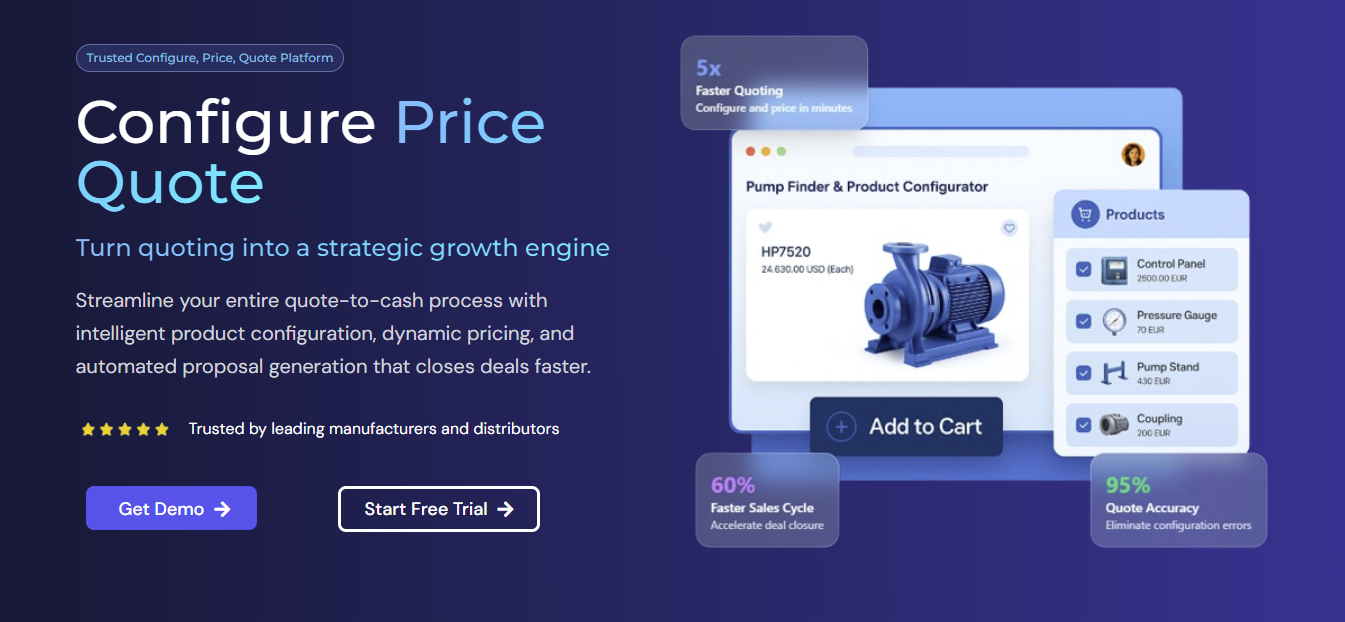
Mobileforce is a dedicated CPQ platform with a native HubSpot integration.
Sales reps can begin from a HubSpot deal, bring customer information into the CPQ workflow, add products and services, apply discounts, and save the finished quote back to the CRM.
Source: Mobileforce.ai
The platform supports more pricing complexity than many proposal-first tools. Available functionality includes pricing and discount rules, multiple price books, tiered pricing, subscription pricing, product bundles, and approval workflows.
Its quote-to-service positioning may appeal to businesses that sell physical products or services alongside ongoing field work.
On the flip side, SaaS companies focused heavily on subscription billing should examine how the broader platform fits their existing billing setup and recurring revenue requirements.
Best Features
Product configuration: Build rules around products, services, bundles, and compatible selections.
Pricing engine: Support structures such as volume pricing, tiered pricing, and subscription pricing.
Discount controls: Apply discount rules and route exceptions through approval workflows.
HubSpot CRM card: Start CPQ from a HubSpot deal and return the completed proposal to the CRM.
ERP integration: Pull operational information from connected back-office systems while preparing quotes.
Proposal generation: Produce customizable quote and proposal documents from configured deals.
Pros
Native HubSpot integration
Strong product configuration
Supports tiered pricing
Built-in approval workflows
ERP integration options
Suitable for product and service businesses
Pricing
Mobileforce does not disclose its pricing publicly.
7. Subskribe
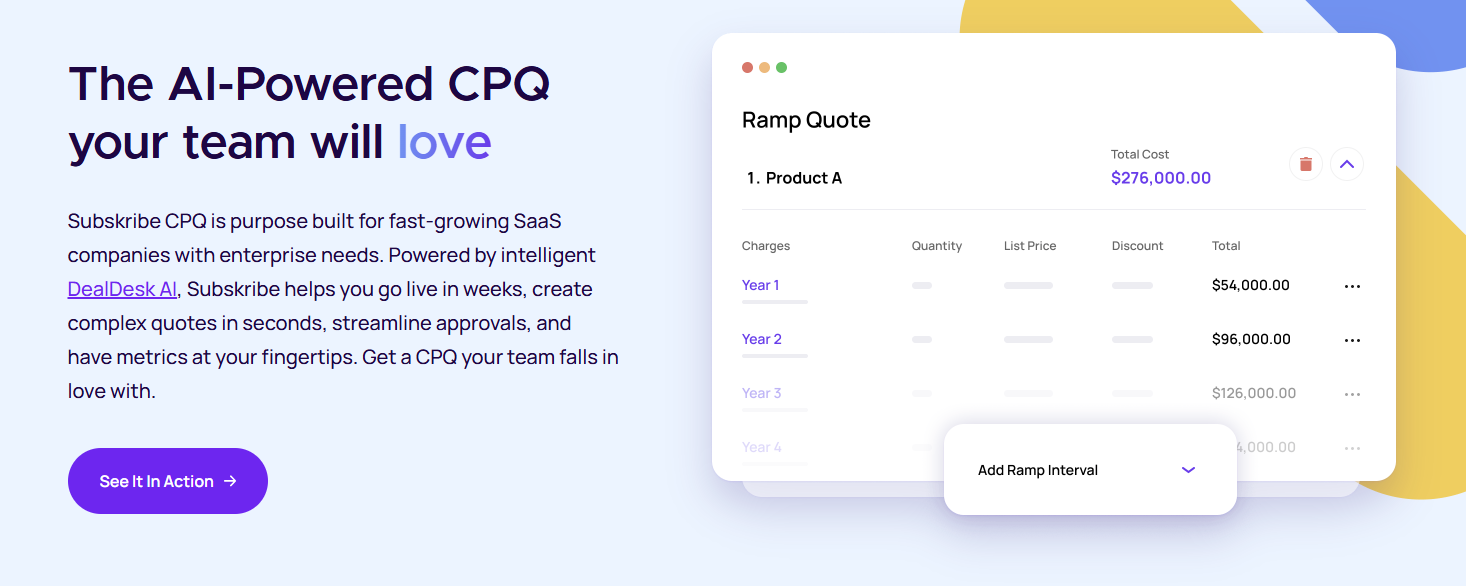
Subskribe combines CPQ with a broader quote-to-revenue platform built around recurring revenue businesses.
Its CPQ supports one-time and recurring charges as well as usage-based pricing. Teams can configure pricing rules for structures such as tiering, volume discounts, rate cards, and ramps.
Meanwhile, subscription management covers commercial events after the original sale, including amendments and renewals.
HubSpot users can initiate new sales, amendments, and renewals from CRM deals. Subskribe also supports bidirectional CRM synchronization, helping keep revenue data connected to the customer record as the contract changes.
Subskribe is one of the deeper platforms on this list for SaaS pricing complexity. Buyers should consider the architectural decision that comes with its larger quote-to-revenue suite.
If you already rely on another billing system, compare the CPQ-only option with the implications of moving more of your billing workflow into Subskribe.
Best Features
Complex pricing: Configure usage-based pricing, tier structures, custom pricing rules, and other sophisticated pricing models.
Subscription management: Handle amendments, upsells, renewals, cancellations, and restructuring.
HubSpot integration: Launch CPQ activity from HubSpot and synchronize relevant information between systems.
Approval workflows: Control discounting and other commercial exceptions before a quote reaches the buyer.
Sales rooms: Give buyers a dedicated environment for the deal.
Quote-to-revenue option: Extend CPQ into billing and revenue recognition through the broader Subskribe platform.
Pros
Strong SaaS CPQ capabilities
Handles complex pricing structures
Native HubSpot integration
Advanced subscription management
Supports renewal automation
CPQ can be purchased separately
Pricing
Subskribe does not disclose its pricing publicly.
Keep Quoting Connected to What Comes Next
The best CPQ for HubSpot comes down to how your team sells and what you need to happen after the quote is signed.
Do you mainly need better proposals, or do you also need pricing, approvals, subscriptions, and billing to stay connected?
Finrite is a strong fit if you already use HubSpot for sales and Stripe for billing. You can build quotes from HubSpot, handle complex pricing, collect signatures and payment details, and push signed terms into Stripe Billing without replacing your existing billing system.
If that sounds like your setup, book a Finrite demo and see how the full quote-to-billing workflow could work for your team.
FAQs About Best CPQ HubSpot
Why are so many people leaving HubSpot?
Some companies move away from HubSpot when their sales process becomes more complex, or they need deeper tools for areas like CPQ software, subscription billing, or contract management. Others keep HubSpot CRM and add specialized software around it rather than replacing the CRM entirely.
Is CPQ part of CRM?
CPQ can be built into a CRM or connected through a separate CPQ solution. CRM software manages customer and sales pipeline data, while CPQ handles product configuration, pricing rules, approval workflows, and quote generation using CRM data.
What are some websites similar to HubSpot?
Popular HubSpot alternatives include Salesforce, Microsoft Dynamics 365, Zoho CRM, Pipedrive, and Freshsales. The right option depends on your sales teams, sales automation needs, CRM integrations, reporting requirements, and how well the platform supports your wider sales process.
What should you look for in a HubSpot CPQ solution?
Look for a CPQ solution that works naturally with HubSpot CRM, supports accurate pricing, handles your pricing models, and fits your approval workflows. You should also check billing support, especially if you use recurring billing, usage-based pricing, or expect your pricing complexity to grow.
When should you add a CPQ platform to HubSpot?
A dedicated CPQ platform can improve sales efficiency when pricing, approvals, or contract lifecycle management become too complex to handle through your existing HubSpot workflow. Teams considering Salesforce CPQ may also prefer a HubSpot-compatible alternative if they do not want to move into the broader Salesforce ecosystem.
About Finrite
Finrite streamlines sales-led revenue workflows, without any billing engine change. Sales reps can send out proposals in seconds, and our HubSpot to Stripe Connector creates subscriptions, customers, and billing objects in moments.
Automate quote-to-cash. Keep your billing stack.
Give sales a faster way to quote and finance a reliable way to bill. Finrite connects your CRM, contracts, and billing to automate the work from proposal to subscription.