Top 7 Sequence HQ Alternatives for CPQ and Billing in 2026
Top 7 Sequence HQ Alternatives for CPQ and Billing in 2026
By:
Kunal Mehta
,
November 4, 2026
If you're evaluating Sequence HQ alternatives, there's a good chance you're trying to solve a familiar problem: your sales team closes a deal, but getting the agreed pricing and contract terms into your billing system still takes more manual work than it should.
Sequence HQ tackles this with a platform that combines quoting, subscription billing, and revenue management. But adopting it can also mean changing how your business handles billing, particularly if you're already using Stripe.
Not every company needs to make that move.
The market has several competitors that approach the problem differently. Some offer broader financial management capabilities, while others focus on CPQ and connecting your existing systems.
We've compared the top seven Sequence HQ alternatives for 2026, looking at what each platform does well, where it falls short, and which businesses it's best suited for.
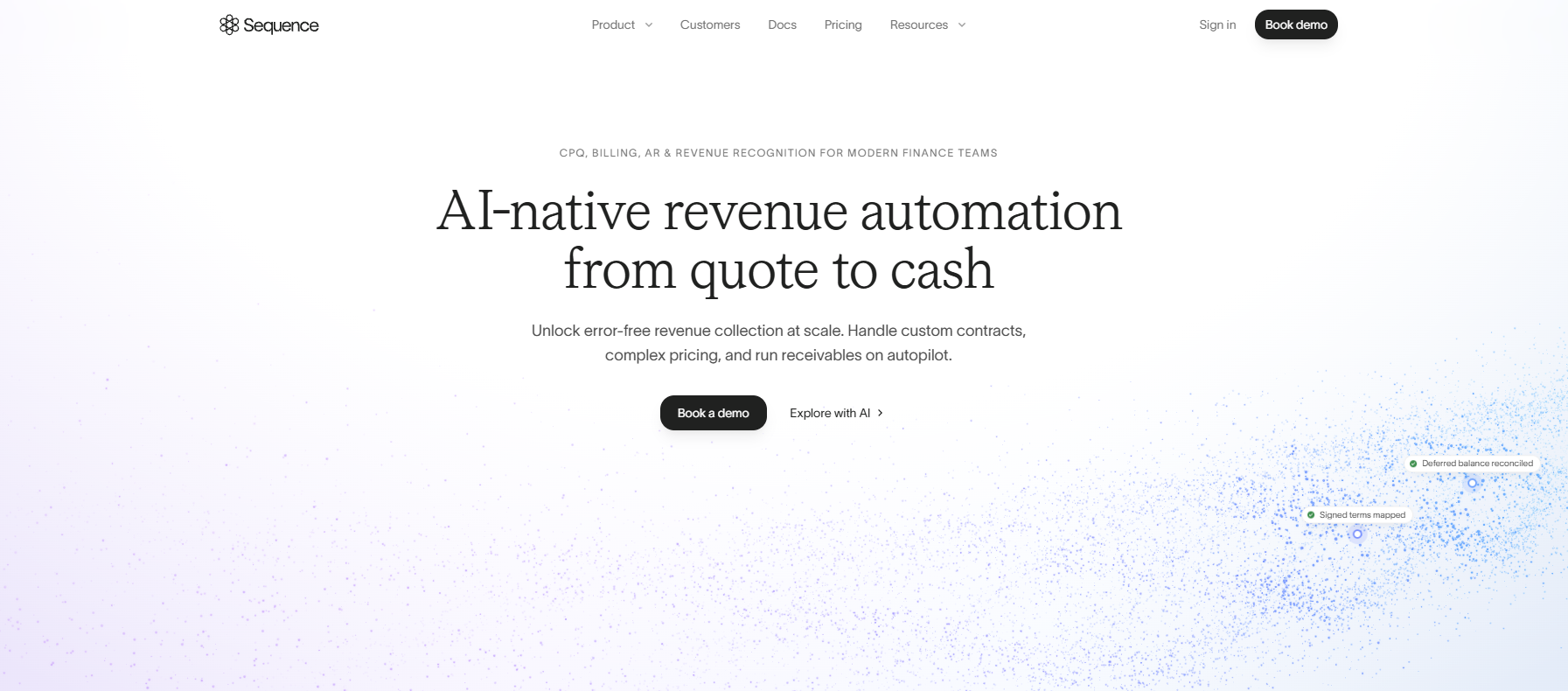
Sequence HQ is a quote-to-revenue platform designed for B2B companies managing complex pricing structures and recurring revenue models.
It connects quoting, subscription billing, invoicing, and accounts receivable management so sales and finance teams can manage customer agreements and collect revenue through a unified platform.
Sequence supports modern pricing models, including usage-based billing and negotiated contracts, making it relevant to growing SaaS companies.
Sequence's advantage is its combination of native CPQ and modern billing capabilities. Sales teams can configure complex deals while finance manages subscriptions, invoicing, and collections through the same platform.
It's suitable for sales-led SaaS companies that want to consolidate their revenue operations under a dedicated billing system.
Its key features include:
Configure, price, quote (CPQ): Build custom quotes with configurable pricing, discounts, approval workflows, and electronic signatures.
Usage metering: Collect usage data and calculate charges based on customer consumption.
Automated invoicing: Generate invoices that reflect contract terms, including usage-based pricing and multi-year agreements.
Accounts receivable management: Automate payment reminders, collections, and reconciliation.
Revenue recognition: Support financial reporting and revenue recognition workflows through available add-ons.
Revenue analytics: Monitor billing performance, revenue data, and financial operations.
Why You Should Look for a Sequence HQ Alternative
Sequence offers strong CPQ, subscription billing, and revenue management capabilities. However, its approach may be less practical for companies that already use Stripe Billing or sell through multiple channels.
Before choosing Sequence, consider these potential drawbacks:
Billing migration requirements: Sequence operates its own billing engine. Companies already using Stripe Billing may need to migrate existing subscriptions and billing workflows to take full advantage of its platform.
Limited support for hybrid sales models: Sequence primarily serves sales-led businesses. Companies combining self-service subscriptions with negotiated enterprise contracts may find it harder to manage both motions through one billing system.
Implementation complexity: Getting started generally involves a sales-assisted onboarding process. Migrating billing records and configuring integrations can also require additional technical resources.
CRM integration limitations: Sequence offers CRM connectors, but businesses with highly customized deal structures should verify that their existing workflows are fully supported.
Platform costs: Sequence's Growth plan starts at $799/month, with CPQ available as a paid add-on starting at $499/month.
Acquisition uncertainty: Intuit acquired Sequence in October 2026 to strengthen its financial management offerings. Although Intuit has committed to supporting existing customers, it's unclear how Sequence's roadmap and target customer base may change as the product becomes part of Intuit's broader ecosystem.
7 Best Sequence HQ Alternatives of 2026
Here's how the top seven alternatives compare in terms of features, advantages, and pricing.
1. Finrite
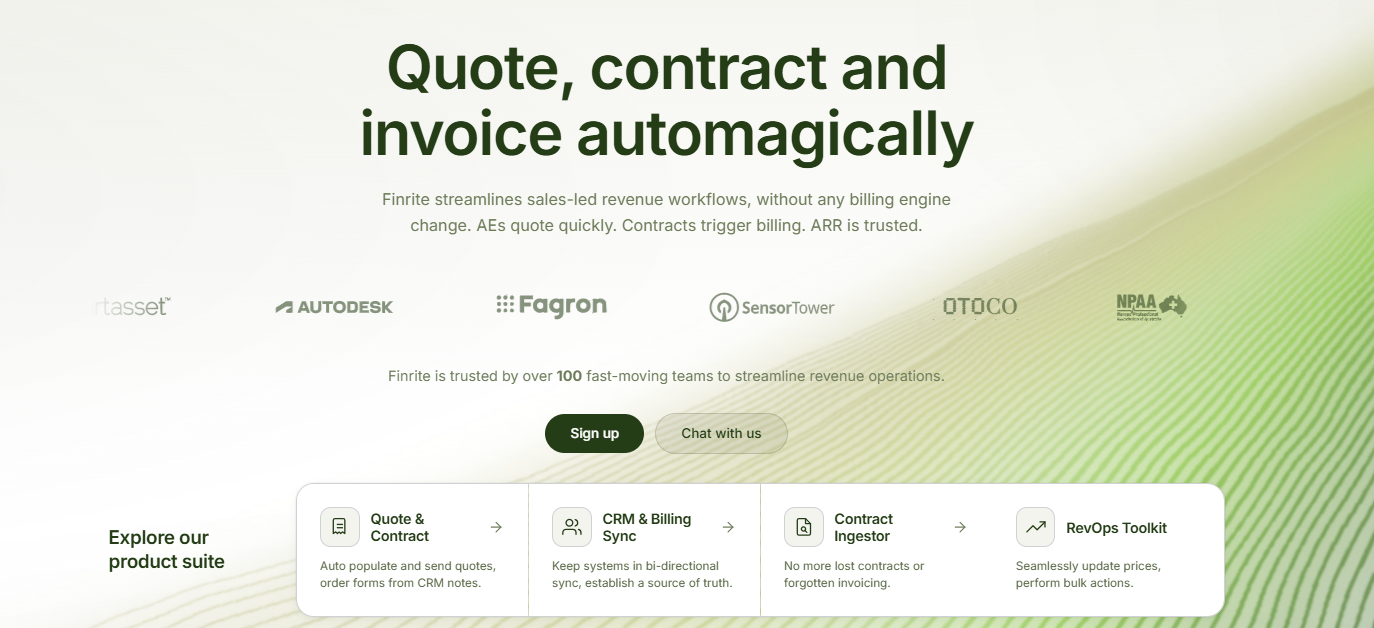
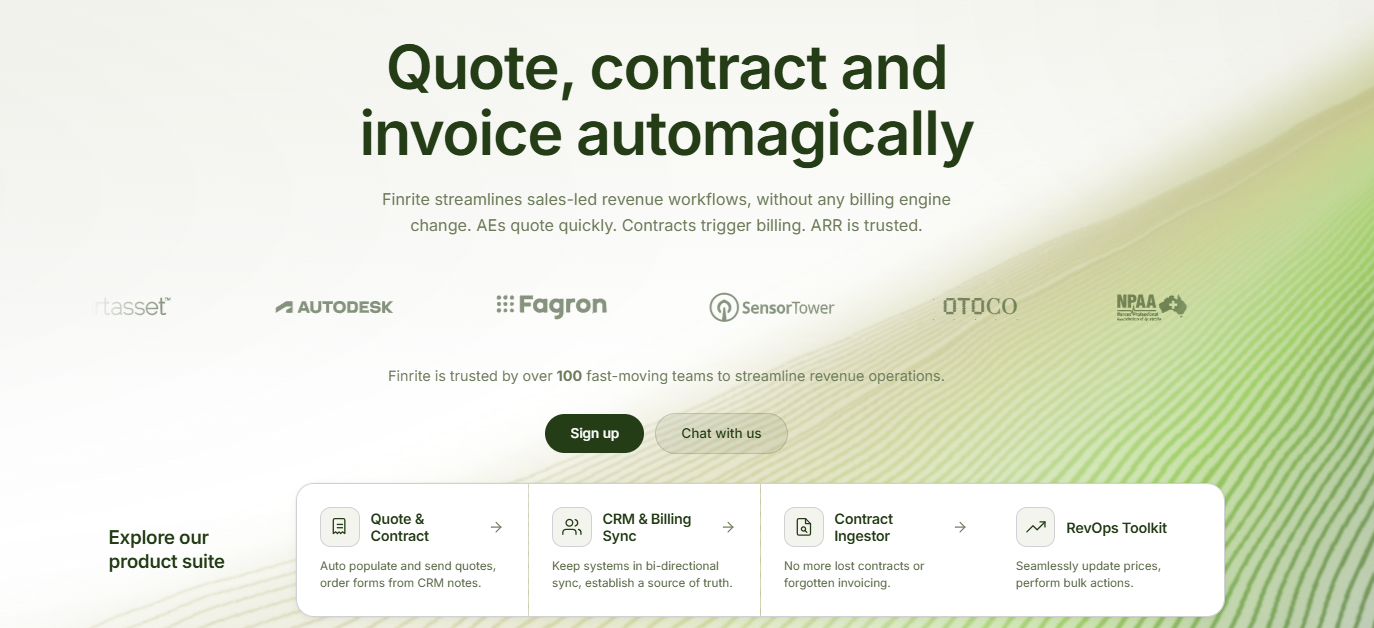
Finrite is a CRM-native CPQ platform built for teams that want to automate quoting and billing while staying on Stripe Billing.
If you're already using HubSpot for sales and Stripe for billing, you've probably experienced the manual work involved in keeping the two systems aligned. A rep closes a deal, but someone still needs to recreate the agreed pricing and subscription terms in Stripe.
Finrite is designed to handle that entire workflow.
Your sales team can create quotes directly from HubSpot deal data, configure pricing rules, and collect signatures and payment details. Once a quote is signed, Finrite automatically creates the corresponding billing records in Stripe.
You're not limited to simple subscriptions. Finrite supports more complex pricing structures, including usage-based billing, multi-year ramps, and one-time charges. It also handles renewals, upsells, and contract amendments.
For agreements that arrive outside your quoting workflow, Finrite's AI contract parser can extract pricing and commercial terms from contracts or purchase orders and help turn them into accurate billing instructions.
Sequence makes sense if you're prepared to adopt a new billing platform. But if Stripe Billing already handles your subscriptions, why migrate everything to get better quoting?
Finrite lets you keep Stripe while adding CRM-native CPQ and automated contract-to-billing workflows. You can support usage-based pricing, subscription ramps, and complex amendments through Stripe.
If your business combines self-service subscriptions with sales-led contracts, both can run through the same billing infrastructure.
Best Features
CRM-native CPQ: Generate professional quotes using existing HubSpot deal information, including customer details, products, and negotiated terms.
Stripe Billing integration: Convert signed quotes into Stripe subscriptions and invoices while retaining your current billing system.
Starter: $200/month. Includes up to 10 contracts per month, HubSpot-to-Stripe synchronization, automated subscription creation, and usage-based billing support.
Core: $400/month. Includes up to 50 contracts per month, with higher contract volume and priority support.
Pro: $1,000/month. Includes unlimited contracts, a HubSpot-embedded quoting engine, AI Contract Parser, custom workflow mapping, and data auditing.
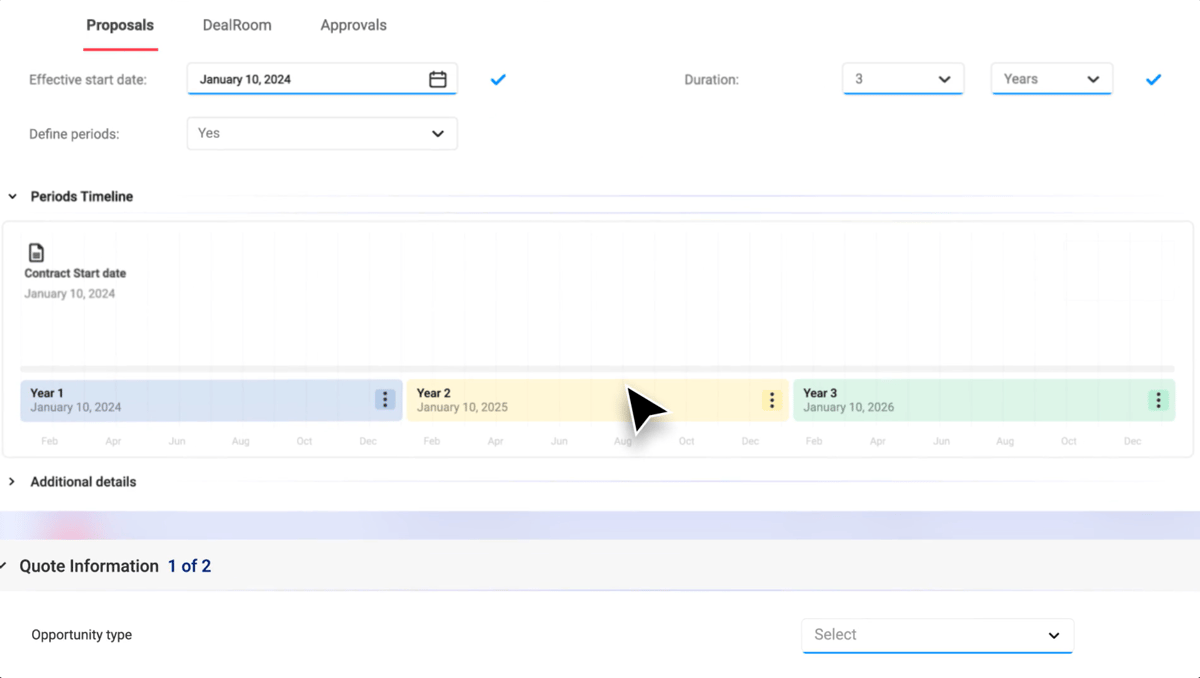
DealHub is a quote-to-revenue platform designed for companies with complex sales processes. It brings together CPQ, guided selling, contract management, and subscription billing to help teams manage the entire sales cycle.
If your sales team regularly negotiates custom pricing or handles complicated product configurations, DealHub offers tools to make those processes easier. You can set pricing rules, automate approvals, and give reps access to up-to-date information when preparing quotes.
The platform also provides advanced analytics to help revenue operations teams track performance and make more informed decisions.
Source: G2
However, there are a few trade-offs to consider.
DealHub comes with a fairly extensive set of features, which can mean a steeper learning curve for teams that primarily need straightforward quoting. Its interface may also take some getting used to, particularly for smaller sales teams.
If you're already using Stripe Billing, adopting DealHub's billing capabilities could mean managing another system or rethinking your existing billing setup. For companies that want to keep their current billing infrastructure, that added complexity may outweigh the benefits.
Best Features
Guided selling: Help sales representatives select suitable products through configurable selling rules.
Advanced CPQ: Create custom quotes with bundled products, pricing adjustments, and discount controls.
Approval workflows: Route deals for review based on commercial terms or approval thresholds.
Subscription management: Support renewals, amendments, and contract changes.
Billing automation: Generate invoices and manage usage-based billing through its broader platform.
Revenue analytics: Access reporting tools for sales performance and financial operations.
Pros
Strong quoting and pricing controls
Supports complex enterprise sales
CRM integration options
Automated deal approvals
Subscription lifecycle features
Pricing
DealHub doesn't publish its pricing publicly.
3. HubSpot CPQ
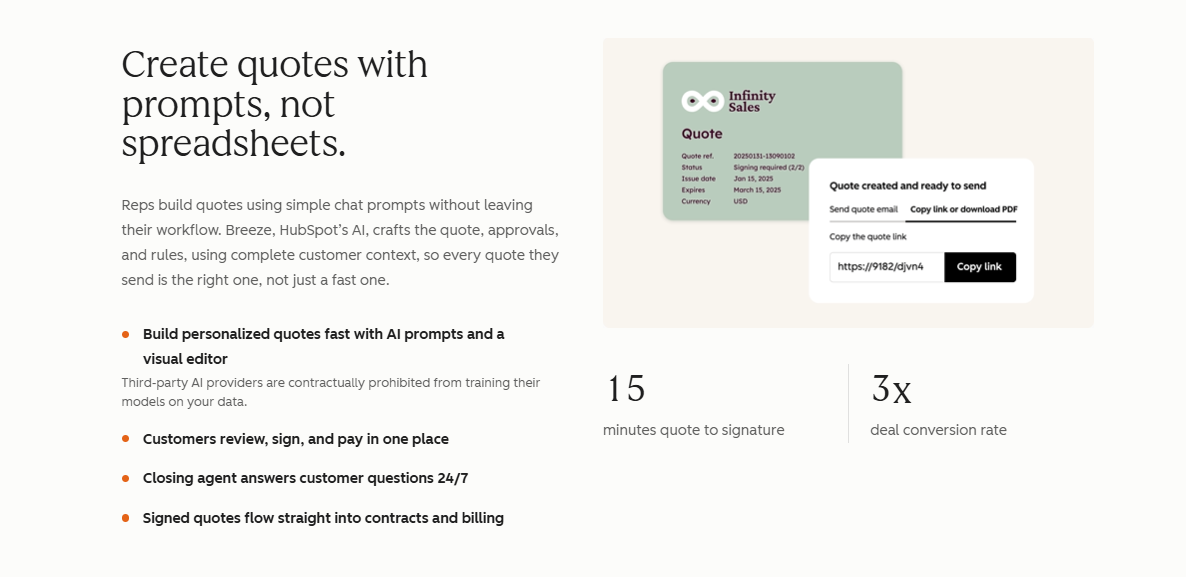
Already using HubSpot to manage your sales pipeline? Its native CPQ, available through the Revenue Hub Professional and Enterprise plans, could be a convenient option if you want to keep quoting inside your CRM.
HubSpot CPQ lets your sales team create quotes using existing deal data, set up approval workflows, collect electronic signatures, and accept payments. You also get access to contract management and reporting tools, making it easier to track deals from proposal to payment.
Source: HubSpot.com
However, HubSpot's billing capabilities have some limitations. If your business handles complex subscriptions, such as usage-based pricing or multi-year billing arrangements, you may find its native tools less flexible than Stripe Billing.
Payment availability is another consideration. HubSpot's own payment processing is limited to businesses in the U.S., U.K., and Canada, although eligible companies in other regions can connect Stripe.
Even if you use Stripe as your payment processor, HubSpot charges a 0.75% platform fee on eligible transactions, on top of Stripe's processing fees. Those additional costs are worth considering as your transaction volume grows.
Best Features
AI-powered quoting: Generate quotes using existing HubSpot deal records.
Approval workflows: Apply standard or advanced deal approval rules.
Contract management: Manage agreements and electronic signatures.
Billing tools: Create invoices, collect payments, and manage straightforward subscriptions.
CRM reporting: Track deal progress and relevant revenue metrics.
Pros
Native HubSpot integration
Familiar interface for existing users
Built-in quoting and payment collection
Convenient CRM-based workflows
Pricing
HubSpot Revenue Hub has two paid plans with CPQ functionality:
Revenue Hub Professional: Starts at $100/seat/month. Includes AI-powered quoting, customizable quote templates, standard approval workflows, contract management, 25 e-signatures per user per month, and revenue analytics.
Revenue Hub Enterprise: Starts at $175/seat/month. Includes everything in Professional, plus advanced quote approvals, product compatibility rules, pricing and discount controls, and 50 e-signatures per user per month.
4. Salesforce Revenue Cloud
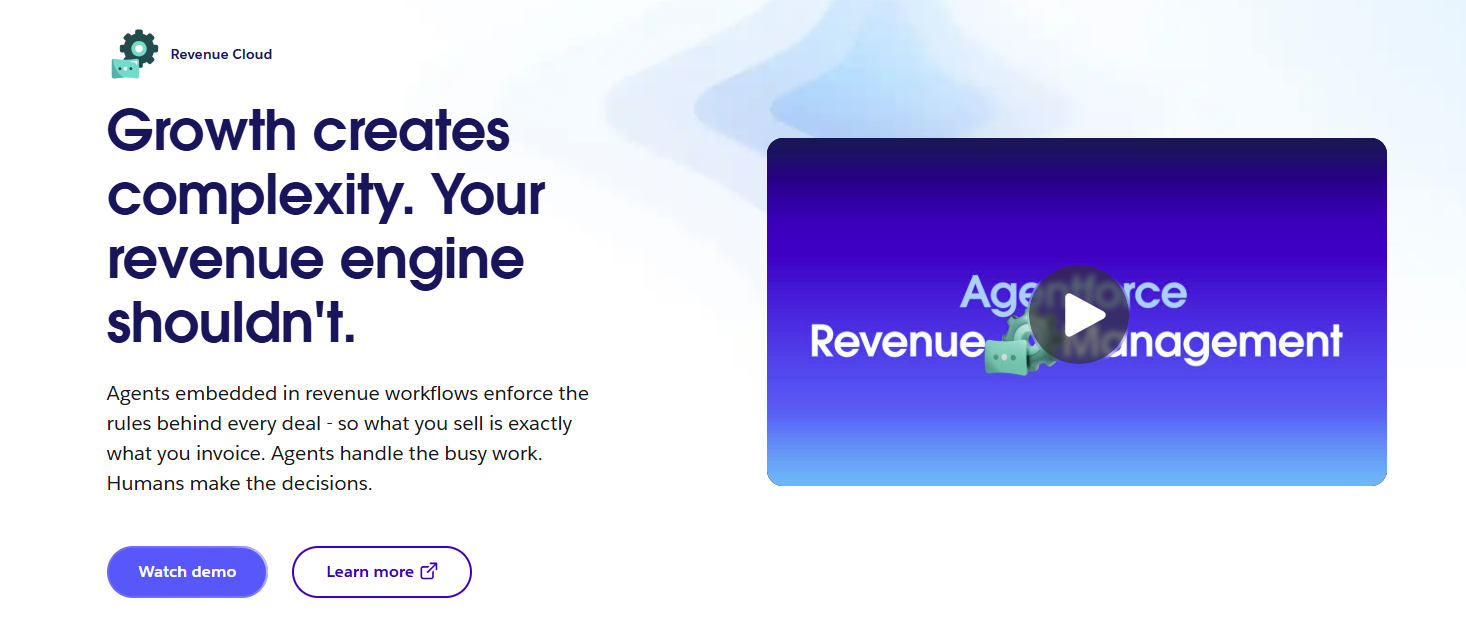
Salesforce Revenue Cloud is a revenue lifecycle management platform designed for companies with complex sales processes and subscription billing requirements. It brings together product configuration, quoting, contract management, and billing within the Salesforce ecosystem.
If your team already uses Salesforce CRM, Revenue Cloud gives you plenty of room to customize how deals are configured and approved. You can create detailed pricing rules, manage subscription changes, and automate workflows based on your business requirements.
Source: Salesforce.com
That level of flexibility takes some work to set up. Salesforce Revenue Cloud has a complex interface, and configuring it often requires technical expertise.
Larger organizations may have dedicated administrators to handle ongoing changes, but smaller teams could find themselves relying on external consultants, adding to their implementation costs.
There's also the billing side to consider. If you're already using Stripe Billing, you'll need to evaluate how Salesforce fits into your existing setup, particularly if you support usage-based pricing or complex subscription structures.
Best Features
Advanced CPQ: Configure complex products and generate quotes with automated pricing rules.
Contract management: Manage contract terms, amendments, and renewal processes.
Subscription management: Support recurring revenue models and subscription changes.
Revenue analytics: Monitor sales performance and key performance indicators using Salesforce reporting capabilities.
Billing and invoicing: Handle consumption-based charges and invoicing through Revenue Cloud Advanced.
AI capabilities: Access artificial intelligence and analytics functionality in supported editions.
Pros
Extensive enterprise customization
Strong Salesforce integration
Supports complicated product configurations
Advanced approval controls
Broad revenue lifecycle capabilities
Pricing
Salesforce Revenue Cloud offers two plans, both billed annually:
Revenue Cloud Growth: $150/user/month. Includes product configuration, CPQ, order management, subscription management, and advanced approvals.
Revenue Cloud Advanced: $200/user/month. Includes everything in Growth, plus contract management, usage-based billing capabilities, invoicing, AI, and revenue analytics. Certain features require additional purchases.
Revenue Cloud is sold separately from Salesforce Sales Cloud. You should also account for potential implementation, consulting, and ongoing administration costs, especially if your business requires extensive customization.
5. Subskribe
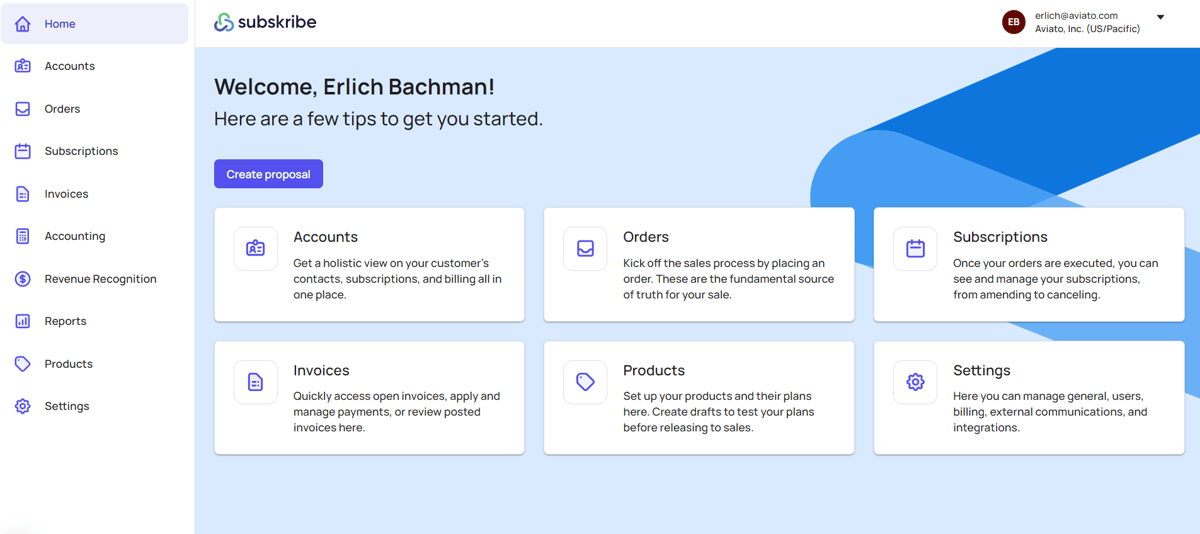
Subskribe is a quote-to-revenue platform built for SaaS companies that deal with complex subscription agreements. It combines CPQ, billing, and revenue recognition to help sales and finance teams manage everything from the initial quote to ongoing customer charges.
One of its strengths is handling complicated pricing arrangements. If your business offers usage-based pricing, multi-year contracts, or subscriptions with different billing terms, Subskribe gives you tools to configure those agreements and manage changes throughout the customer lifecycle.
Source: G2
You can also choose its standalone CPQ solution if you're primarily looking to improve quoting, or explore its broader quote-to-revenue platform for more extensive billing capabilities.
The main consideration is how Subskribe fits with your current systems. Its broader platform includes its own billing engine, so companies already using Stripe Billing should evaluate the potential migration work involved.
If your existing billing setup works well, adopting another system could introduce additional complexity for your finance team.
Best Features
Subscription CPQ: Configure quotes for recurring subscriptions, add-ons, and negotiated contracts.
Flexible pricing: Support one-time charges, usage-based billing, and tiered pricing structures.
Contract amendments: Process upgrades, renewals, and subscription modifications.
Billing automation: Generate invoices from customer agreements and manage payment adjustments.
Revenue recognition: Support accounting requirements and financial reporting under ASC 606 and IFRS 15.
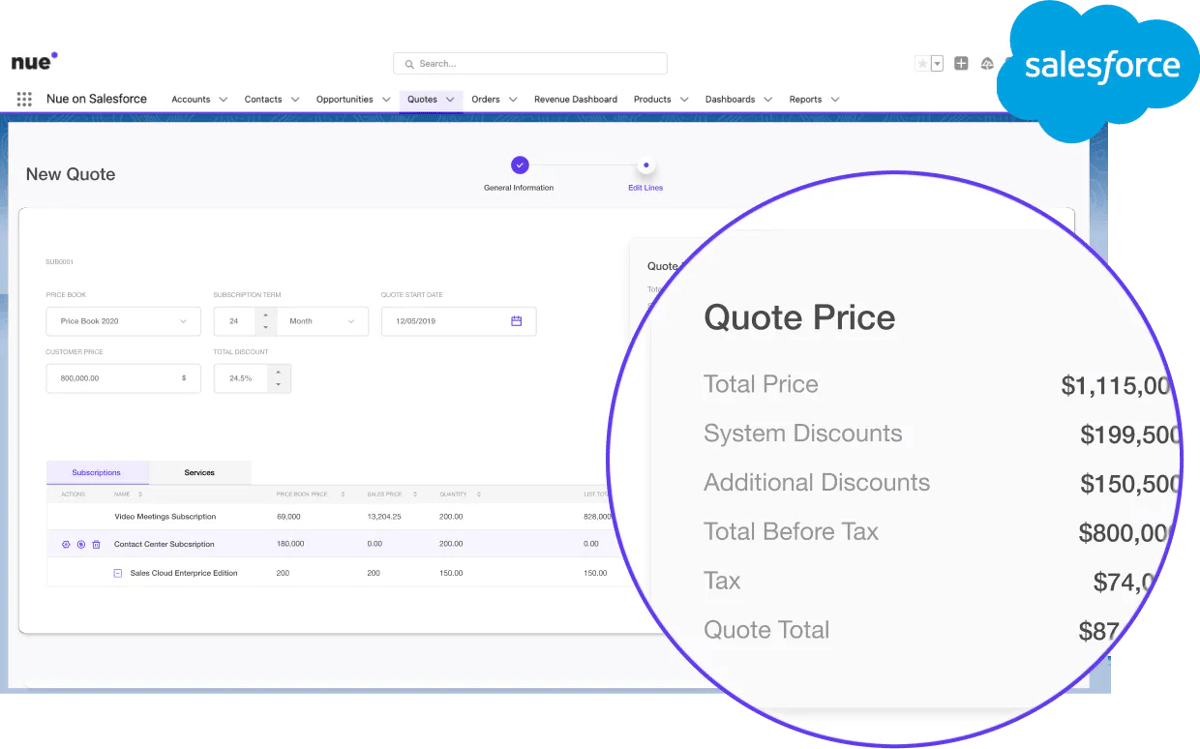
Nue is a revenue lifecycle management platform built for SaaS and AI companies that need more flexibility in how they price and sell their products. It combines Salesforce-native CPQ, subscription management, usage metering, and billing automation in one system.
If your business offers different pricing models, such as usage-based subscriptions, prepaid credits, or custom contracts, Nue gives you tools to manage those arrangements.
It also supports multiple sales channels, so you can handle deals closed by your sales team alongside customers who purchase through self-service.
Source: G2
Nue's Salesforce integration is another advantage for teams already working in that CRM. You can configure quotes and manage subscription changes using existing customer information.
The trade-off is that Nue's broader billing capabilities may require changes to your current financial operations. Companies already using Stripe Billing should consider the migration effort before committing.
If your team uses HubSpot, Nue's Salesforce-focused quoting experience may not be the most practical fit, particularly if you want to keep your existing sales workflow.
Best Features
Salesforce-native CPQ: Build quotes directly in Salesforce using configurable pricing rules.
Usage metering: Process consumption data and calculate charges based on usage.
Subscription changes: Automate mid-term amendments, upgrades, and prorated charges.
Revenue analytics: Monitor recurring revenue and related SaaS metrics.
Omnichannel selling: Support direct sales and self-service purchasing through shared pricing logic.
Pros
Suitable for modern SaaS pricing
Strong Salesforce integration
Supports product-led sales models
Flexible subscription configurations
Built-in usage metering
Pricing
Nue doesn't publish its pricing publicly.
7. PandaDoc
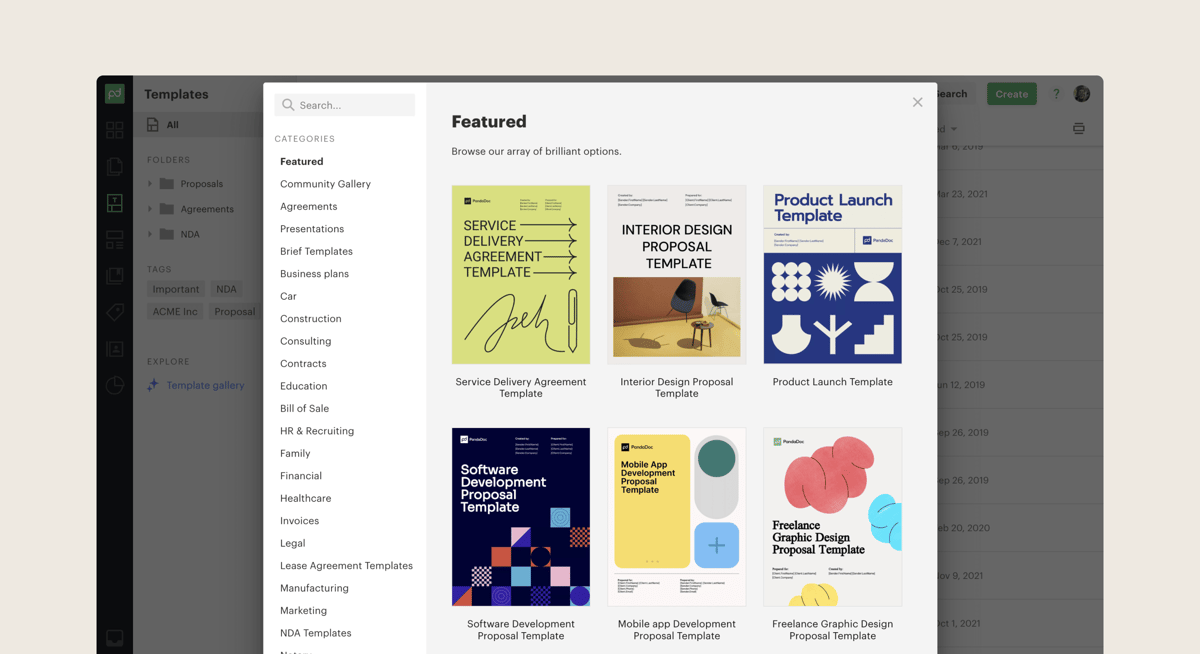
PandaDoc is a proposal and document management platform that helps businesses create professional sales agreements, collect electronic signatures, and manage contract approvals.
If your sales team spends a lot of time preparing proposals or chasing signatures, PandaDoc can make those tasks easier. It offers customizable templates, interactive pricing tables, and document tracking, so you can see when potential customers open or engage with your proposals.
For companies that need more advanced quoting, PandaDoc also offers CPQ capabilities through its Enterprise plan. You can configure pricing rules and automate approvals to give your sales team more control over the quoting process.
Source: G2
Billing is where you'll want to pay closer attention. PandaDoc supports payment collection, but its subscription billing capabilities are more limited than those of dedicated billing platforms.
If you manage usage-based pricing or complex recurring contracts, you'll likely need additional tools to turn signed agreements into accurate subscriptions and invoices.
PandaDoc is worth considering if proposal creation and contract management are your main priorities, but it may leave some gaps in your quote-to-cash workflow.
Best Features
Proposal creation: Build branded proposals using customizable templates and reusable content.
CPQ functionality: Configure product pricing and quotes through available enterprise features.
Approval workflows: Route contracts for internal review before sending them.
Document analytics: Track engagement and monitor agreement activity.
CRM integrations: Connect documents with customer and sales records.
Mobile access: Review and sign documents using supported mobile devices.
Pros
User-friendly document editor
Professional proposal templates
Built-in e-signatures
Useful contract collaboration tools
Multiple CRM integrations
Pricing
PandaDoc offers quoting and CPQ features on its two highest-tier plans:
Business: $65/user/month. Includes custom quotes, CRM integrations, approval workflows, branded documents, and deal rooms.
Enterprise: Custom pricing. Includes advanced CPQ capabilities, workflow automation, smart content, single sign-on, and team
Keep Your Quotes and Billing Connected With Finrite
Why replace your existing billing system when you can make it work better with your sales process?
Finrite helps you create quotes directly from HubSpot, manage complex pricing, and automatically turn signed agreements into Stripe subscriptions and invoices.
You can also collect signatures and payment details during quoting, automate renewals and contract amendments, and use AI to extract pricing terms from existing agreements.
Your team gets a smoother quote-to-cash workflow while keeping the Stripe Billing infrastructure you've already built.
Book a Finrite demo to see how you can simplify quoting, reduce manual billing work, and give your sales and finance teams more control.
FAQs About Sequence HQ Alternatives
What are the best alternatives to Sequence HQ?
The best alternatives to Sequence HQ include Finrite, DealHub, HubSpot CPQ, Salesforce Revenue Cloud, Subskribe, Nue, and PandaDoc. Your choice depends on your billing requirements and existing software. Finrite is ideal for companies using HubSpot and Stripe Billing, while Subskribe and Nue offer broader billing capabilities through their own platforms.
What should you look for in a Sequence HQ alternative?
Look for software that supports your quote-to-cash workflow, including CRM integration, subscription management, pricing flexibility, approval workflows, and billing automation. If you offer usage-based pricing or custom contracts, check how each platform manages consumption data and subscription changes. Compare costs and compatibility with your existing financial software before deciding.
Can you use CPQ software with Stripe Billing?
Yes. CPQ software can integrate with Stripe Billing to turn signed quotes into subscriptions and invoices, although capabilities vary between platforms. Finrite connects CRM-based quoting directly with Stripe Billing, allowing you to manage complex agreements and automate billing while keeping your existing subscription management system.
Do you need to replace your billing system when switching CPQ platforms?
Not necessarily. Certain quote-to-revenue platforms require businesses to migrate subscriptions to their own billing engines, which can increase implementation costs. Finrite integrates with existing Stripe Billing infrastructure, allowing you to improve quoting and automate billing processes while preserving your current subscription configurations.
About Finrite
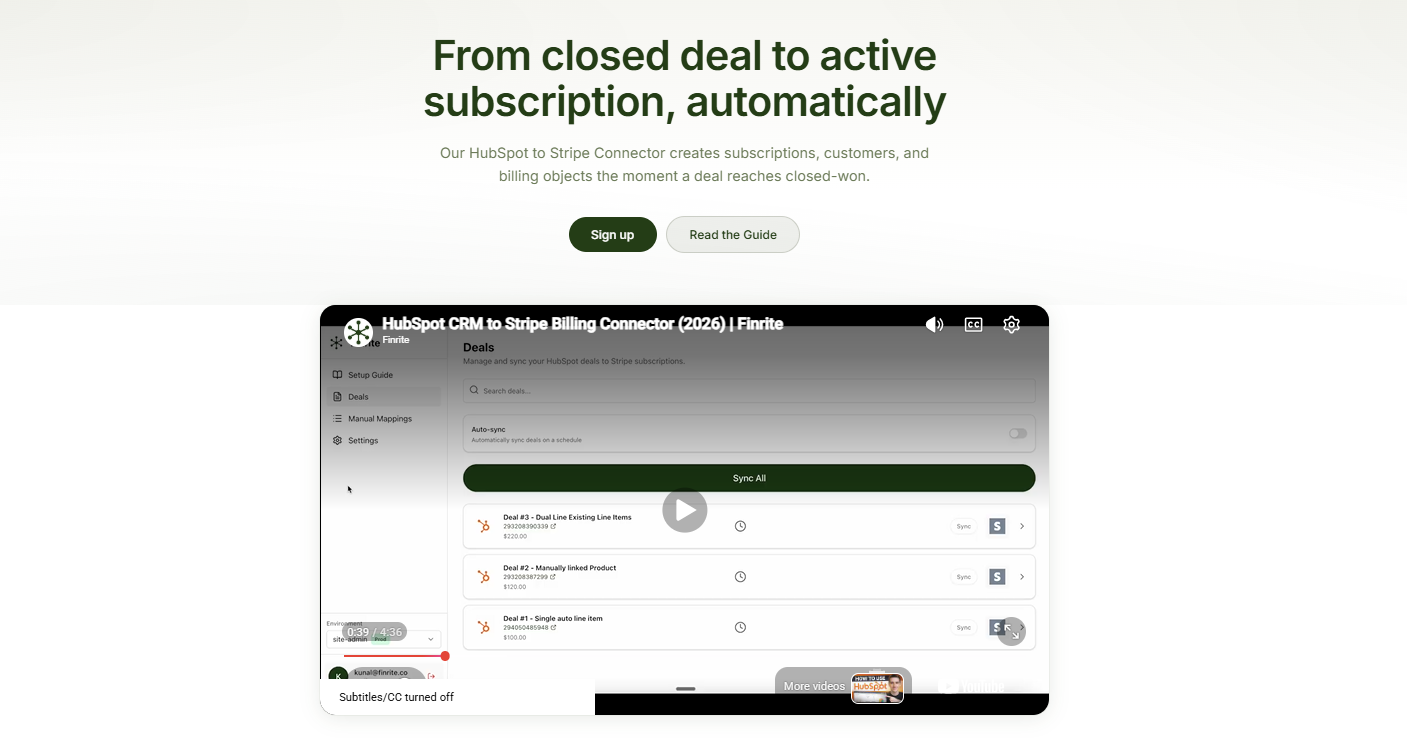
Finrite streamlines sales-led revenue workflows, without any billing engine change. Sales reps can send out proposals in seconds, and our HubSpot to Stripe Connector creates subscriptions, customers, and billing objects in moments.
Automate quote-to-cash. Keep your billing stack.
Give sales a faster way to quote and finance a reliable way to bill. Finrite connects your CRM, contracts, and billing to automate the work from proposal to subscription.