5 Best CRM Quoting Software Tools to Speed Up Sales in 2026
5 Best CRM Quoting Software Tools to Speed Up Sales in 2026
By:
Kunal Mehta
,
November 25, 2026
How much of your quoting process would fall apart if your most experienced sales rep took a week off?
Someone else might struggle to find the latest pricing or work out which discounts need approval. Even with customer details in the CRM, preparing a quote can depend on knowledge that never made it into the system.
CRM quoting software gives your team a more repeatable way to prepare offers. But the right choice depends on where you need help. Better proposal templates won’t solve a manual billing handoff, and detailed product configuration may be unnecessary for a simple service package.
Below, you’ll find five tools compared by their features, pricing, and practical limitations, so you can choose software that fits how your team actually sells.
TL;DR
The five best CRM quoting software options for 2026 are:
CRM quoting software connects quote creation with the customer and deal information stored in your CRM. Your reps can use existing records instead of copying customer details into a new document every time an opportunity reaches the proposal stage.
Most quoting tools provide reusable quote templates and a way to add pricing information. More advanced options apply pricing rules and support approval workflows.
For example, a rep might prepare a sales quote using products already associated with a deal. A discount above the approved threshold could trigger a manager’s review before the quote reaches the customer.
The connection can also work in the other direction. Quote activity may update deal records so your team can see what’s awaiting acceptance.
CRM quoting can extend into billing, too. An accepted quote might create a subscription or update an existing agreement.
The key is to check how much of your actual quoting process the software handles. A populated document is useful, but you may also need reliable controls over what happens before and after signing.
Do All CRMs Have Quoting Capabilities?
No. CRM software primarily manages customer relationships and sales activity. Quoting may come through a built-in feature, a paid module, or an integration with another application.
A CRM with marketing automation and pipeline reporting won’t necessarily support the commercial terms your business sells. Even a native quote editor may need additional capabilities for complex pricing models.
Check your current setup before buying:
Customer information: Can reps populate quotes directly from customer records, including relevant custom fields?
Pricing controls: Does the system calculate your prices correctly and restrict unauthorized changes?
Approval requirements: Can it route quotes to the appropriate reviewer based on the proposed terms?
Downstream connections: Does acceptance update the systems responsible for fulfillment or billing?
Your industry may add other requirements. A distributor could need inventory management information before promising delivery. A consultancy might need a connection to professional services automation after the agreement is signed.
Choose software solutions around those requirements. Buying a larger CRM package won’t automatically resolve a workflow that depends on information held elsewhere.
Top 5 CRM Quoting Tools in 2026
Here are the top five CRM quoting tools to consider for your sales process. Compare their key features, pricing, and limitations to find the right fit.
1. Finrite
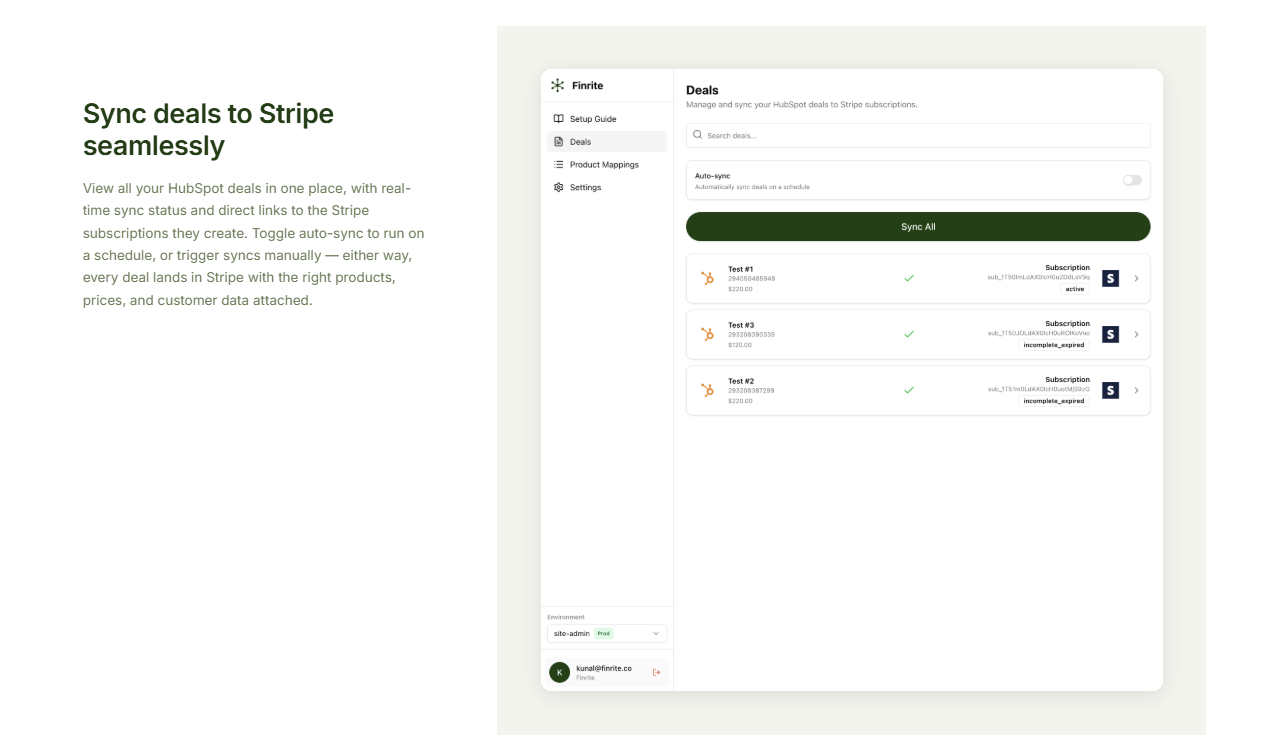
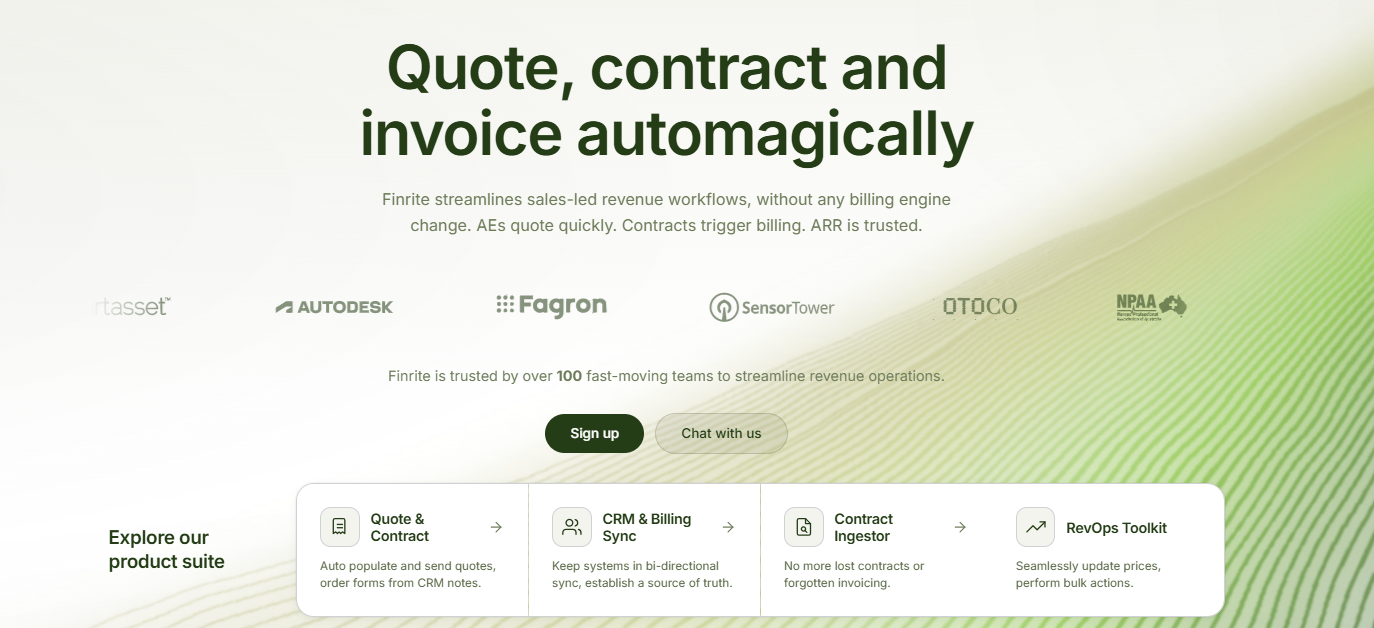
Finrite connects your CRM quoting workflow with Stripe Billing. If your reps work in HubSpot and finance already manages subscriptions in Stripe, you can improve the connection between those existing systems without replacing your billing engine.
Sales reps can prepare agreements using CRM data, and the approved terms can flow into billing. Finance doesn’t have to reconstruct every signed contract manually.
Finrite also supports the changes that happen after the first sale. A renewal or upsell quote can amend an existing subscription, so the new agreement stays connected to the customer’s billing record.
For businesses with hybrid sales models, that’s especially practical. Self-service subscriptions can remain in Stripe while negotiated contracts use the same billing foundation. Custom pricing doesn’t have to create a second billing operation.
You can also support arrangements such as usage-based charges and scheduled price ramps through Stripe. Your quoting workflow can reflect how you sell instead of forcing every deal into a simple fixed-price template.
Best Features
CRM-based quote generation: Create quotes using HubSpot deal information so reps don’t have to retype customer details or agreed commercial terms.
Custom agreements: Use customizable templates and conditional terms to reflect the offer. Custom fields can capture additional onboarding or billing information.
Payment collection workflow: Collect payment details upfront during the buying process so your team doesn’t need a separate request before billing can proceed.
Stripe billing automation: Send approved commercial information into Stripe to create the appropriate billing records.
Flexible pricing models: Support arrangements such as recurring subscriptions, usage-based pricing, and scheduled ramps through Stripe Billing.
Renewals and amendments: Issue quotes that update an existing customer’s billing when they renew or expand their agreement.
Signature management: Track outstanding agreements and configure reminders. Signed quotes can trigger downstream CRM actions.
Product mapping and visibility: Associate HubSpot products with Stripe prices and view sync status alongside links to the resulting billing records.
Pros
Your existing Stripe subscriptions can stay in place while you improve CRM quoting.
Sales-led contracts and self-service subscriptions can share the same billing infrastructure.
Approved contract information can reach billing with less manual entry.
Renewal and upsell workflows account for the customer’s existing subscription.
Payment details can be collected upfront to reduce follow-up after the sale.
Linked billing records give sales teams useful context for later customer interactions.
Custom commercial agreements can use Stripe’s billing capabilities without a separate billing migration.
Book a Finrite demo to see how your quotes can connect directly to Stripe Billing.
2. HubSpot CPQ
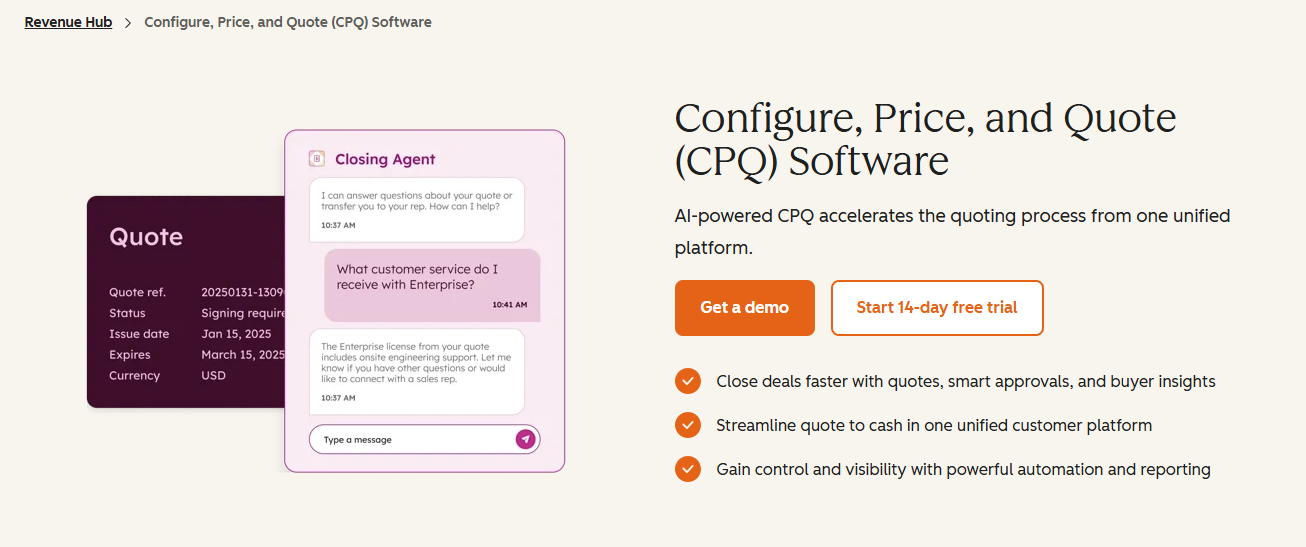
HubSpot CPQ keeps quoting within the CRM your team already uses. Its capabilities are part of Revenue Hub, formerly Commerce Hub, and connect quote creation with existing deal and product information.
If your reps spend most of their day in HubSpot, the familiar environment can make adoption easier. Quote activity also sits close to the customer history they need for follow-up.
Source: HubSpot.com
You’ll still need to examine the subscription requirements. Creating and editing quotes requires an appropriate Revenue Hub seat, and advanced approval workflows require Enterprise. Access to Sales Hub doesn’t mean every quoting capability is included.
Billing deserves a separate evaluation, especially if you already use Stripe. Ask for a demonstration of your full subscription workflow, including a change after signing. A payment connection alone doesn’t tell you how an existing Stripe subscription will be maintained.
Best Features
Deal-connected line items: Products associated with a deal can populate the quote, which reduces repeated entry during preparation.
Branded quote templates: Set approved layouts and customer-facing content so reps can create branded quotes with a consistent appearance.
Product library: Maintain product information and support pricing models such as flat-rate or tiered pricing.
Approval workflows: Use standard approvals or configure advanced Enterprise workflows based on quote properties, such as discount amounts.
Quote rules: Enterprise controls can warn reps about requirements or prevent publication until those requirements are met.
Engagement tracking: Review buyer activity in the quote record so the next conversation can reflect what has happened since delivery.
Pros
Existing HubSpot users can create quotes close to their usual sales workspace.
Shared customer records reduce the need to maintain a separate proposal database.
Standardized templates help sales teams produce consistent customer-facing documents.
Quote activity gives managers additional context when they review the sales pipeline.
Advanced controls can help streamline approvals as commercial requirements become more detailed.
3. PandaDoc
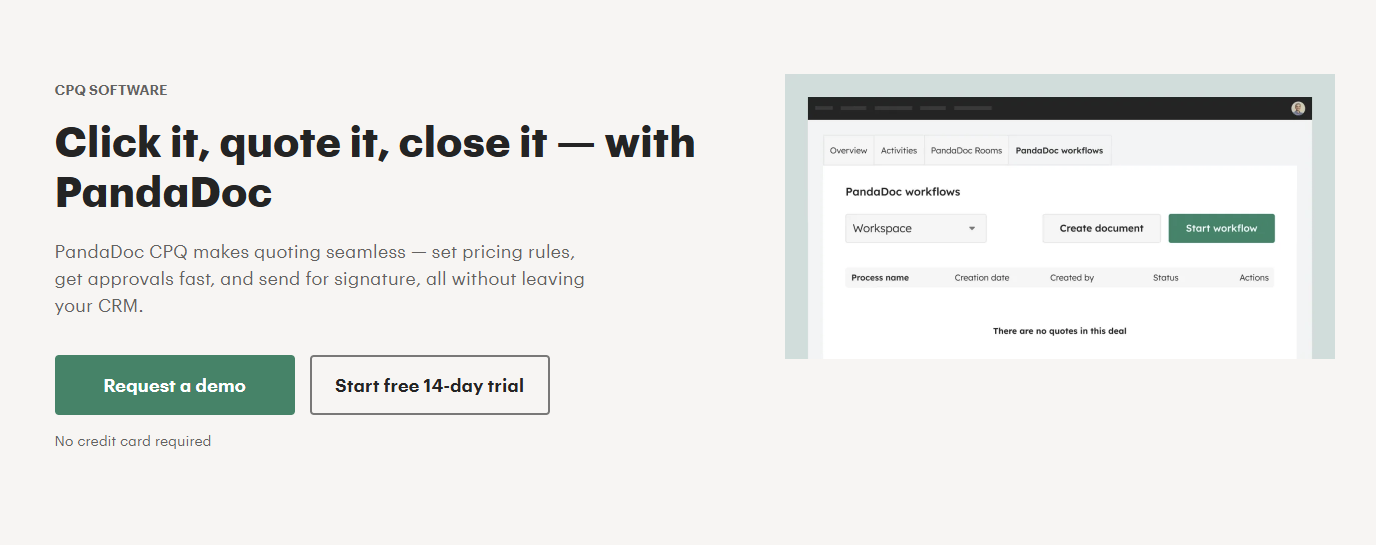
PandaDoc suits sales teams that spend too much time assembling professional proposals. Its document editor combines the explanation of your offer with pricing and electronic signatures.
Your reps can reuse approved content instead of rebuilding familiar sections for every prospect. CRM integrations can also bring customer information into the document workflow.
Source: PandaDoc.com
The package you choose makes a substantial difference. Business adds capabilities such as custom branding and approval workflows. Full CPQ is listed as an optional Enterprise capability, so the lowest advertised price won’t cover every sales requirement.
Subscription billing also needs its own plan. A signed proposal doesn’t automatically translate a negotiated agreement into an existing billing system. Test any requirements such as phased pricing or subscription amendments before assuming the connection is covered.
Best Features
Flexible document editor: Build professional-looking quotes with supporting material so buyers can review the commercial offer in context.
Reusable content library: Store approved sections on Business and higher plans to reduce repeated drafting.
CRM integrations: Use customer data from supported CRM platforms to prepare personalized quotes with less copying.
Pricing tables: Present the offer within the document so buyers can review pricing alongside the proposed scope.
Internal approvals: Route documents for review before delivery and keep approval activity within the document workflow.
E-signature and tracking: Collect signatures and monitor document activity without moving the completed proposal into a separate signing application.
Pros
Content-heavy proposals can explain the offer and its price in the same document.
Reusable material gives reps a consistent starting point for recurring proposal work.
CRM integrations reduce repeated entry of customer information.
Document tracking provides useful context for client communication.
Proposal preparation and signing can take place in the same platform.
4. DealHub
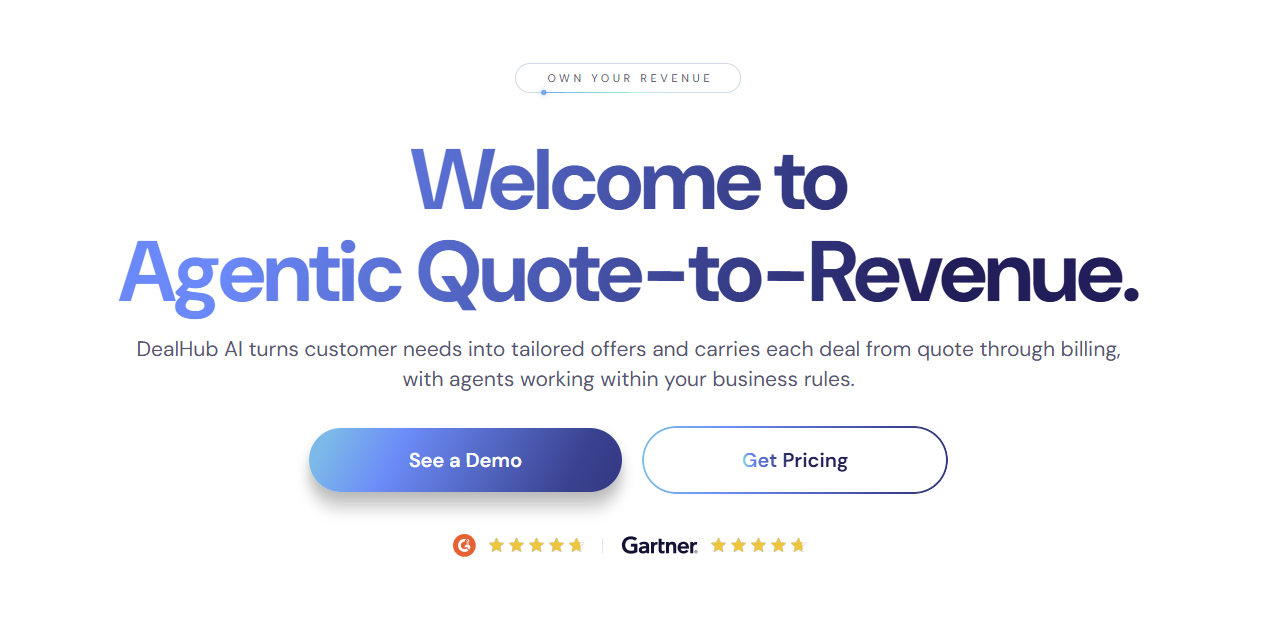
DealHub addresses the decisions behind a quote, especially when your reps need help selecting compatible products or applying commercial rules.
Its guided selling workflow uses a questionnaire to determine the appropriate offer. Pricing and approval requirements follow the configured logic, which can reduce dependence on individual product knowledge.
Source: DealHub.com
The wider platform includes contract management and subscription billing capabilities. Businesses evaluating a broader revenue platform can consider those alongside CPQ.
The trade-off is implementation scope. Your business needs to define the logic that drives the experience and assign responsibility for maintaining it. Small sales teams with straightforward offers may find the configuration effort difficult to justify.
Stripe users should also confirm the proposed billing architecture. Adopting DealHub’s billing capabilities could involve migration work or a plan for operating separate systems.
Best Features
Guided quote configuration: Lead reps through relevant questions so product selection follows your commercial requirements.
Pricing rules: Calculate prices using predefined logic and apply configured discounts.
Approval-aware workflows: Connect exceptions with review requirements instead of relying on reps to remember every approval policy.
Configurable bundles: Support structured offers where the correct combination of products affects the final quote.
Digital deal rooms: Give buyers a branded space to review proposal information and move toward acceptance.
Subscription lifecycle capabilities: The broader platform supports events such as renewals and amendments after the initial agreement.
Defined rules support a more consistent approach to generating accurate quotes.
Commercial exceptions can follow established approval requirements.
Businesses can evaluate contract and billing capabilities alongside quoting.
CRM integrations provide options for companies using platforms such as HubSpot or Salesforce.
5. Qwilr
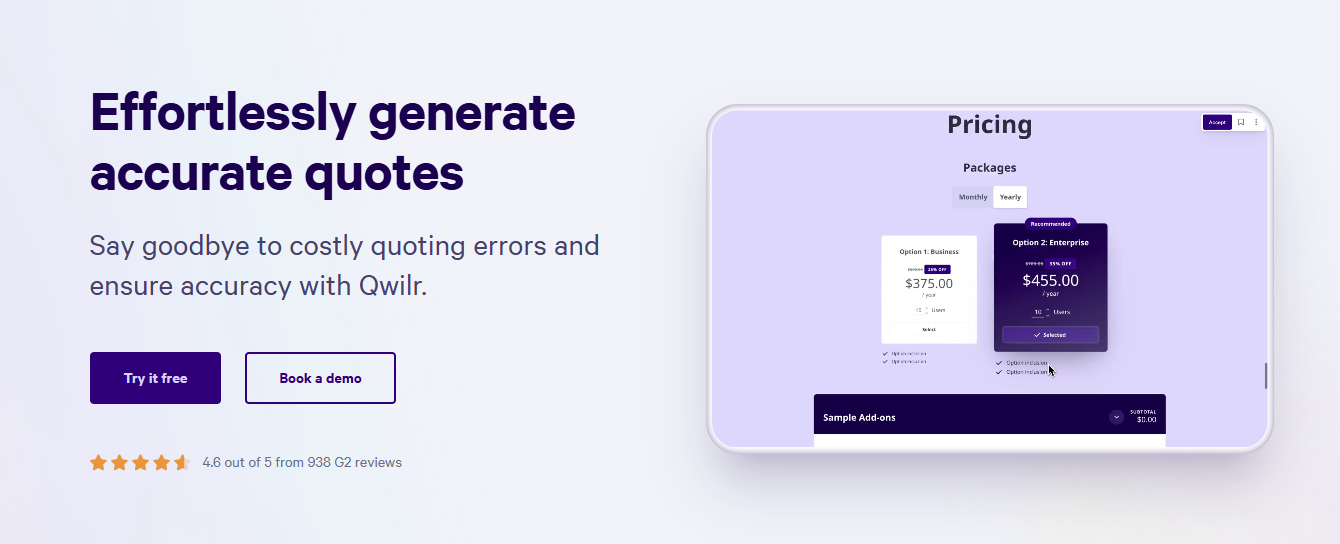
Qwilr presents proposals as interactive web pages. The format can help if your offer needs more explanation than a standard pricing document allows.
Buyers can explore available options, and your reps can review engagement information before the next conversation. The HubSpot integration connects proposal creation with CRM records.
Source: Qwilr.com
For example, an agency could present optional services within a proposal so the buyer can evaluate different scopes. Fewer document revisions may be needed as the customer considers the offer.
Plan requirements deserve attention. Qwilr places different CRM integrations and automation capabilities in different tiers. Salesforce integration is listed on Scale, which has a minimum seat requirement.
The proposal experience also needs a connection to the work that follows acceptance. If you need an agreement to update subscription billing or trigger project management activity, test the relevant integration.
Best Features
Interactive pricing: Let customers explore available selections and see how their choices affect the proposed price.
Web-based proposals: Present the offer through a page that buyers can open with a link.
CRM personalization: Use information from supported CRM integrations to populate customer-specific proposals.
Reusable templates: Give reps a repeatable starting point so proposal preparation doesn’t begin with a blank page.
Engagement analytics: Review buyer interactions for valuable insights that can inform follow-up.
Signing and payments: Allow buyers to accept an offer and make a payment within the proposal experience.
Pros
Interactive options can reduce requests for revised proposals.
The page format gives service businesses room to explain the proposed work.
CRM connections reduce manual personalization during quote creation.
Reusable content helps reps maintain consistency between proposals.
Engagement information can support more relevant client interactions.
Keep Stripe and Put Your Signed Quotes to Work
You shouldn’t have to replace a working billing system to improve how your team sells.
Finrite adds CRM-based quoting and connects the agreed terms to Stripe Billing. Your reps can work with existing deal information, while finance receives the commercial details needed to bill the customer.
The connection continues beyond the first agreement. Renewal and expansion quotes can update existing subscriptions, and negotiated deals can use billing arrangements such as usage-based charges or scheduled price increases.
If your business combines self-service purchases with sales-led contracts, both can remain on Stripe. You can improve the handoff between sales and finance without creating a second billing operation.
Book a Finrite demo and bring an agreement your team handles regularly. See how the quote becomes a billing record and how a later customer change reaches the existing subscription.
FAQs About CRM Quoting Software
What’s the difference between quoting software and CPQ?
Quoting software helps you prepare professional quotes, often with branded templates and electronic signatures. CPQ adds rules for complex product configurations and pricing decisions. Proposal software may be enough if you sell a small catalog at fixed prices.
CPQ becomes more useful if reps need guidance on compatible products or approval requirements. Compare the actual capabilities, since product labels don’t always tell you how much of your sales cycle a tool supports.
Can CRM quoting software produce error-free quotes?
Quoting software can reduce errors, but accurate quotes still depend on reliable data and correctly configured rules. An outdated catalog price can appear in every quote until someone corrects it. Assign ownership for pricing information and review recurring mistakes as part of continuous improvement.
Branded templates can make an offer look polished, but your reps still need to check the commercial terms before they send it.
Does CRM quoting software replace accounting software?
Usually, no. Quoting software manages proposed commercial terms, while accounting software handles financial records and reconciliation. You may need separate tools connected through an integration so accepted quotes reach billing without repeated manual entry.
Check which application owns each record and how corrections move between systems. A signed agreement should give finance the information needed to bill correctly, even if the accounting work happens elsewhere.
How should you compare CRM quoting software?
Ask each vendor to recreate a recent deal, including an exception such as a negotiated discount. Follow the agreement through acceptance and billing, then let your reps test how easily they can prepare revisions and close deals.
Check how quote activity updates the CRM and supports sales reporting. Compare the full cost, too: a plan that advertises unlimited quotes may apply separate charges to automated document generation.
About Finrite
Finrite streamlines sales-led revenue workflows, without any billing engine change. Sales reps can send out proposals in seconds, and our HubSpot to Stripe Connector creates subscriptions, customers, and billing objects in moments.
Automate quote-to-cash. Keep your billing stack.
Give sales a faster way to quote and finance a reliable way to bill. Finrite connects your CRM, contracts, and billing to automate the work from proposal to subscription.